Basic Operations
32
5 Press TAPE SPEED to select the tape speed, SP or LP. (VHS deck
only)
LP provides recording time twice as long as SP; however, SP
produces better picture and audio quality.
When recording with 8mm tape, the VCR records in SP mode
automatically. You cannot record in LP mode with 8mm tape.
6 Press r REC to start recording.
To stop r ecor ding
Press p STOP.
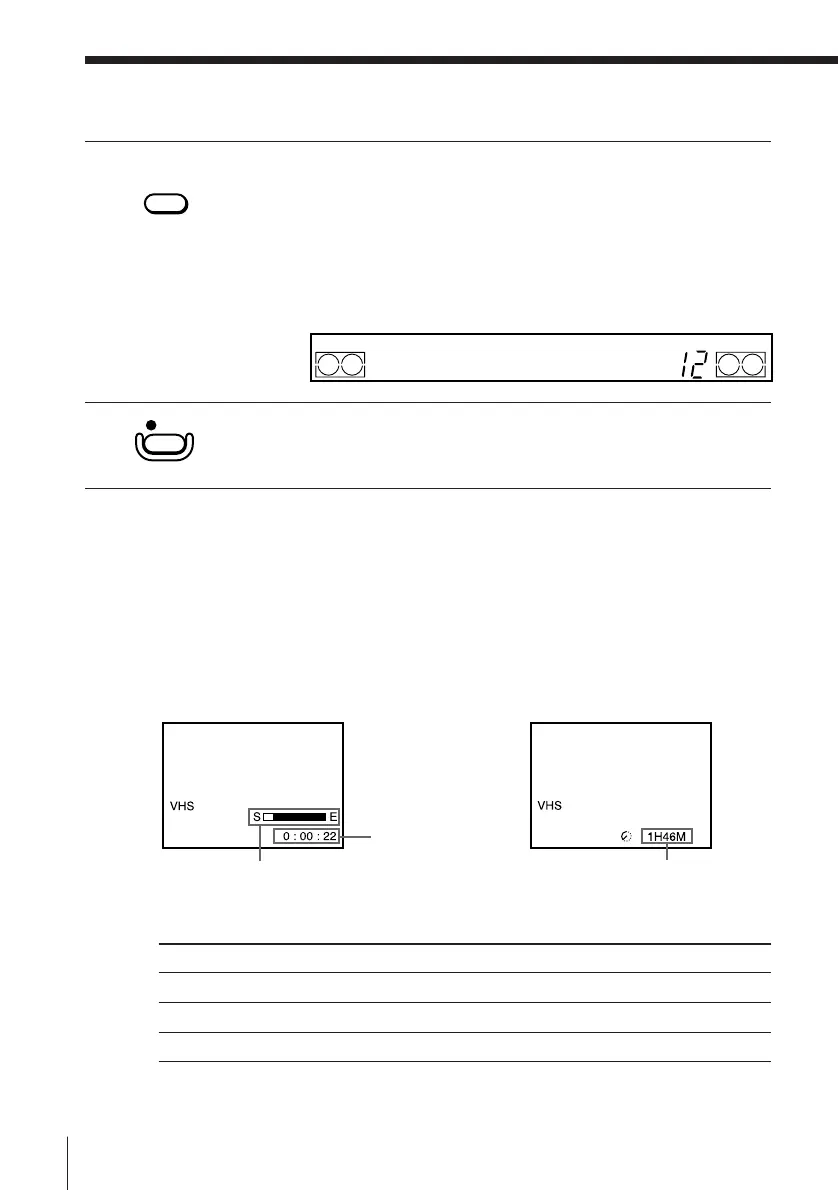
To check the r emaining tape length
Press DISPLAY. The white bar indicates the approximate length of tape
remaining. With the display on, press COUNTER/REMAIN to check the
remaining time. Each time you press COUNTER/REMAIN, the time
counter and the remaining time appear alternately. The remaining time also
appears in the display window.
When you use the tape with more than 3-hour recording, set TAPE SELECT
according to the tape type. (VHS deck only)
Tape type
E-300
E-240/E-260
E-195 or less
Remaining tape length
Recording TV programmes (continued)
Time counter
Set the switch to
E300
E240
E195
REC
Remaining time
TAPE SPEED
SP/LP
(VHS)



 To Next Page