Additional Operations 43
Recording TV
programmes
using the quick
timer
After star ting recording in the nor mal
way, you can have the VCR stop
recording automatically after a specified
duration.
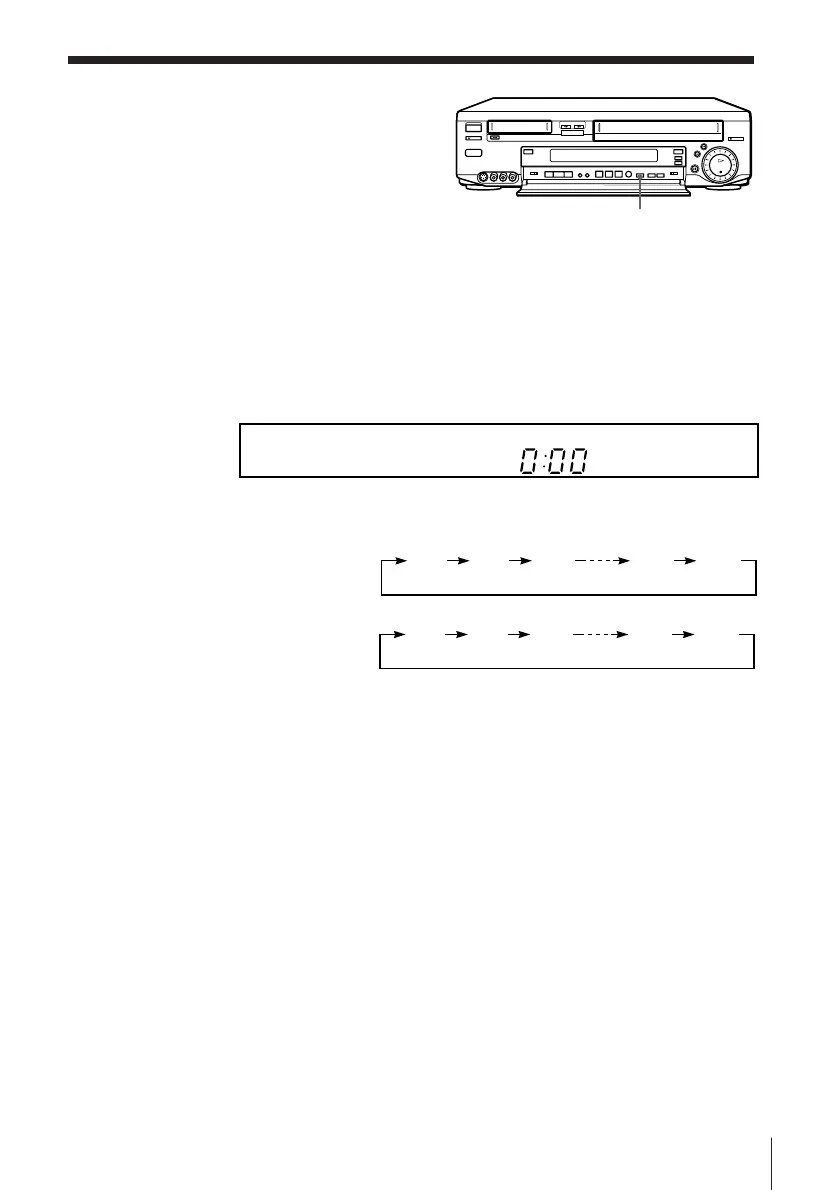
1 While recording, press QUICK TIMER once.
2 Press QUICK TIMER repeatedly to set the duration.
Each press advances the time in incr ements of 30 minutes.
The duration decr eases minute by minute to 0:00, then the VCR stops
recording and tur ns of f automatically .
To extend the duration
Press QUICK TIMER repeatedly to set to the new duration.
To stop r ecor ding
To stop the VCR while r ecording, press TIMER REC ON/OFF.
Tip
• You can also set the quick timer and star t recor ding during the stop mode.
QUICK TIMER
VHS deck
8 mm deck
0:00 0:30 1:00 10:30 11:00
0:00 0:30 1:00 2:30 3:00



 To Next Page