Basic Operations
38
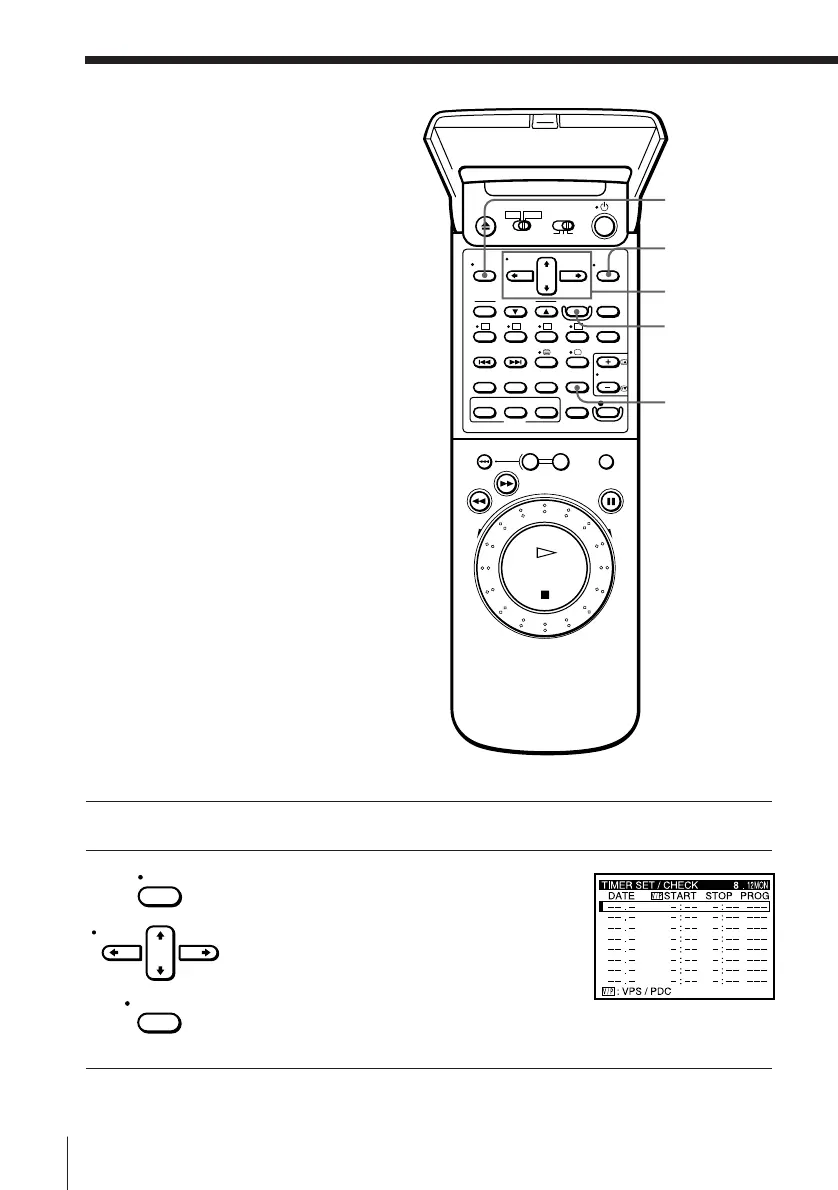
1 Press either Video8 or VHS which is set in the SET UP MENU.
2 Press MENU and select TIMER SET/
CHECK, then press EXECUTE.
Setting the timer
manually
If G-CODE is not available in your area,
follow the instructions below to set the
timer to record programmes.
You can preset up to eight programmes
at a time.
Befor e you star t…
• Check that the VCR clock is set to the
correct time.
• Insert a VHS tape with its safety tab in
place or an 8 mm tape with the safety
switch slid so that the red portion does
not show. Make sure the tape is
longer than the total recording time.
• Turn on your TV and set it to the
video channel.
• When using a decoder or a satellite
tuner, turn it on.
MENU
CURSOR
> /. /? //
EXECUTE
INPUT
SELECT
MENU
CURSOR
EXECUTE
TIMER REC
ON/OFF



 To Next Page