Editing 57
Audio dubbing
(VHS deck only)
This feature lets you record over the
normal audio track. The monaural
sound previously recorded is replaced
while the original hi-fi sound remains
unchanged. Use this feature to add
commentary to a tape that you have
recorded with a camcorder.
Befor e you star t editing…
• Turn on your TV and set it to the
video channel.
• Press INPUT SELECT to display “L2”
in the display window.
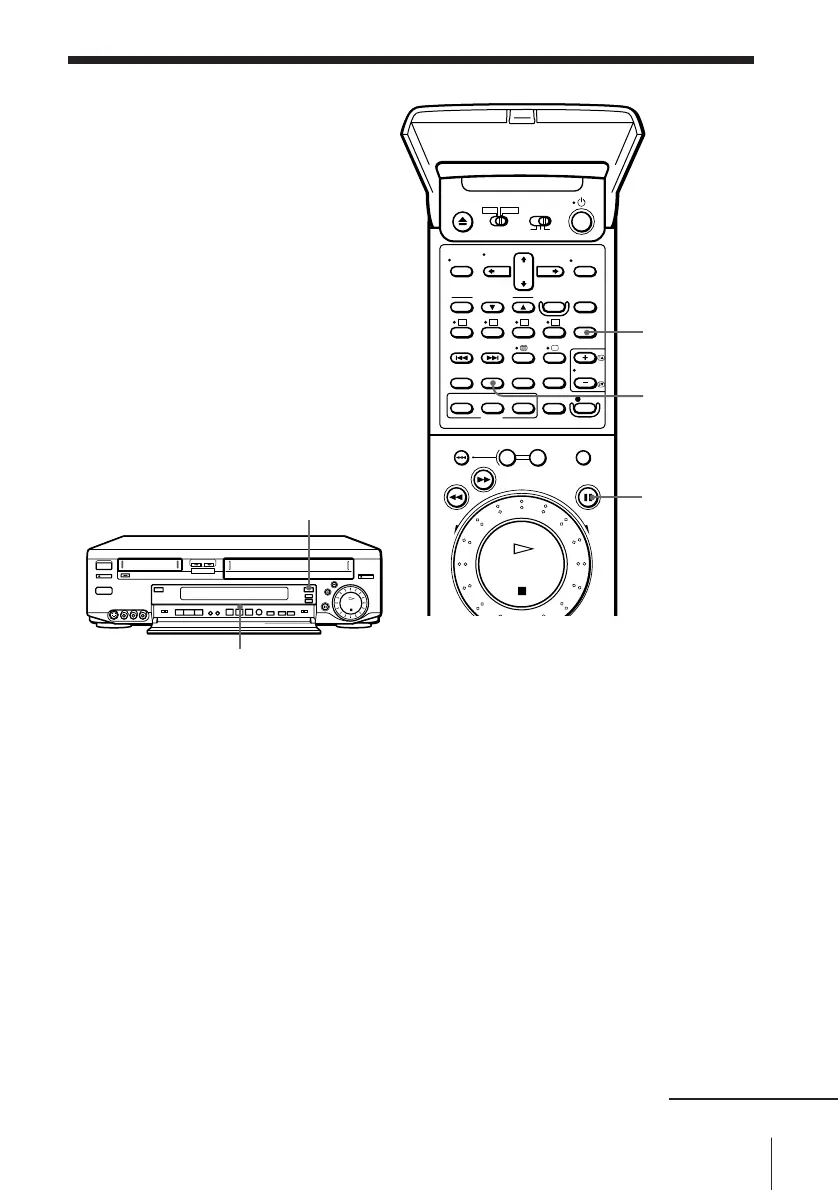
1 Insert the source tape into the stereo system (or the playback VCR).
Search for the point to start playback and set it to playback pause.
2 Press VHS to select the VHS deck.
3 Insert a prerecorded tape with its safety tab in place into this
(recording) VCR. Search for the end of the section to be replaced and
press P PAUSE.
4 Press COUNTER RESET on this VCR to reset the counter to
“0H00M00S.”
5 Rewind the prerecorded tape to the beginning of the section to be
replaced.
The VCR pauses.
6 Press AUDIO DUB (VHS).
The audio dubbing indicator lights up.
COUNTER
RESET
AUDIO DUB
(VHS)
P PAUSE
continued
VHS
Audio dubbing indicator



 To Next Page