33
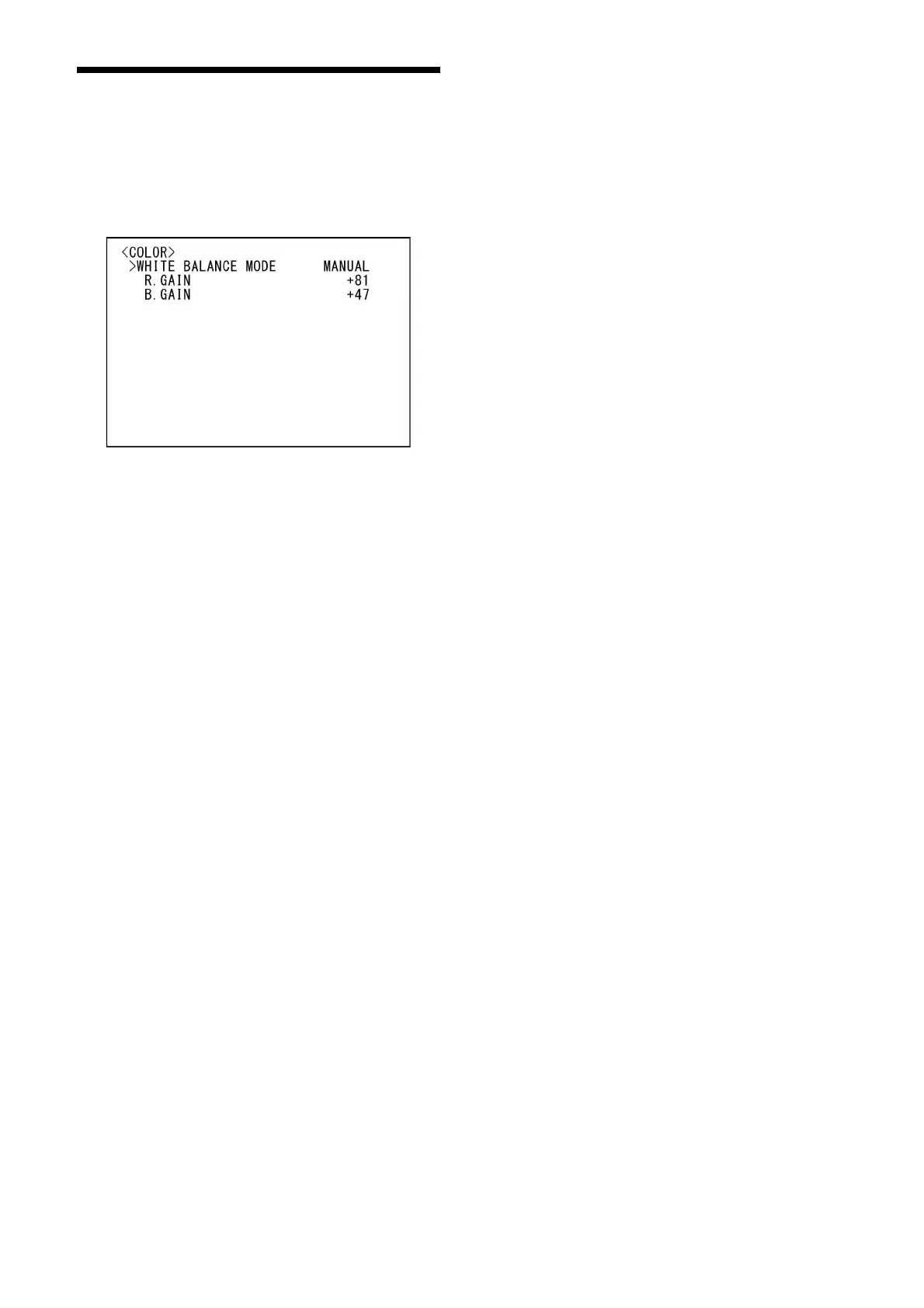
COLOR Menu
The COLOR menu is used to adjust the white
balance and color.
You can set the menu from the Web App menu.
For details, see [White Balance] under [Video]
(page 69).
WHITE BALANCE MODE (White Balance -
Mode)
Select a white balance mode.
You can choose from [AUTO1], [AUTO2],
[IN
DOOR], [OUTDOOR], [ONE PUSH], and
[MANUAL].
[AUTO1]: Au
tomatically adjusts the color to be
closest to the image you are viewing.
[AUTO2]: Aut
omatically adjusts the white
balance to reproduce the original colors of
the objects, eliminating the influences of
ambient illumination.
[INDOOR]: Fix
es R/B GAIN when the color
temperature is 3200 K.
[OUTDOOR]: Fix
es R/B GAIN when the color
temperature is 5800 K.
[ONE PUSH]: Wh
ite balance is adjusted when the
ONE PUSH trigger command is received.
When you operate from the remote
controller, press the O.P.AWB button on
RM-IP500 or the ONE PUSH AWB button on
RM-IP10. Shoot a large white object in the
center of the screen before adjustment.
White balance is adjusted when you press
th
e SET button on the supplied remote
commander or the joystick top button on
the remote controller while [ONE PUSH] is
selected in [WHITE BALANCE MODE] on the
menu screen.
[MANUAL]: A
llows you to manually adjust the
white balance.
When you select any of the above modes, you
will se
e available options for the selected mode
among the following setting items.
SPEED (White Balance - Speed)
Adjust the speed at which the camera reaches
the white convergence point when [AUTO1] or
[AUTO2] is chosen. Choose a value from [1], [2],
[3], [4], and [5]. [5] is the fastest and [1] is the
slowest.
OFFSET (White Balance - Offset)
The shift amount of the white convergence point
can be adjusted when [WHITE BALANCE MODE] is
[AUTO1], [AUTO2], or [ONE PUSH]. The range is
from [–7] to [0] to [+7]. White balance is shifted
towards blue when a negative value is chosen,
and it is shifted towards red when a positive
value is chosen.
R.GAIN (White Balance - R Gain)
B.GAIN (White Balance - B Gain)
Displayed when [MANUAL] is chosen. White
balance can be manually adjusted within the
range from [–128] to [+127].



 To Next Page