40
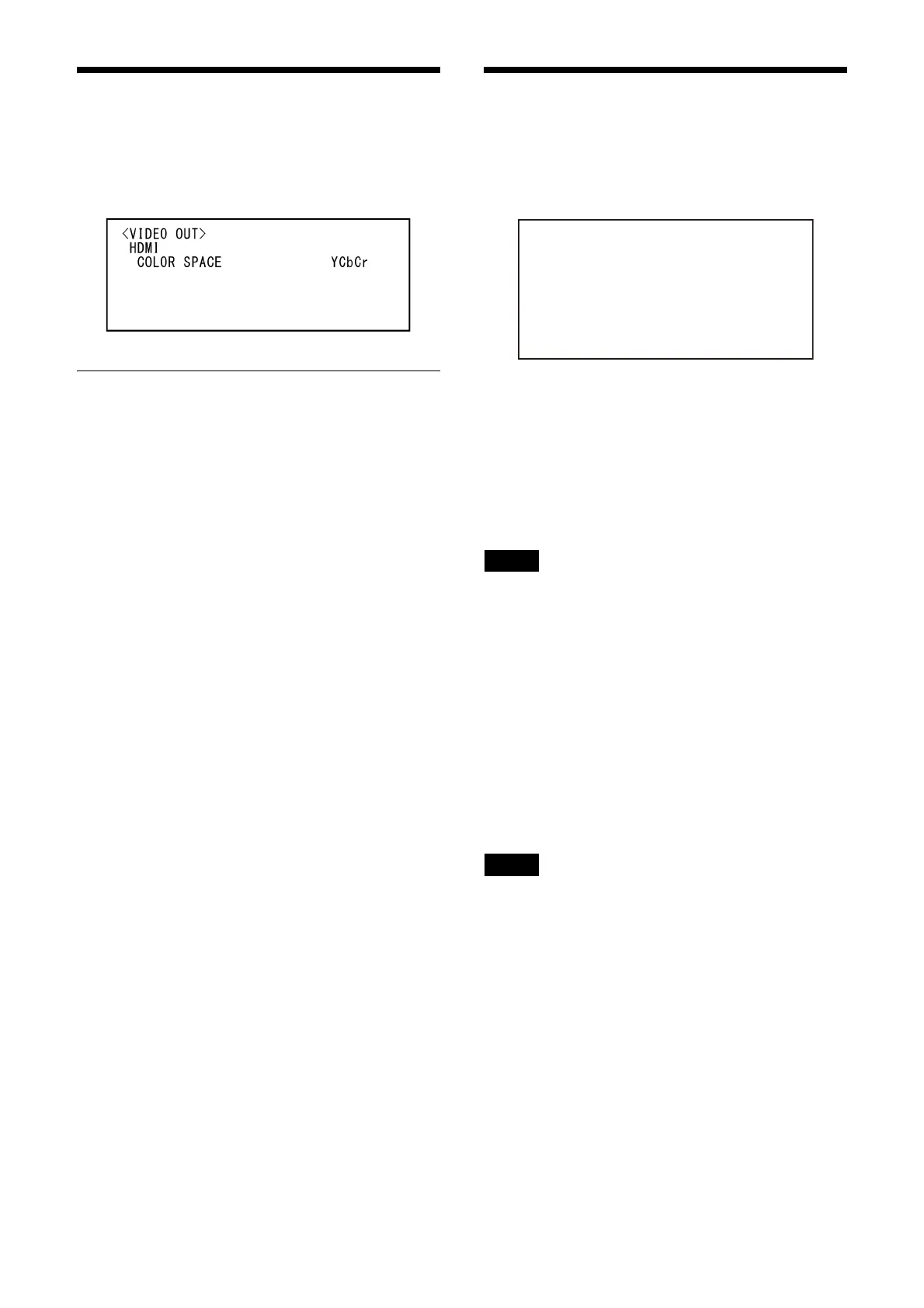
VIDEO OUT Menu
You can set [COLOR SPACE] from the Web App
menu on a web browser.
For details, see [Installation] under [System]
(page 63).
HDMI
COLOR SPACE (Video Out - Color Space)
Set the color space of HDMI output.
SYSTEM Menu
You can set the menu from the Web App menu.
For details, see [Installation] of [System] (page
63) or [PTZF Control] under [PTZF Control] (page
81).
IMG FLIP (System - Image Flip)
When [IMG FLIP] is set to [ON], the picture is
flipped vertically and the picture shift direction
by the pan/tilt operation is also reversed.
After the [IMG FLIP] setting is changed, turn off
th
e camera and turn it on again to activate the
change.
Note
When the [IMG FLIP] setting is changed, the
coordinates for pan and tilt are flipped and the
following are reset.
– Pan-Tilt limit (PAN-TILT LIMIT)
–Preset
– PTZ Auto Framing setting
IR RECEIVE (System - IR Remote)
If this is turned [OFF], the camera does not
receive signals from the supplied remote
commander.
Be sure to turn this [ON] when you use the
sup
plied remote commander.
Note
You cannot set [IR RECEIVE] to [OFF] when using
the supplied remote commander. Set [IR
RECEIVE] to [OFF] using the remote controller
(not supplied) or from the Web App menu on the
web browser.
TALLY LEVEL (System - Tally Lamp
Brightness)
This allows you to configure the settings related
to the tally lamp on the front of the camera.
Choose from [HIGH], [LOW], and [OFF].
[HIGH]: W
hen the tally lamp is turned on, it
comes on bright.
[LOW]: Wh
en the tally lamp is turned on, it
comes on dim.
6<67(0!
!,0*)/,3
,55(&(,9(
7$//</(9(/
7(/(&219(5702'(
67$1'%<02'(
9,'(2)250$7
5(%227
2))
21
+,*+
[
6,'(
39*$
127(;(&



 To Next Page