35
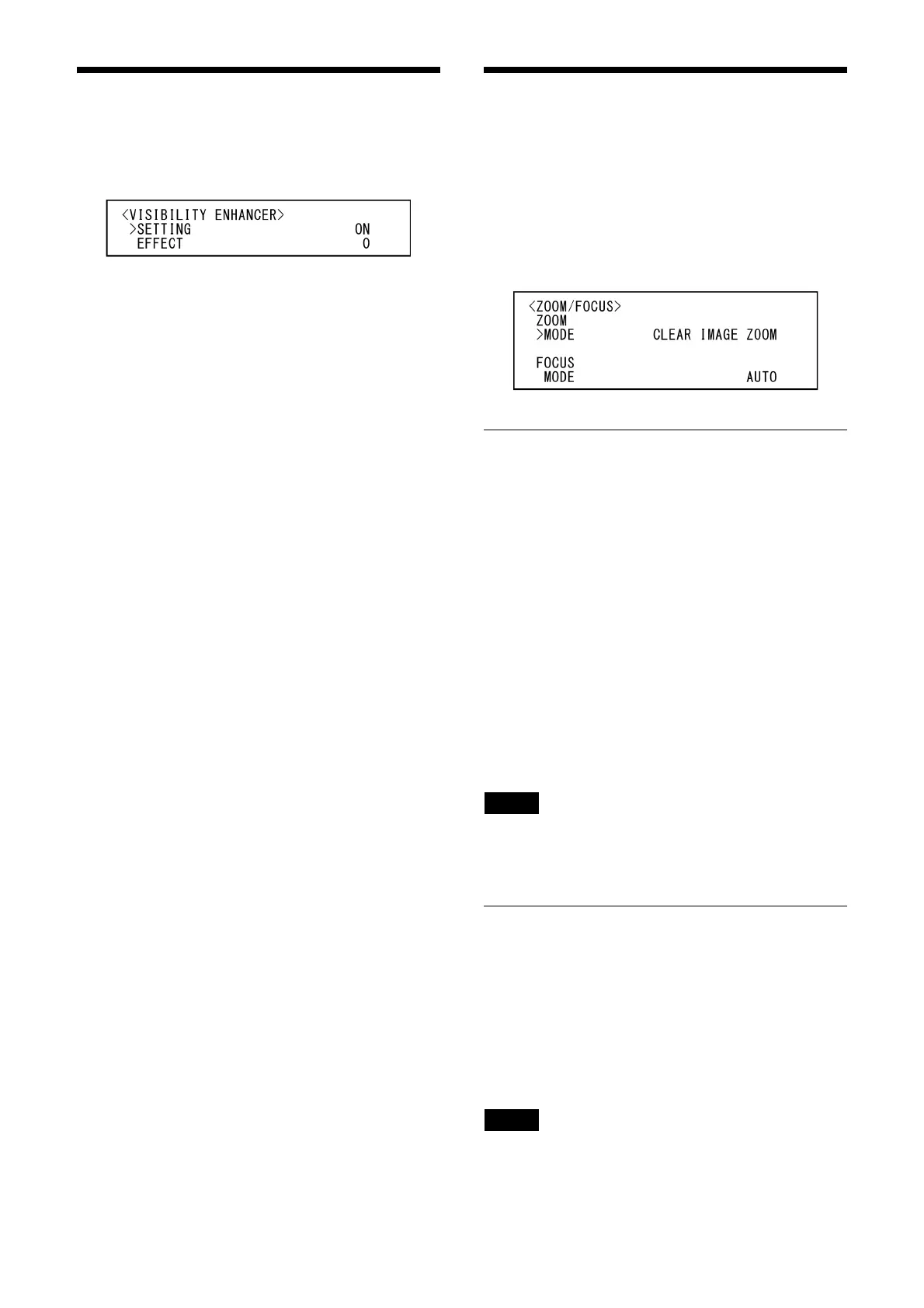
VISIBILITY ENHANCER Menu
You can set the menu from the Web App menu.
For details, see [Exposure] under [Video] (page
66).
SETTING (Exposure - Visibility Enhancer)
When this is turned [ON], gradation correction is
adaptively performed according to the scene
being shot.
EFFECT (Exposure - Effect)
You can adjust the brightness of the shadows on
the screen. Choose a value from [–3] to [0] to [+3].
ZOOM/FOCUS Menu
(SRG-A40)
The ZOOM/FOCUS menu is used to select the
zoom/focus mode.
You can set the zoom mode from the Web App
m
enu.
For details, see [PTZF Control] under [PTZF
Co
ntrol] (page 81).
ZOOM
MODE (Zoom - Zoom Mode)
Select the zoom mode.
[OPTICAL]: Z
ooms objects within the optical
zoom range (up to 20x) of the camera.
[CLEAR IMAGE ZOOM] (Clear Image Zoom): An
i
mage is zoomed in with less deterioration
of image quality over the optical region.
Zooming is up to 1.5× when the video
output format is 3840×2160, and up to 2×
for other formats.
[DIGITAL]: A
n image can be zoomed in up to 20×
optical zoom and 12× digital zoom
(including Clear Image Zoom) with up to a
total of 240× zoom.
Note
When the zoom mode setting is changed, set
[Start Position] and [Detection Settings] of [PTZ
Auto Framing Settings] again.
FOCUS
MODE (Live operation screen - Main tab)
Select the focus mode.
[AUTO]: Th
e camera focuses automatically.
[MANUAL]: Y
ou can focus manually. Adjust
using the supplied remote commander or
optional remote controller.
Notes
Select [MANUAL] and adjust the focus manually
when shooting the following objects.
• White walls and other objects without contrast
• Objects behind glass



 To Next Page