61
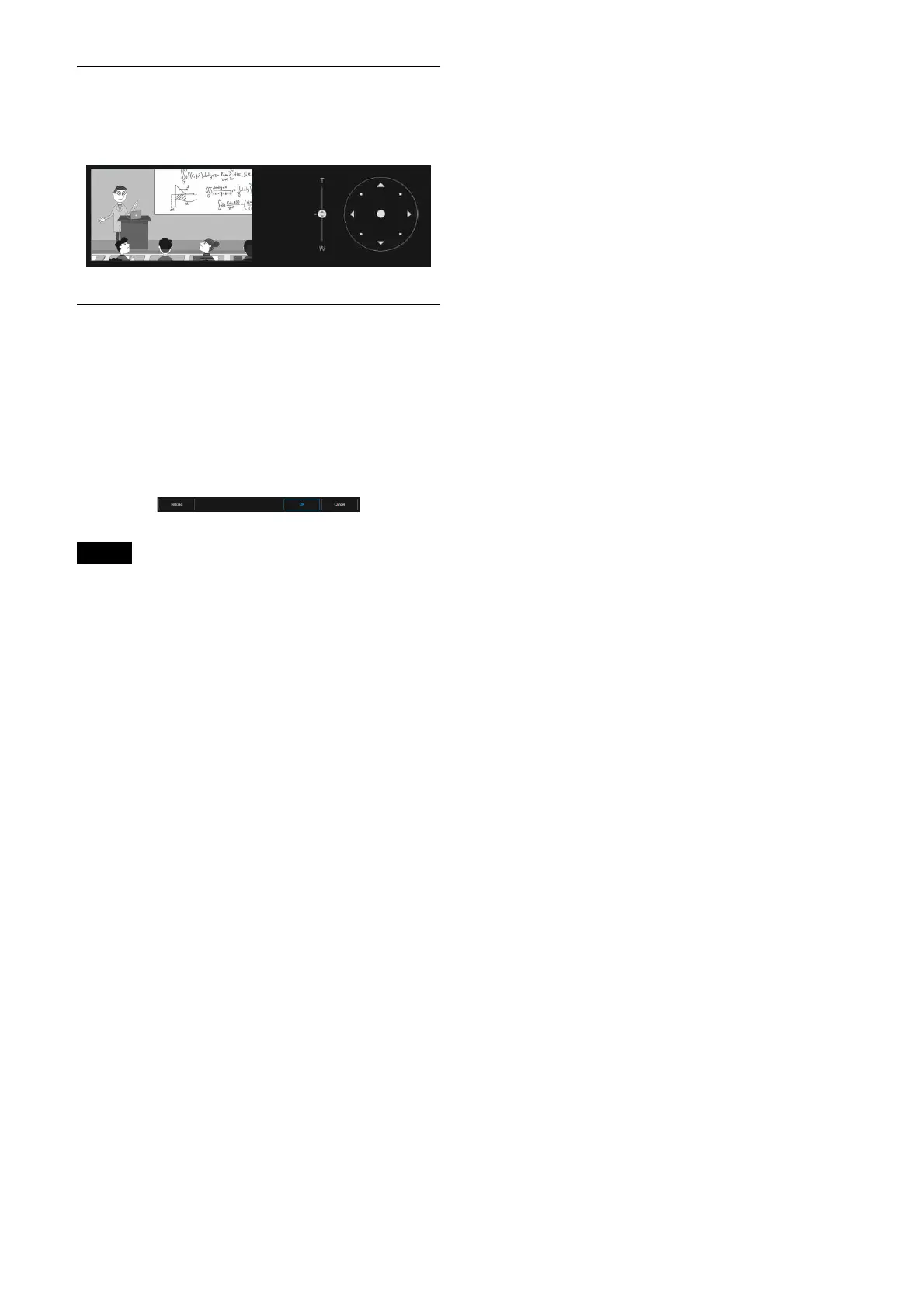
Angle of view’s adjustment
The angle of view can be adjusted using the
zoom slider and joystick.
Saving method of the setting
Save the setting by pressing the [OK] button at
the bottom of the screen after the setting is
completed.
Pressing [Cancel] button deletes the saved
c
ontent and restores the settings to the previous
status.
Press the [Reload] button to update the screen.
Notes
• Pressing the [Reload] button before the setting
is saved deletes the setting contents.
• Moving to the other page before the setting is
sa
ved deletes the setting contents.



 To Next Page