EasyManua.ls Logo

Sony STR-D2090 - Page 41

Sony STR-D2090
51 pages
Print Icon
To Next Page IconTo Next Page
To Previous Page IconTo Previous Page
Loading...
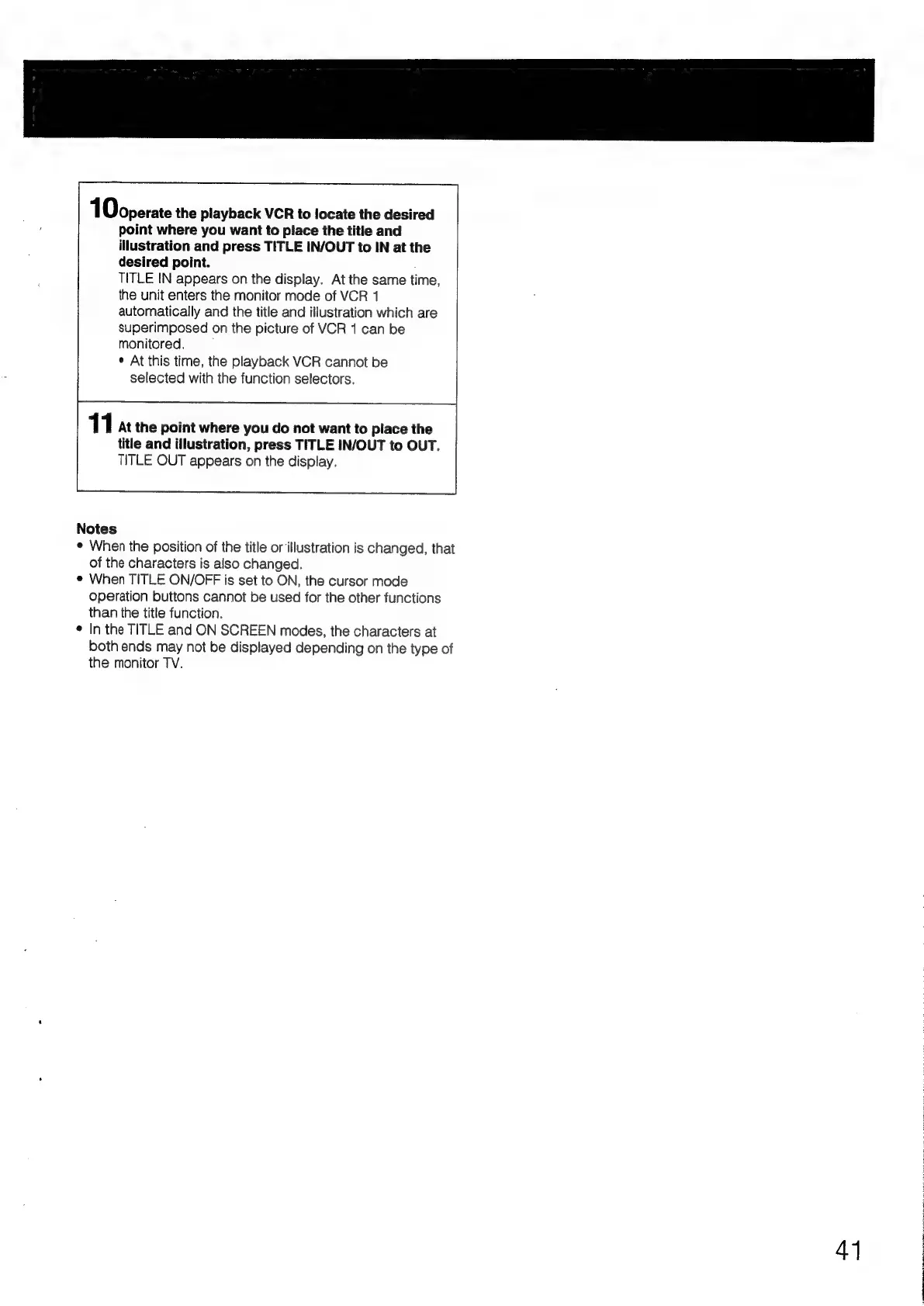
1Doperate
the
playback
VCR
to
locate
the
desired
point
where
you
want
to
place
the
title
and
illustration
and
press
TITLE
IN/OUT
to
IN
at
the
desired
point.
TITLE
IN
appears
on
the
display.
At
the
same
time,
the
unit
enters
the
monitor
mode
of
VCR
1
automatically
and
the
title
and
illustration
which
are
superimposed
on
the
picture
of
VCR
1
can
be
monitored.
¢
At
this
time,
the
playback
VCR
cannot
be
selected
with
the
function
selectors.
11
At
the
point
where
you
do
not
want
to
place
the
title
and
illustration,
press
TITLE
IN/OUT
to
OUT.
TITLE
OUT
appears
on
the
display.
Notes
¢
When
the
position
of
the
title
or
illustration
is
changed,
that
of
the
characters
is
also
changed.
e
When
TITLE
ON/OFF
is
set
to
ON,
the
cursor
mode
operation
buttons
cannot
be
used
for
the
other
functions
than
the
title
function.
¢
In
the
TITLE
and
ON
SCREEN
modes,
the
characters
at
both
ends
may
not
be
displayed
depending
on
the
type
of
the
monitor
TV.
41
:

Table of Contents

Related product manuals