42
US
D:\NORM'S JOB\SONY HA\SO0046\STR-DA3500ES\U VERSION\US\4144907111\01US-
STRDA3500ESUC\030CON.fm
masterpage: Left
STR-DA3500ES
4-144-907-11(1)
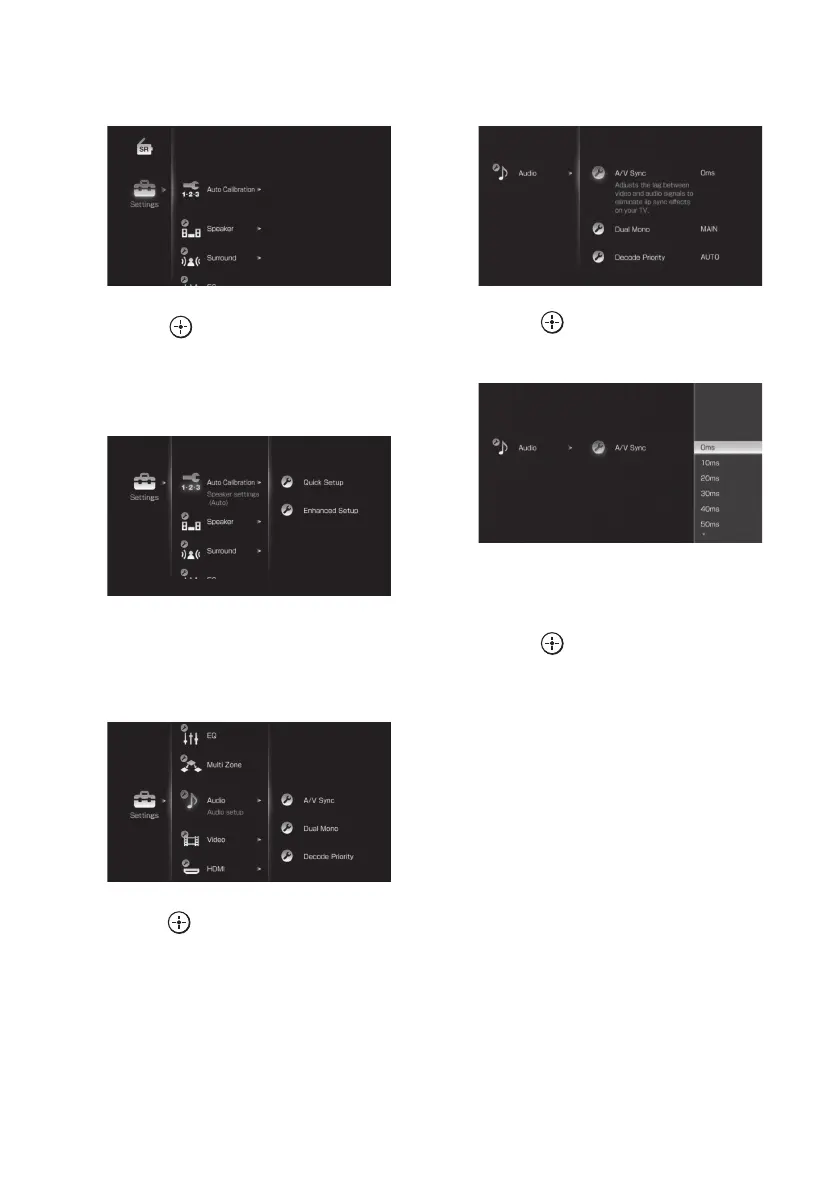
2 Press V/v repeatedly to select a
menu you want.
3 Press or b to enter the
menu.
The menu item list appears on the TV
screen.
4 Press V/v repeatedly to select
the menu item you want to
adjust.
5 Press or b to enter the menu
item.
6 Press V/v repeatedly to select
the parameter you want.
7 Press to enter the
parameter.
8 Press V/v repeatedly to select
the settings you want.
9 Press to enter the setting.
To return to the previous screen
Press B or RETURN/EXIT O.
To exit the menu
Press MENU.
To exit “GUI MODE”
Press GUI MODE repeatedly to select “GUI
OFF”.















 To Next Page