81
US
D:\NORM'S JOB\SONY HA\SO0046\STR-DA3500ES\U VERSION\US\4144907111\01US-
STRDA3500ESUC\080TUN.fm
masterpage: Right
STR-DA3500ES
4-144-907-11(1)
Tuner Operations
6 Press SHIFT, then press the
numeric buttons to enter your
4-digit lock code.
“The channel has been locked.” appears
and the Parental Lock is set.
To delete the numbers you have entered,
go back to step 4 by pressing RETURN/
EXIT O, and then repeat the procedure
above from step 4.
To change the lock code
1
Press V/v repeatedly to select
“SIRIUS”, then press or b.
2 Press OPTIONS, then press V/v to
select “Lock Code”, then press .
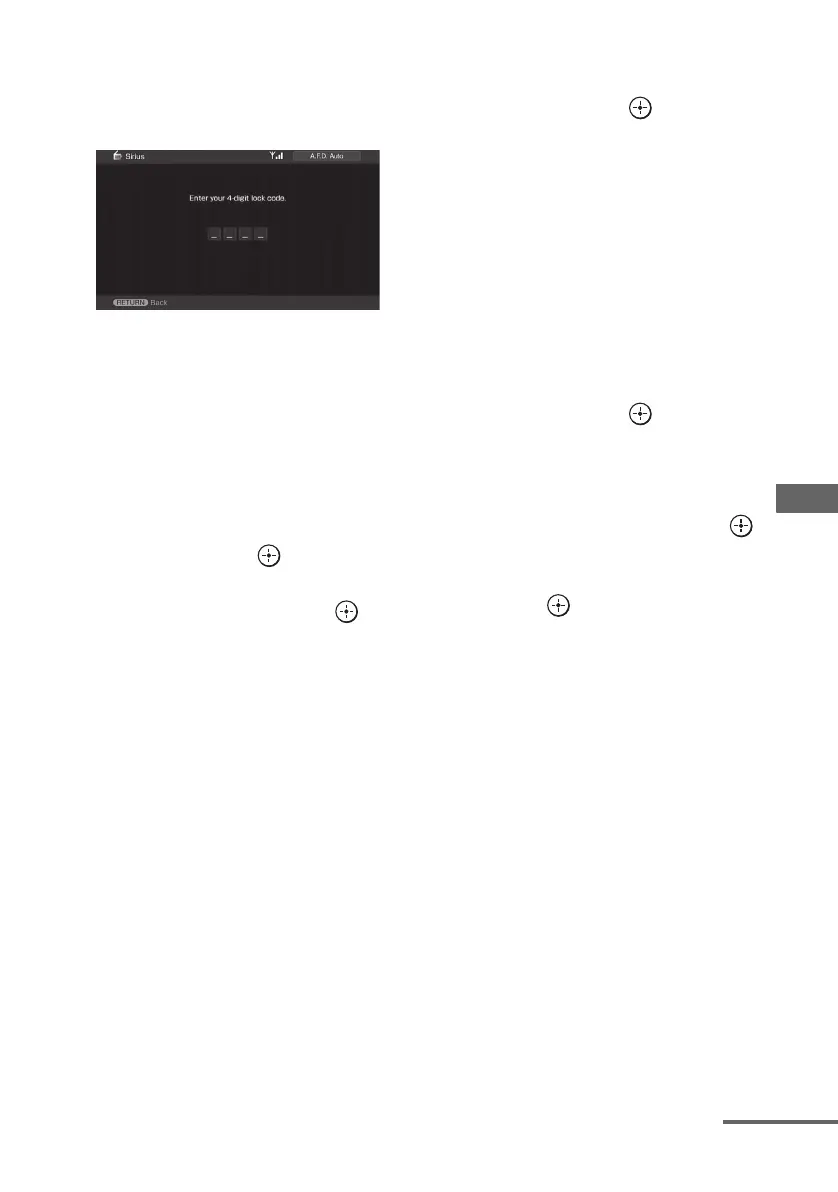
“Enter your 4-digit lock code.” appears.
3 Press SHIFT, then press the numeric
buttons to enter your 4-digit lock code.
“Enter a new lock code.” appears.
4 Enter a new 4-digit lock code using the
numeric buttons.
“To confirm, enter your new lock code
again.” appears.
5 Reenter the new lock code with the
numeric buttons.
“The lock code has been changed.”
appears.
To listen to the locked channels
1
Press V/v repeatedly to select
“SIRIUS”, then press or b.
2 Select a locked channel you want to
listen to using “Direct Tuning”
(page 78).
“The channel is locked. Enter your 4-digit
lock code.” appears.
3 Press SHIFT, then press the numeric
buttons to enter your 4-digit lock code.
The channel is tuned in.
To cancel the Parental Lock
1
Press V/v repeatedly to select
“SIRIUS”, then press or b.
2 Tune in the channel you want to unlock
using “Direct Tuning” (page 78).
3 Press OPTIONS, then press V/v to
select “Parental Lock”, then press
or b.
4 Press V/v repeatedly to select “OFF”,
then press .
“Enter your 4-digit lock code.” appears.
5 Press SHIFT, then press the numeric
buttons to enter your 4-digit lock code.
“The channel has been unlocked.” appears
and the channel is unlocked.
Notes
• When you select a channel using Category Tuning,
locked channels are skipped.
• When the receiver is reset to the factory settings,
the lock code returns to the default (0000), but the
Parental Lock settings are not removed.
• You cannot preset locked channels. If you set the
Parental Lock for a preset channel, the preset
information for that channel returns to the default.
• You cannot set the Parental Lock for channel 0 or
channel 184.
continued















 To Next Page