64
US
D:\NORM'S JOB\SONY HA\SO0046\STR-DA3500ES\U VERSION\US\4144907111\01US-
STRDA3500ESUC\060SUR.fm
masterpage: Left
STR-DA3500ES
4-144-907-11(1)
Tips
• For details on HD-D.C.S. technology, see
“Glossary” (page 132).
• When a sound field with HD-D.C.S. is selected, the
HD-D.C.S. lamp lights up on the display window.
To turn off the surround effect
for MOVIE/MUSIC
Select “2ch Stereo” or “A.F.D. Auto” in the
Surround settings menu.
Resetting sound fields to
the initial settings
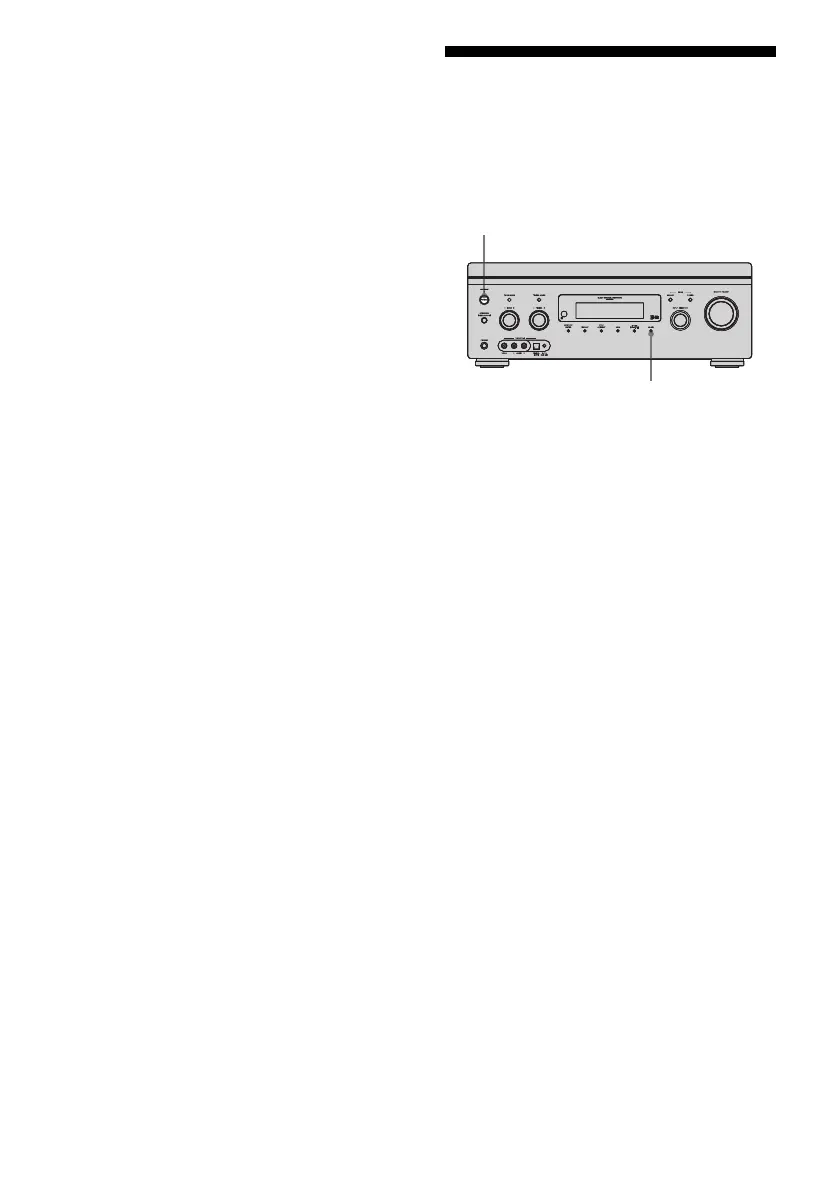
Be sure to use the buttons on the receiver for
this operation.
1 Press POWER to turn off the
receiver.
2 While holding down MUSIC,
press POWER.
“S.F. CLEAR” appears on the display
window and all sound fields are reset to
their initial setting.
POWER
MUSIC















 To Next Page