71
US
D:\NORM'S JOB\SONY HA\SO0046\STR-DA3500ES\U VERSION\US\4144907111\01US-
STRDA3500ESUC\080TUN.fm
masterpage: Right
STR-DA3500ES
4-144-907-11(1)
Tuner Operations
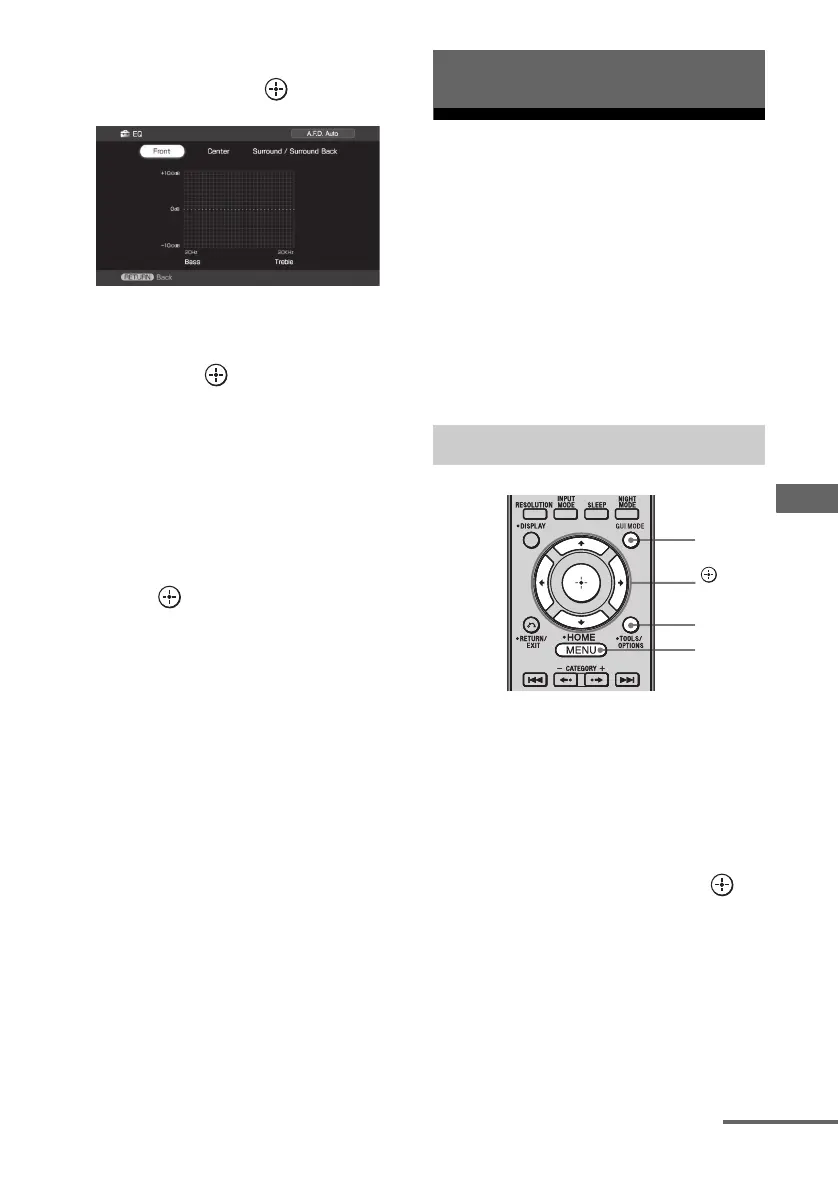
3 Press V/v repeatedly to select
“EQ”, then press .
4 Press B/b repeatedly to select
the speaker you want to adjust,
then press .
5 Press B/b repeatedly to select
“Bass” or “Treble”, then press
V/v to adjust the parameter.
Tip
You can adjust the front speaker bass and treble
level with TONE MODE and TONE +/– on the
receiver.
6 Press to enter the setting.
Listening to FM/AM radio
You can listen to FM and AM broadcasts
through the built-in tuner. Before operation,
make sure you have connected the FM and
AM antennas (aerials) to the receiver
(page 36).
Tip
The tuning scale for direct tuning is shown below.
• FM band 100 kHz
• AM band 10 kHz*
* The AM tuning scale can be changed (page 142).
1 Press GUI MODE repeatedly to
select “GUI ON”.
The GUI menu appears on the TV screen.
Press MENU if the GUI menu does not
appear on the TV screen.
2 Press V/v repeatedly to select
“FM” or “AM”, then press or
b.
The FM or AM menu list appears on the
TV screen.
Tuner Operations
Automatic tuning
MENU
,
V/v/B/b
GUI
MODE
OPTIONS
continued















 To Next Page