93
US
D:\NORM'S JOB\SONY HA\SO0046\STR-DA3500ES\U VERSION\US\4144907111\01US-
STRDA3500ESUC\090OTH.fm
masterpage: Right
STR-DA3500ES
4-144-907-11(1)
Using Multi-zone Features
When the speakers in zone 2 are connected to
the SPEAKERS SURROUND BACK
terminals of the receiver (page 91), make the
setting so that the sound selected in zone 2 is
output from the speakers connected to the
SPEAKERS SURROUND BACK terminals.
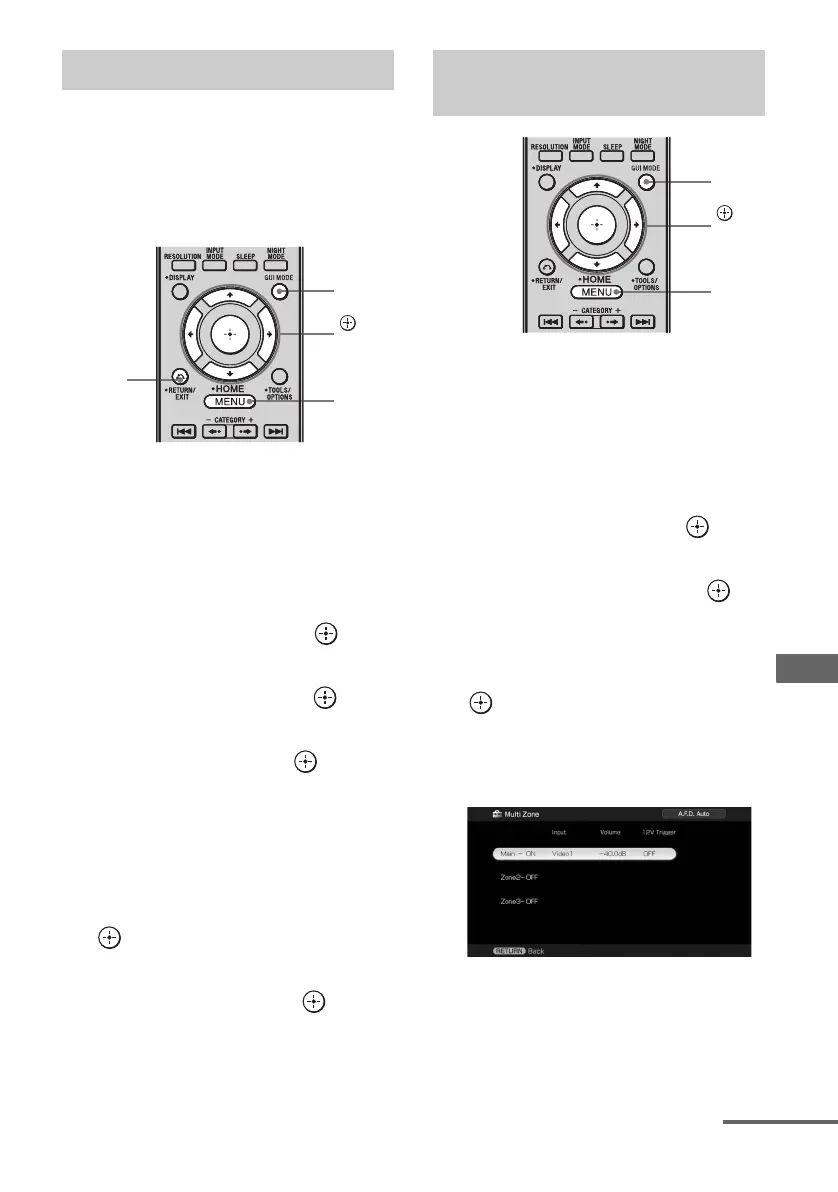
1 Press GUI MODE repeatedly to
select “GUI ON”.
The GUI menu appears on the TV screen.
Press MENU if the GUI menu does not
appear on the TV screen.
2 Press V/v repeatedly to select
“Settings”, then press or b.
3 Press V/v repeatedly to select
“Speaker”, then press or b.
4 Press V/v to select “Speaker
Pattern”, then press .
Select the speaker pattern that has no
surround back speakers.
5 Press RETURN/EXIT O.
6 Press V/v repeatedly to select
“Sur Back Assign”, then press
.
7 Press V/v repeatedly to select
“ZONE2”, then press .
1 Press GUI MODE repeatedly to
select “GUI ON”.
The GUI menu appears on the TV screen.
Press MENU if the GUI menu does not
appear on the TV screen.
2 Press V/v repeatedly to select
“Settings”, then press or b.
3 Press V/v repeatedly to select
“Multi Zone”, then press .
4 Press V/v to select the zone to
which you want to output
audio/video signals, then press
.
“Main” (this receiver) is always selected.
If you do not change the setting, proceed
to step 6.
Setting the speakers in zone 2
,
V/v/B/b
GUI
MODE
MENU
RETURN/
EXIT O
Setting audio/video output
signals to the zone 2/zone 3
,
V/v/B/b
GUI
MODE
MENU
continued















 To Next Page