109
GB
Using the Remote
Operate each component
using the remote
When you program the remote to control the
following Sony or non-Sony components, you
can use the buttons on the remote that are
marked with circles. Note, however, that some
buttons may not operate your component.
*
Deck B only.
**
Not available depending on the component.
If you want to change the contents of the input
list to match your particular components, see
“Programming the remote,” on page 113.
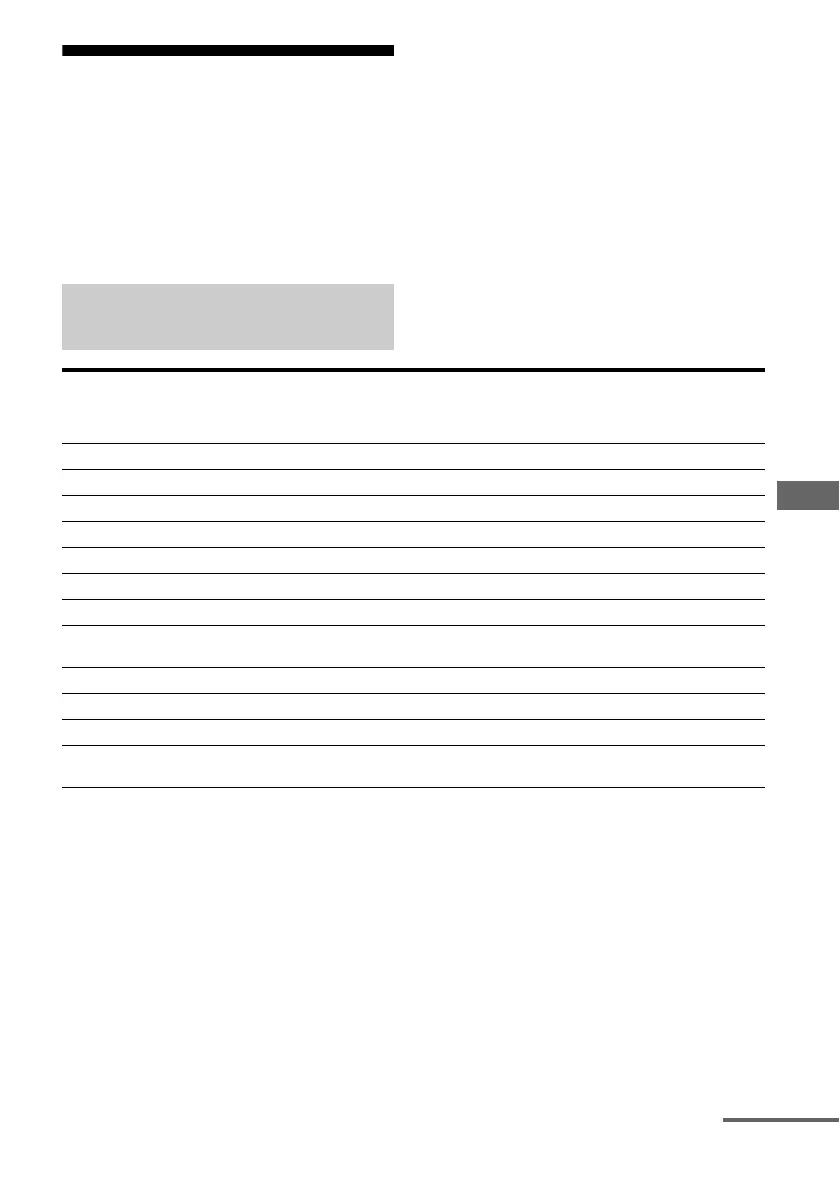
Table of buttons used to control
each component
Component
Button
VCR TV LD
player
DVD
player
Video CD
player
CD
player
MD deck Tape
deck
(A and B)
DAT
deck
Tuner Cable
box
Satellite
tuner
Projector
AV ?/1 zzzzzzz z z z
H z zzzzzzz
X z zzzzz z z
x z zzzzz z z
./>z zzzzz z
*
z
m/M z zzzzz z z
Control key zz zz
TOP MENU/
GUIDE
zz
AV M E N U zz zz
DISPLAY zzzzzzz z
EXIT z
**
RETURN/
EXIT O
zzz
continued














 To Next Page