47
GB
Getting Started
7: Setting up the speakers
You can use the SPEAKER SET UP menu to
set the size and distance of the speakers
connected to this system.
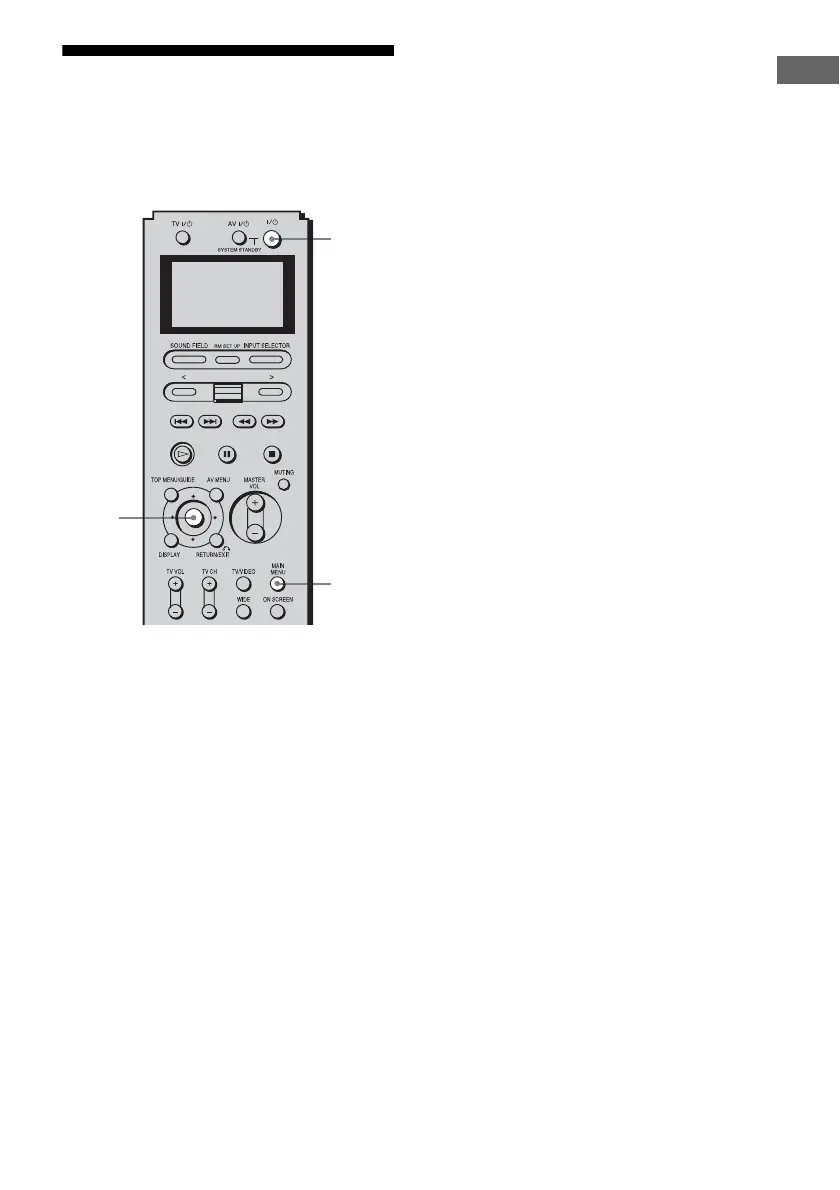
1 Press ?/1 to turn on the
receiver.
2 Press MAIN MENU repeatedly
to select “SPEAKER SET UP,”
then press the control key.
You can also use MAIN MENU on the
receiver.
3 Move the control key V/v to
select the menu item.
You can also use MENU on the receiver.
For more information, see “SPEAKER
SET UP parameters” (page 48).
Note
Certain setup parameters may be dimmed in
the display. This means that the selected
parameter is either unavailable or fixed and
unchangeable due to sound field (pages 89-94)
or other settings.
4 Move the control key B/b to
select the parameter.
You can also use +/– on the receiver.
5 Repeat steps 3 and 4 until you
have set all of the items that
follow.
1
2,3,
4
2














 To Next Page