97
GB
Enjoying Surround Sound
x When the current decoder
conforms to Dolby Pro Logic IIx
**
When the surround back decoder conforms to
Dolby Pro Logic IIx, if you decode a DTS-ES
Discrete [3/3.1] signal, this unit also decodes a
DTS-ES Discrete [3/2.1] signal.
Customizing sound fields
The settings are stored individually for each
sound field.
1 Start playing a source encoded
with multi channel surround
effects (DVD, etc.).
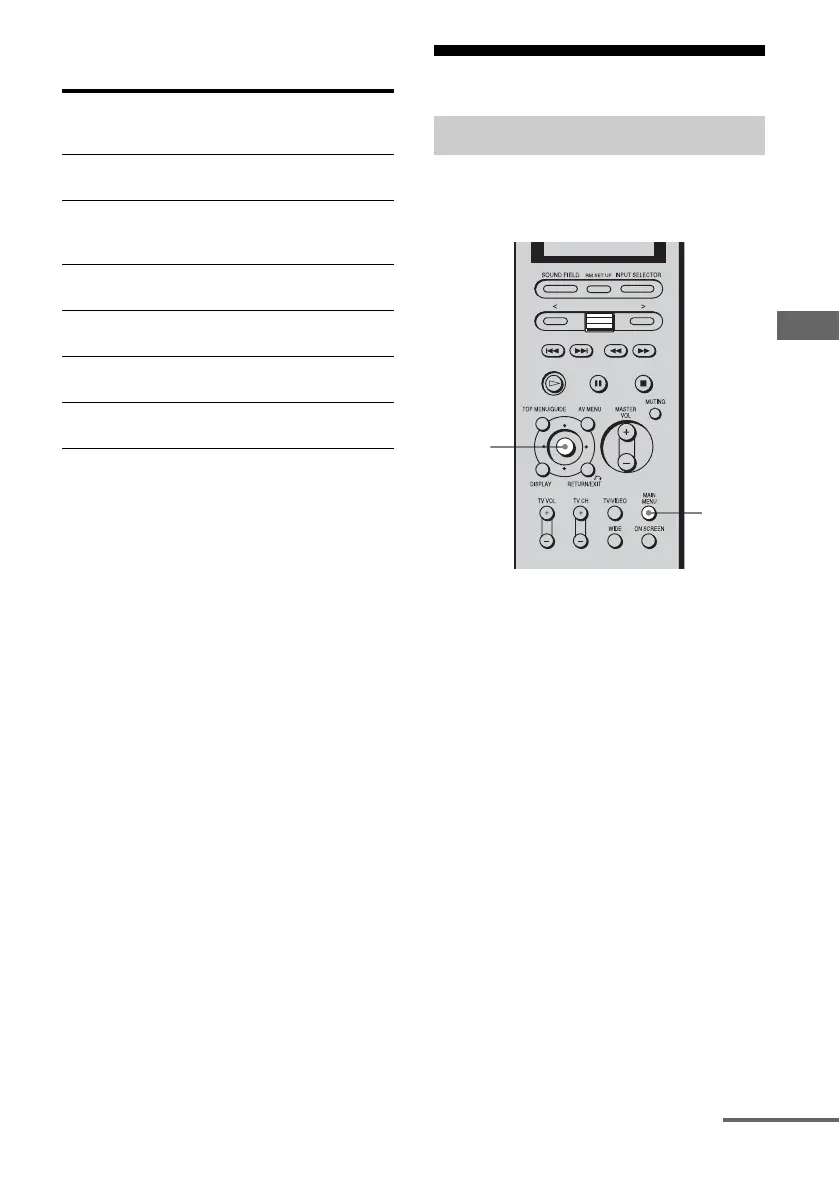
2 Press MAIN MENU repeatedly
to select “SURR SET UP,” then
press the control key.
You can also use MAIN MENU on the
receiver to select “SURR SET UP.”
3 Move the control key V/v to
select the parameter you want,
then press the key.
You can also use MENU on the receiver.
For details, see “SURR SET UP menu
parameters,” below.
Input stream After a few
seconds
Current
decoding
process
DOLBY DIGITAL
[3/2.1]
k
DOLBY D
[3/2.1] + PLIIx
DOLBY DIGITAL
SURROUND EX
[3/2.1]
k
DOLBY D
[3/2.1] + PLIIx
DTS [3/2.1]
k
DTS [3/2.1] +
PLIIx
DTS-ES Matrix
[3/2.1]
k
DTS [3/2.1] +
PLIIx
DTS-ES Discrete
[3/3.1]
k
DTS [3/2.1] +
PLIIx
**
DTS 96/24
[3/2.1]
k
DTS [3/2.1] +
PLIIx
Adjusting the sound effect
2,3,
4
2
continued














 To Next Page