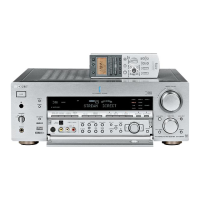
Chart of Lists
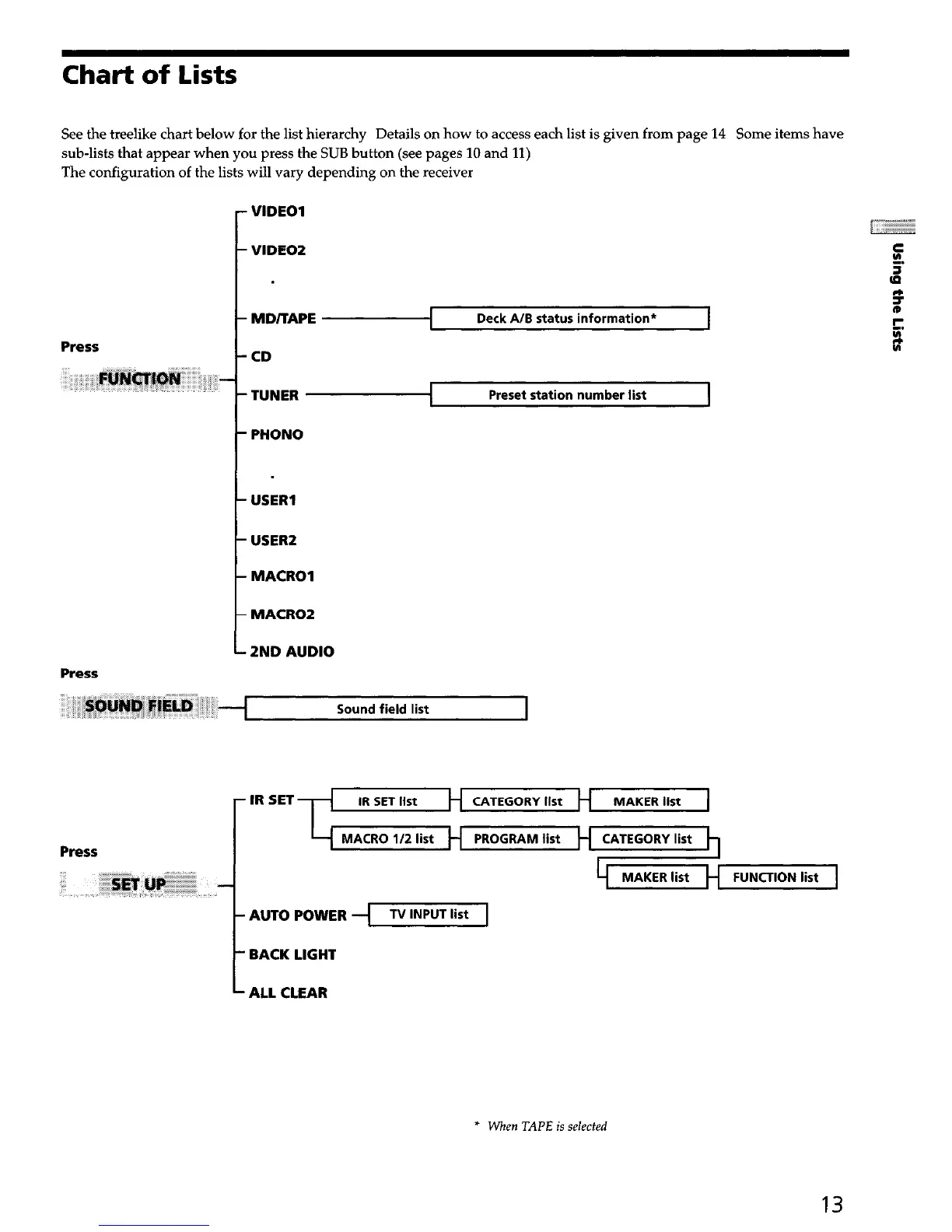
See the treelike chart below for the list hierarchy Details on how to access each list is given from page 14
Some items have
sub-lists that appear when you press the SUB button (see pages 10 and 11)
The configuration of the lists will vary depending on the receiver
r
VIDEO1
VIDEO2
MD/TAPE
Deck A/B status information*
Press
CD
TUNER
PHONO
1
Preset station number list
I
t -
USER1
USER2
MACRO1
MACRO2
2ND AUDIO
Press
IR SET
CATEGORY list
MACRO 112 list PROGRAM list CATEGORY list
FUNCTION list
AUTO POWER -I
TV INPUT list
Press
SET
t
BACK LIGHT
ALL CLEAR
* When TAPE is selected
13


 To Next Page