2
3
4
3
2
4
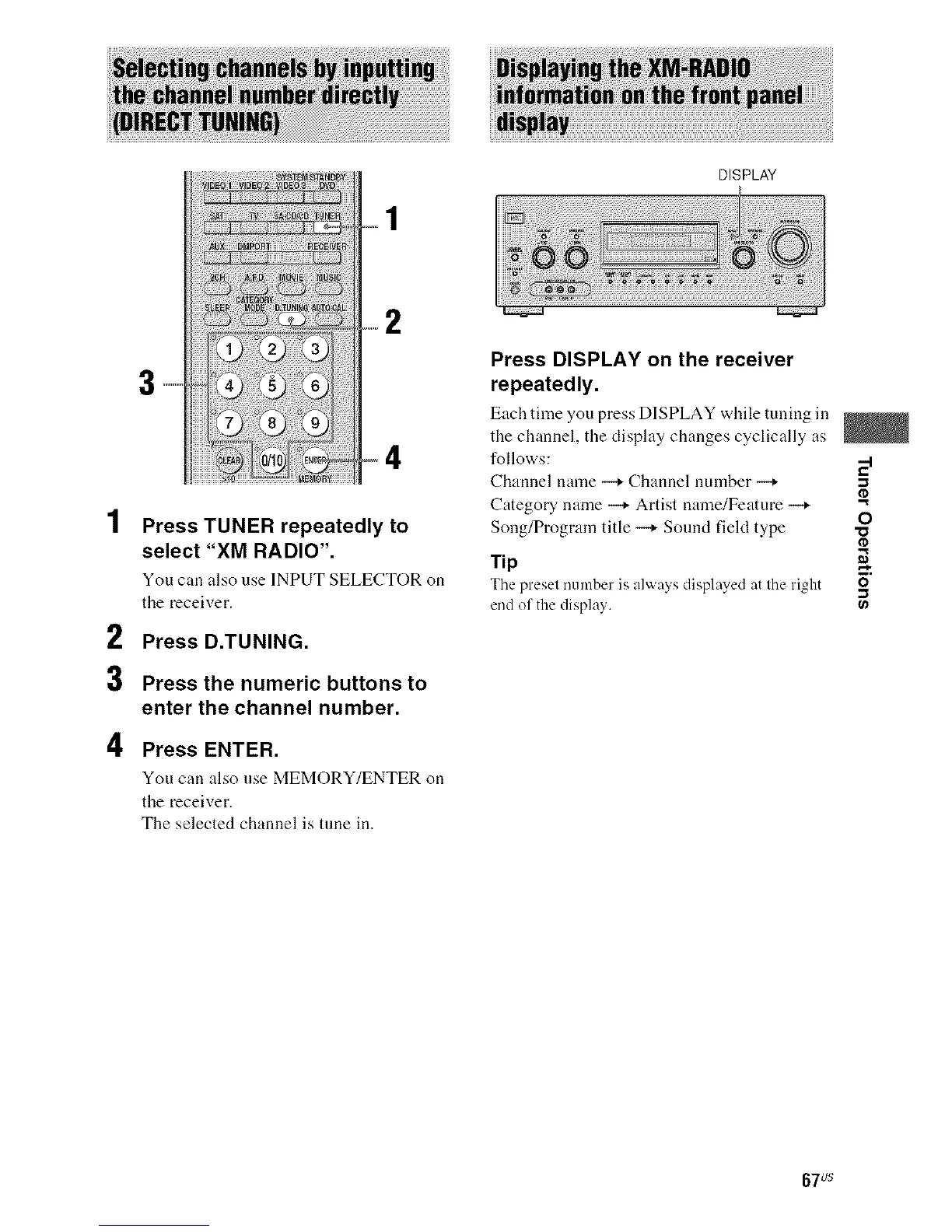
Press TUNER repeatedly to
select "XM RADIO".
You can also use INPUT SELECTOR on
the receiver.
Press D.TUNING.
Press the numeric buttons to
enter the channel number.
Press ENTER.
You can also use MEMORY/ENTER on
the receiver.
The selected channel is tune in.
DISPLAY
Press DISPLAY on the receiver
repeatedly.
Eachtime youpressDISPLAYwhiletuning in
the channel, the display changes cyclically as
follows:
Channel nanle --+ Channel nmnber --+ -,
Category name -_ Artist name/Feature -_
O
Song/Program title -_ Sound field type ._
Tip
The preset i/umber is always displayed at the right -O"
end of the display. ,_
67us



 To Next Page