17
US
C:\Documents and
Settings\pc13\Desktop\JC060000_2667347112DG900_US\2667347112\US03CON_STR-DG900-
U.fm
masterpage: Right
STR-DG900
2-667-347-11 (2)
Getting Started
Zone 2 connections
You can assign the SURROUND BACK
SPEAKER jacks F and G to the speakers of
Zone 2. Set the surround back speaker settings
(page 48) to “ZONE 2”. See “Listening to the
sound in another zone (Zone 2 operations)”
(page 84) for details on connection and
operation in zone 2.
3a: Connecting the audio
components
This section describes how to hook up your
components to this receiver. Before you begin,
refer to “Component to be connected” below
for the pages which describe how to connect
each component.
After hooking up all your components,
proceed to “4: Connecting the antennas” (page
31).
Component to be connected
a)
Model with DIGITAL OPTICAL OUTPUT or
DIGITAL COAXIAL OUTPUT jack etc.
b)
Model with MULTI CH OUTPUT jacks, etc. This
connection is used to output audio decoded by the
component’s internal multi-channel decoder
through this receiver.
c)
Model equipped only with AUDIO OUT L/R
jacks, etc.
How to hook up your
components
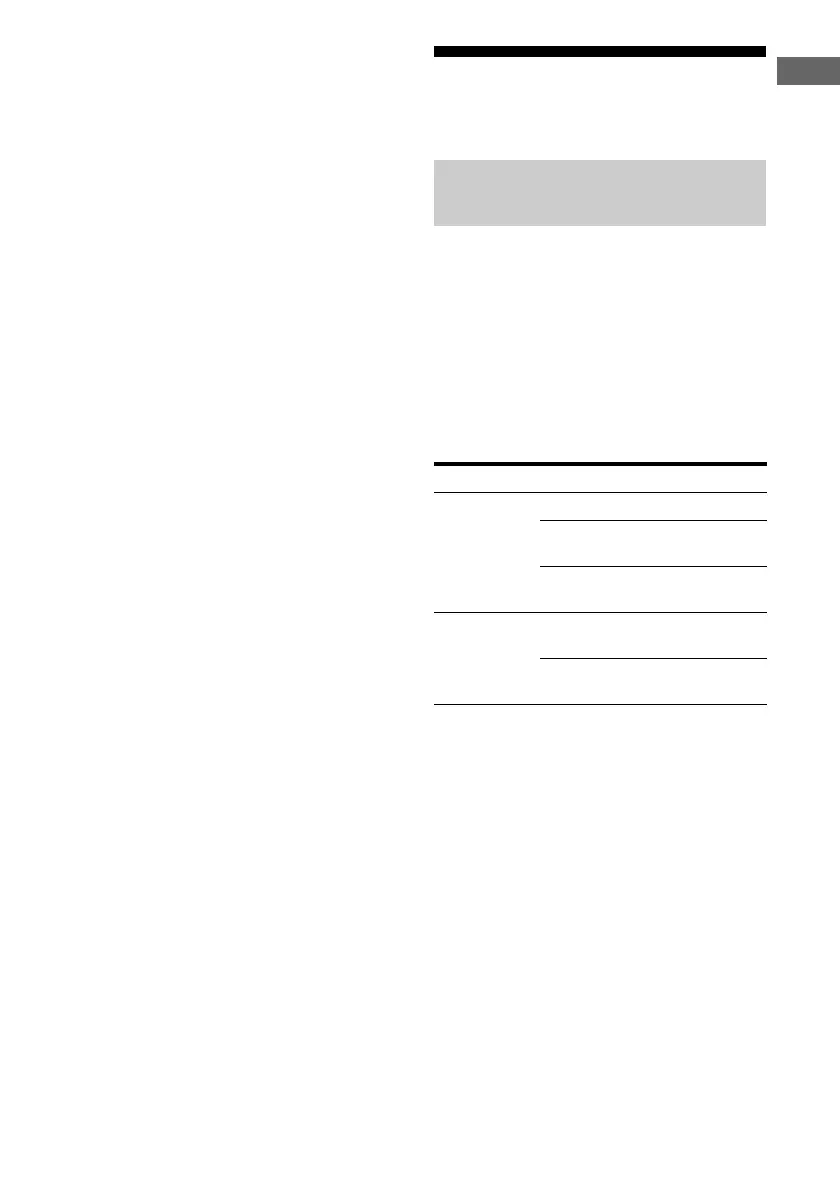
Component With Page
Super Audio
CD player/
CD player
Digital audio output
a)
18
Multi-channel audio
output
b)
20
Analog audio output
only
c)
21
MD deck/Tape
deck/Turntable
Digital audio output
a)
18
Analog audio output
only
c)
21
US01COV_STR-DG900-U.book Page 17 Wednesday, April 26, 2006 12:15 PM












 To Next Page