65
US
C:\Documents and
Settings\pc13\Desktop\JC060000_2667347112DG900_US\2667347112\US04AMP_STR-DG900-
U.fm
masterpage: Right
STR-DG900
2-667-347-11 (2)
Enjoying Surround Sound
Using only the front
speakers
(2CH STEREO)
In this mode, the receiver outputs the sound
from the front left/right speakers only. There is
no sound from the sub woofer.
Standard 2 channel stereo sources completely
bypass the sound field processing and multi
channel surround formats are downmixed to 2
channel.
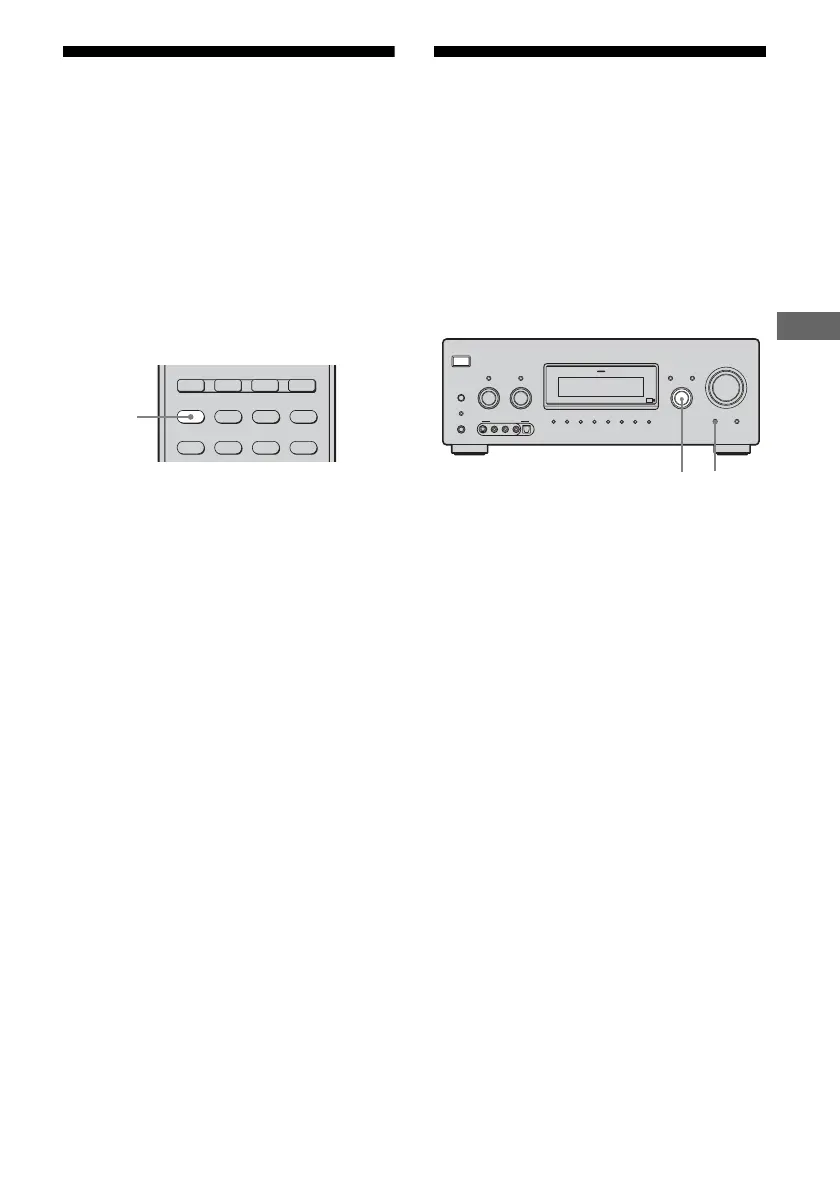
Press 2CH.
Note
No sound is output from the sub woofer in the 2CH
STEREO mode. To listen to 2 channel stereo sources
using the front left/right speakers and a sub woofer,
select “A.F.D. AUTO” (page 61).
Listening to the sound
without any adjustment
(ANALOG DIRECT)
You can switch the audio of the selected input
to two channel analog input. This function
enables you to enjoy high quality analog
sources.
When using this function, only the volume and
front speaker balance can be adjusted.
1 Turn INPUT SELECTOR on the
receiver to select the input you
want to listen to in analog
audio.
You can also use the input buttons on the
remote.
2 Press MULTI CH IN/DIRECT
repeatedly on the receiver to
select “ANALOG DIRECT”.
The analog audio is output.
Note
When headphone is connected, “HP DIRECT”
appears on the display.
PHONO
ZONE 2
2CH A.F.D. MOVIE MUSIC
SLEEP
CATEGORY
MODE
D. TUNING
ON SCREEN
MULTI CH SOURCE
2CH
?/1
AUTO CAL MIC
SPEAKERS
(OFF/A/B/A+B)
PHONES
MEMORY/
ENTER
CATEGORY
MODE
–
CATEGORY +
2CH A.F.D. MOVIE
MUSIC
MULTI CHANNEL DECODING
TUNING MODE
DISPLAY INPUT MODE
TUNING INPUT SELECTOR
–+
TONE MODE
TONE
–+
MULTI CH IN/
DIRECT
HDMI
MASTER VOLUME
VIDEO 3 IN/PORTABLE AV IN
VIDEOS-VIDEO L AUDIO R
DIGITAL(OPT)
12
US01COV_STR-DG900-U.book Page 65 Wednesday, April 26, 2006 12:15 PM












 To Next Page