90
US
C:\Documents and
Settings\pc13\Desktop\JC060000_2667347112DG900_US\2667347112\US06REM_STR-DG900-
U.fm
masterpage: Left
STR-DG900
2-667-347-11 (2)
To control a tuner
To control a Blu-ray disc
recorder
To control a PSX
Learning the commands
of your components
By using the Learning function, it is possible
for this remote to perform learned commands.
Setting remote control codes
that are not stored in the remote
When a remote control code is not one of the
presets stored in the remote, it is possible for
the remote to learn the code using the Learning
function.
1 Hold down RM SET UP and
press TV.
The RM SET UP indicator lights up.
2 Press the input button
(including TV) for the
component you want to control.
For example, if you are going to learn an
operation for a CD player, press SA-CD/
CD. The input button indicator flashes.
3 Press the button you want to
use for the Learning function.
The input button indicator lights up.
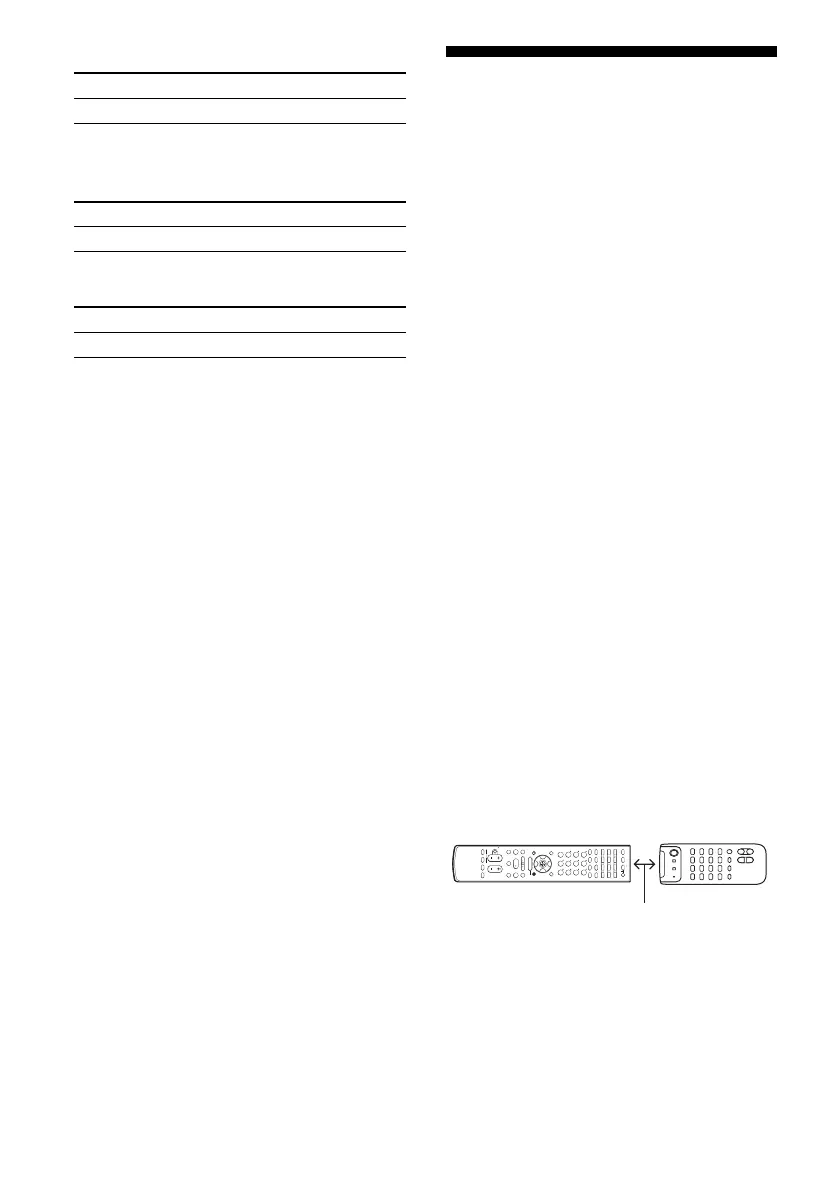
4 Point the remote control code
receiver section of the remote
towards the receiver/
transmitter on the remote
control to be learned.
Maker Code(s)
SONY 002, 005
Maker Code(s)
SONY 310, 311, 312
Maker Code(s)
SONY 313, 314, 315
SYSTEM STANDBY
TUNING –
DISC SKIP
MUTING
TOP MENU
MENU
MACRO 1 MACRO 2
F1
TV/VIDEO WIDE
F2
TV VOL
MASTER VOL
TV CH
PRESET
TUNING +
DISPLAY TOOLS
RETURN/
EXIT
AMP
REPLAY ADVANCE
– CATEGORY +
TV
VIDEO 1 VIDEO 2 DVDVIDEO 3
TV/SAT
MD/TAPE
TUNER
PHONO
2CH A.F.D. MOVIE MUSIC
SLEEP
CATEGORY
MODE
D. TUNING
SA-CD/CD
RM SET UP
?/1
MEMORY
.
>
m M
xX
MULTI CH SOURCE
B
B
V
v
MENU
H
CLEAR
>10
–
/
– –
<
<
DVD
23
456
789
ENTER
0/10
1
AV ?/1
5–10 cm
US01COV_STR-DG900-U.book Page 90 Wednesday, April 26, 2006 12:15 PM












 To Next Page