91
US
C:\Documents and
Settings\pc13\Desktop\JC060000_2667347112DG900_US\2667347112\US06REM_STR-DG900-
U.fm
masterpage: Right
STR-DG900
2-667-347-11 (2)
Using the Remote
5 Press the appropriate button on
the remote control to be
learned to send the remote
button code.
Lightly pressing the button once should
be sufficient.
If learning is completed successfully, the
indicator slowly flashes twice and the
remote is ready for the next learning
mode.
When learning is not completed
successfully, the indicator flashes 5 times
in quick succession and the procedure
returns to step 5.
If the memory of the remote is already
full, the indicator flashes 10 times in
quick succession and the remote
automatically exits the learning mode.
Notes
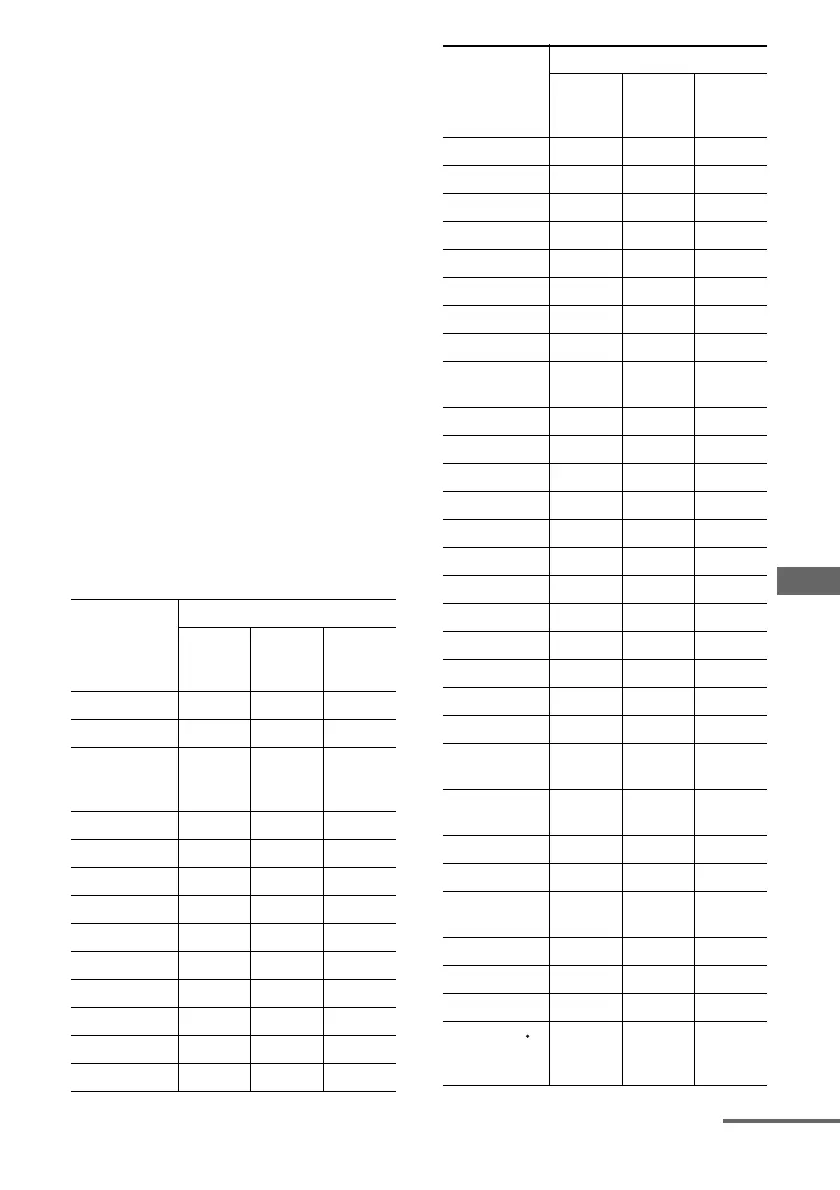
• You can program more than 80 keys for the
Learning function. In some cases, you may not be
able to program even if you have not programmed
80 buttons. The buttons you can program for each
input button are shown in the following table.
Button name
Possible Learning Keys
Function
Can Be
Learned
Others
Function
TV
Function
only
TV z
RM SET UP
?/1
(POWER ON/
STANDBY)
VIDEO1 z
VIDEO2 z
VIDEO3 z
DVD z
TV/SAT z
MD/TAPE z
SA-CD/CD z
TUNER z
PHONO z
MULTI CH z
SOURCE
ZONE 2
2CH
A.F.D.
MOVIE
MUSIC
SLEEP
AMP
CATEGORY
MODE
D. TUNING
AV ?/1 z z
1 zz
2 zz
3 zz
4 zz
5 zz
6 zz
7 zz
8 zz
9 zz
0/10 zz
MEMORY,
ENTER
zz
>10, CLEAR,
-/--
zz
DISPLAY zz
TOOLS zz
RETURN/
EXIT O
zz
Control button zz
MENU zz
.zz
REPLAY
(CATEGORY
–)
zz
Button name
Possible Learning Keys
Function
Can Be
Learned
Others
Function
TV
Function
only
<
continued
US01COV_STR-DG900-U.book Page 91 Wednesday, April 26, 2006 12:15 PM












 To Next Page