92
US
C:\Documents and
Settings\pc13\Desktop\JC060000_2667347112DG900_US\2667347112\US06REM_STR-DG900-
U.fm
masterpage: Left
STR-DG900
2-667-347-11 (2)
• In steps 3, if the button was already learned, RM
SET UP indicator flashes 5 times.
• In step 3, the selected button learning time out is
about 10 seconds.
To activate the input after
programming
Press the programmed button to activate the
input you want.
To cancel learning
Press RM SET UP during any step. The
remote automatically exits the learning mode.
To clear the learned codes
Start over from step 1. After step 2, press ?/1
for more than 1 seconds. The indicator flashes
quickly and press the button you want to clear.
If clearing is successful RM SET UP indicator
flashes slowly twice.
When a learned code is cleared, if the button
was previously programmed for another input
selector, the programmed code for that button
can be used.
To clear the memory of the
remote
To clear all programmed and learned signals,
do the following to reset the remote to factory
settings.
While holding down MASTER
VOL –, press and hold ?/1 and then
press AV ?/1 at the same time.
The indicator flashes 3 times, then goes off.
To use a command that has
been learned
When selecting a learned input, press the
learned button for that input.
ADVANCE
(CATEGORY
+)
zz
>zz
m
TUNING –
zz
M
TUNING +
zz
zz
Xzz
xzz
DISC SKIP zz
MUTING z
MASTER
VOL +/–,
TV VOL +/–
z
PRESET +/–,
TV CH +/–
zz
DVD TOP
MENU
z
DVD MENU z
F1, TV/
VIDEO
zz
F2, WIDE zz
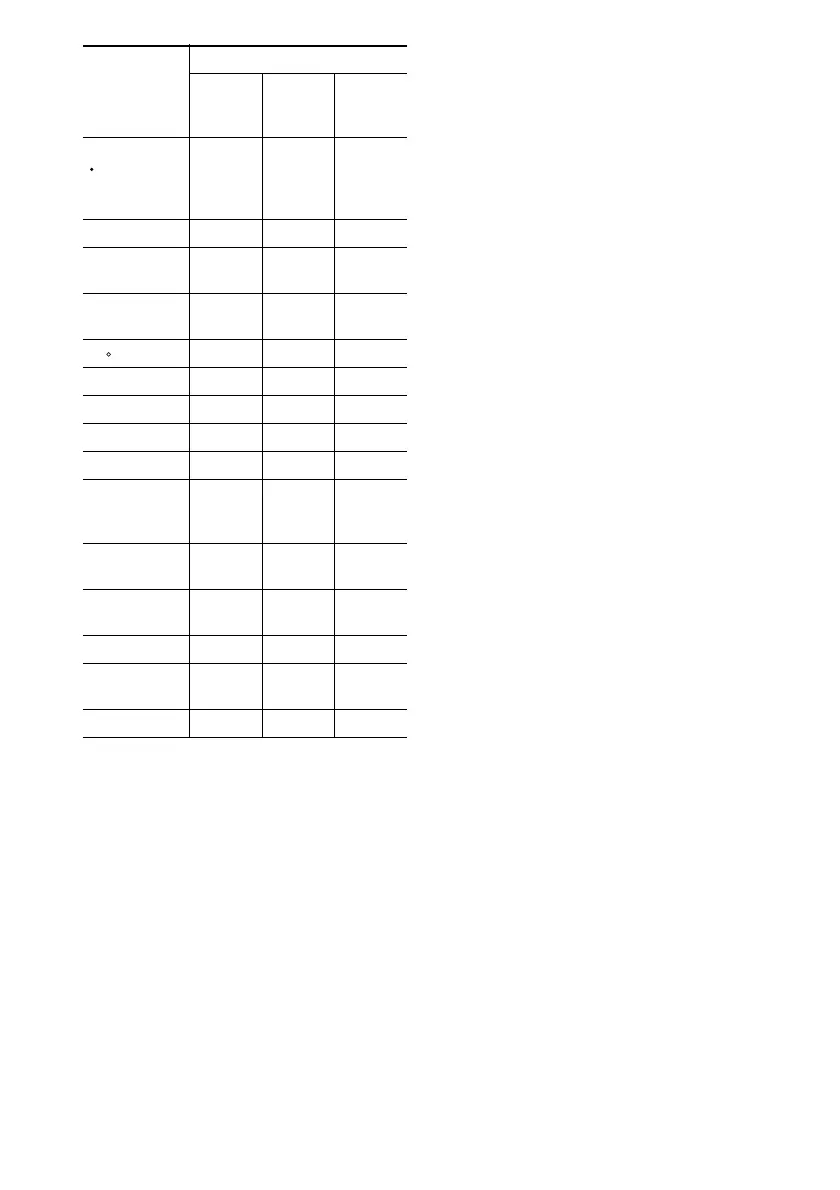
Button name
Possible Learning Keys
Function
Can Be
Learned
Others
Function
TV
Function
only
<
H
US01COV_STR-DG900-U.book Page 92 Wednesday, April 26, 2006 12:15 PM












 To Next Page