STR-DN860/DN1060
30
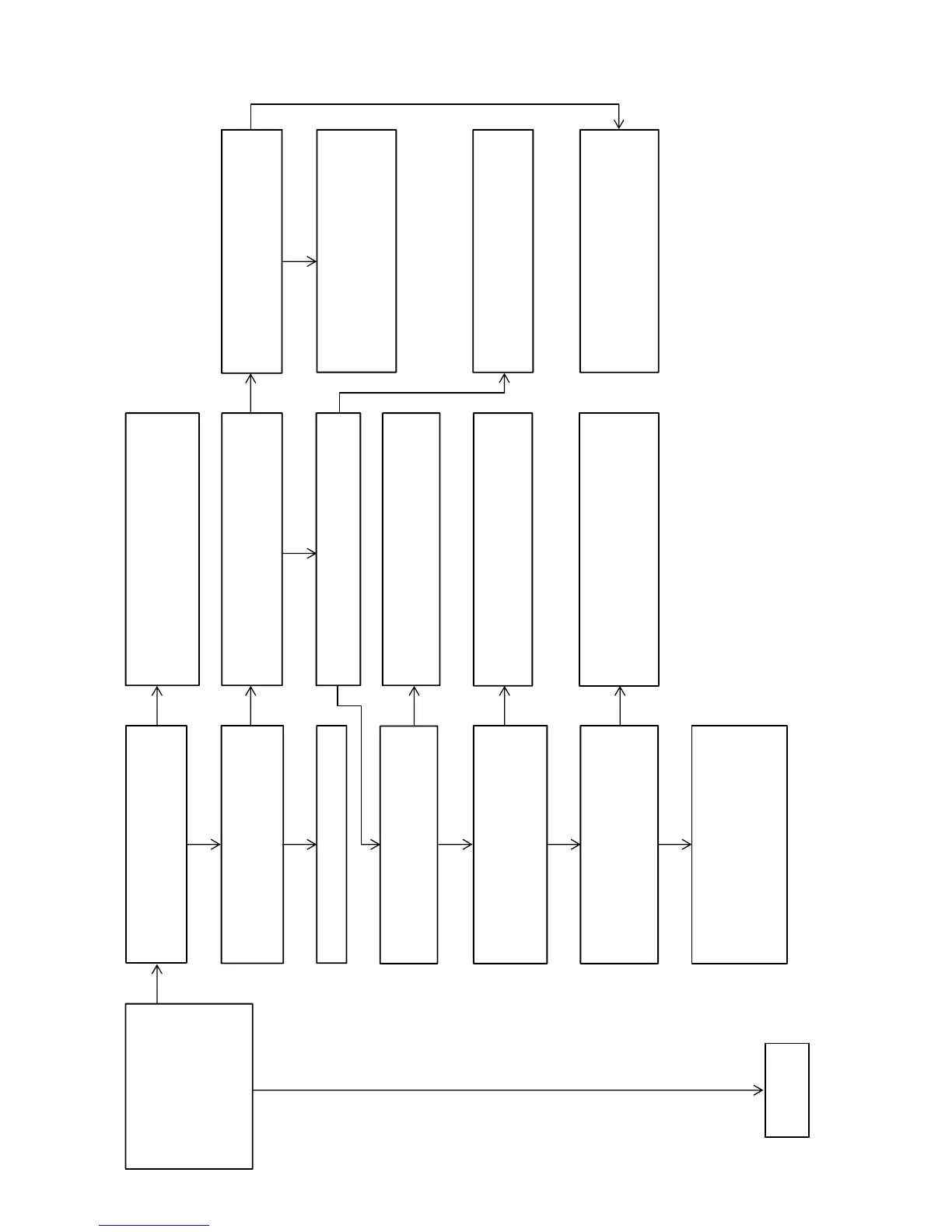
Flow of Repair (when sound is not outputted) (2/5)
Press the [A.F.D.] button to
select the “MULTI ST”, and
check that the sound by various
source (example: coaxial input,
analog input) is outputted from
all the channels (FL/FR/SL/SR/
SBL/SBR/C/SW).
Check that sound occurs from the RY1390 on
the MAIN board by inserting and removing
headphone.
Check the following parts and the surrounding circuit,
and exchange the defective parts.
MB-1409 board: IC3002 HP board: J101
MAIN board: Q1375, RY1390
Check the following parts and the
surrounding circuit, and exchange the
defective parts.
MB-1409 board: IC3002, IC6501, IC6502, X6500
Check the following parts and the surrounding
circuit, and exchange the defective parts.
MB-1409 board: IC3002, IC6002, X6000
Check the following parts and the surrounding
circuit, and exchange the defective parts.
DCDC board: IC1913, IC1914
MB-1409 board: IC313
Check that voltage of pins of the IC6501
on the MB-1409 board is the following value.
pin 4 : 1.12 V ~ 1.2 V pin 8 : 3.3 V
Check that data is outputted from the following pins.
MB-1409 board: IC6002 pin 16, 19, 20, 21
Check the following parts and the surrounding circuit,
and exchange the defective parts.
MB-1409 board: IC3002, IC6500, IC6501
Check the following parts and the surrounding circuit,
and exchange the defective parts.
MB-1409 board: IC3002, IC6000
Check the following parts and the surrounding circuit,
and exchange the defective parts.
MB-1409 board: IC3002
MAIN board: IC1414
Perform the “SOFTWARE VERSION DISPLAY
MODE” (refer to page 20 on the original service
manual), and check that the DSP version is not “0.00”.
Press the [MUTING] button on the remote
commander once, and check that the sound is
outputted from this unit.
Explain the settings of this unit to the customer.
Check that data is outputted from the following
pins.
MB-1409 board: IC6501 pin 73, 86, 88, 94
Check that data is outputted from the following
pins.
MB-1409 board: IC6000
pin 15, 16, 19, 20, 21, 22, 26, 27
Check that data is inputted to the following
pins.
MAIN board: IC1414
pin 47~54
Check the surrounding circuit of power
transistor (example: Q1600 on the MAIN board)
and the surrounding circuit of power amplifier
circuit (example: FL on the MAIN board), and
exchange the defective parts.
OK
– Continued on
page 31 –
OK
NG
NG
NG NG NG
NG
NG
NG
NG
OK
OK
OK
OK
OK
OK OK



 To Next Page