STR-DN860/DN1060
31
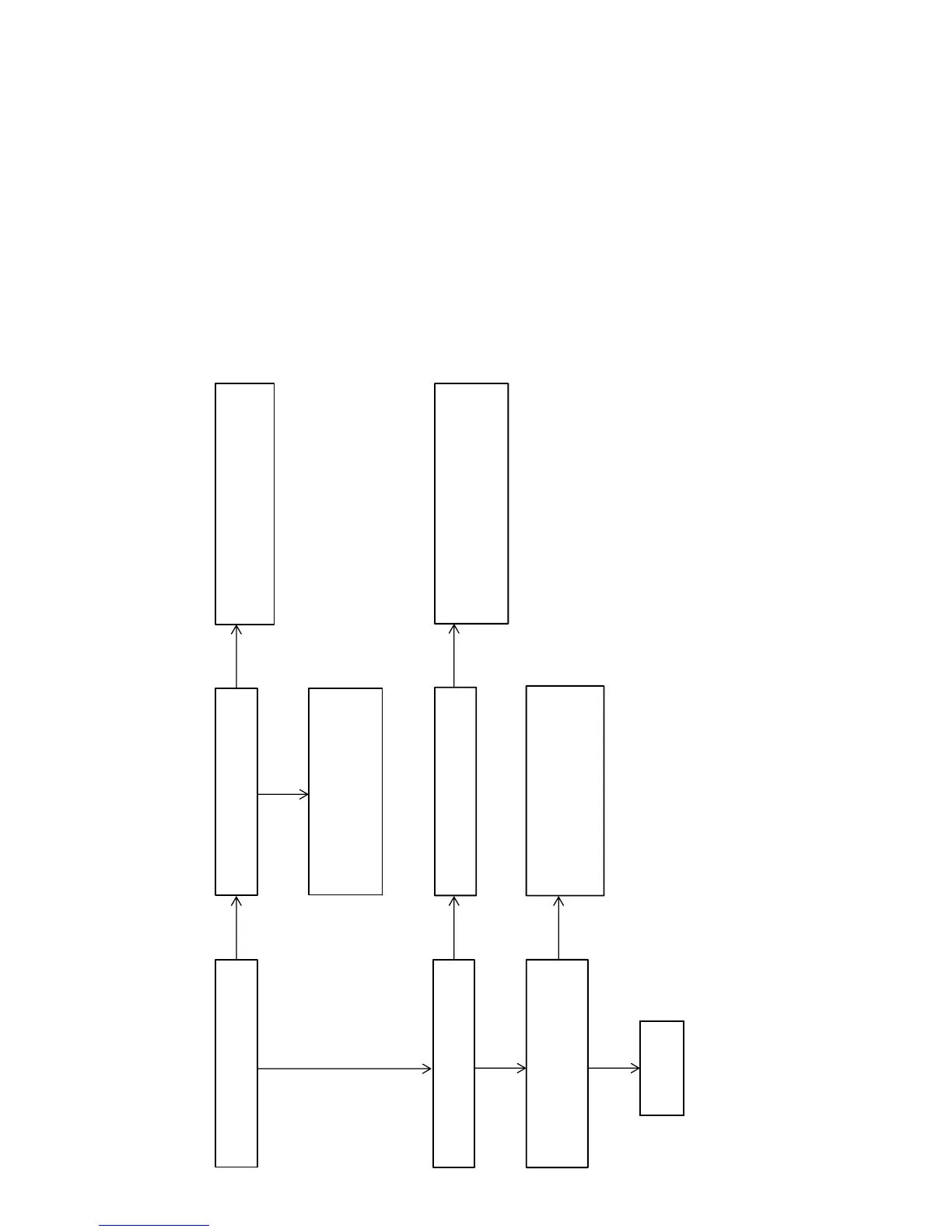
Flow of Repair (when sound is not outputted) (3/5)
Check that the sound from the coaxial
input is outputted.
Check that “COAX” is displayed on the
fluorescent indicator tube.
Check the following parts and the surrounding
circuit, and exchange the defective parts.
MB-1409 board: IC6001, IC6002
Check the following parts and the surrounding
circuit, and exchange the defective parts.
MAIN board: IC1230, IC1231
MB-1409 board: IC6002
Check the following parts and the
surrounding circuit, and exchange the
defective parts.
MB-1409 board: IC6000
Check that “OPT” is displayed on the
fluorescent indicator
Check the following parts and the
surrounding circuit, and exchange the
defective parts.
MAIN board: IC1414, J1401, J1402
Check that the sound from the optical
input is outputted.
Check that the sound from the analog
input is outputted, when the sound field
is “A.F.D. AUTO”.
OK
OK
OK
OK
NG
NG NG
NG
NG
– Continued on
page 32 –



 To Next Page