STR-DN860/DN1060
32
Flow of Repair (when sound is not outputted) (4/5)
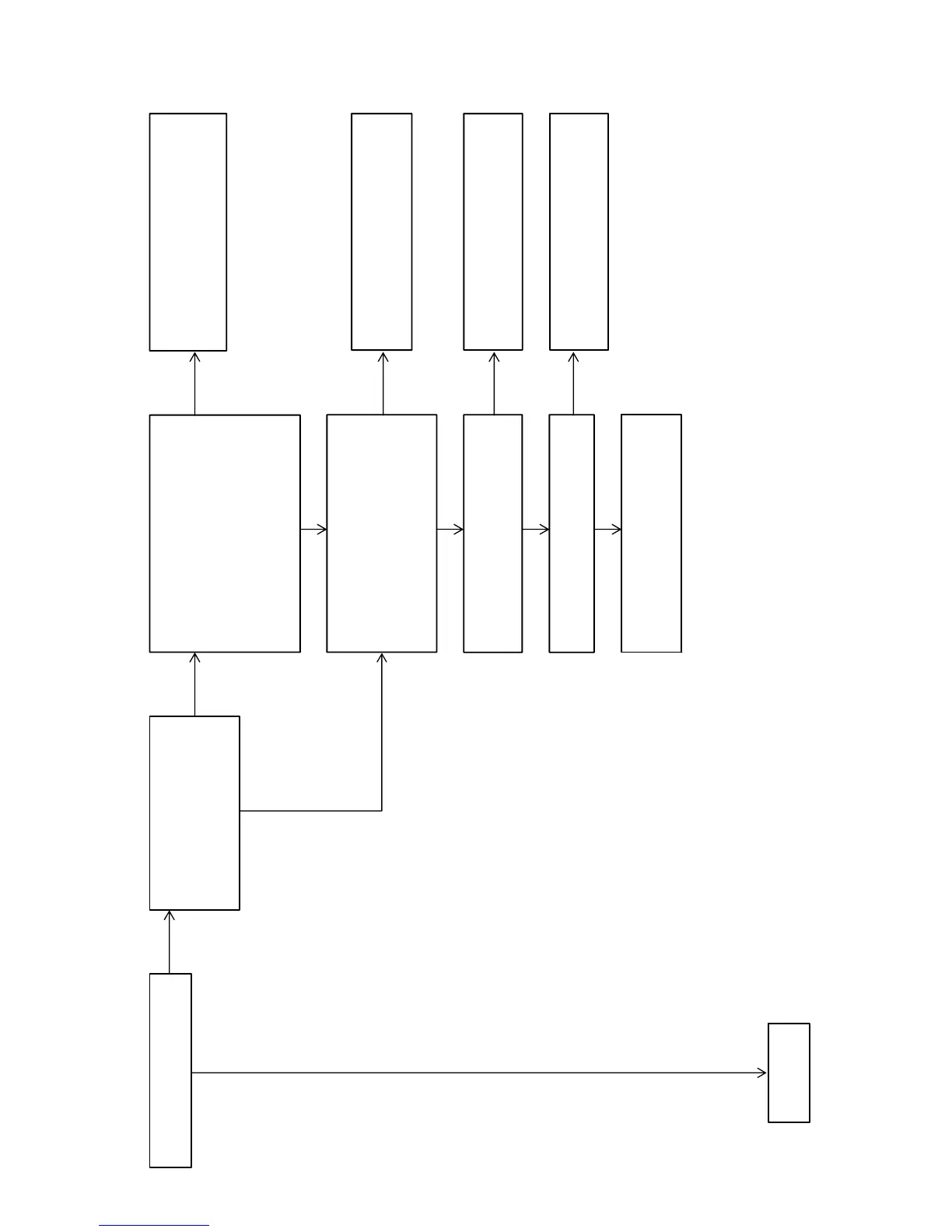
Check that the sound from the HDMI
input is outputted.
Perform the “SOFTWARE VERSION
DISPLAY MODE” (refer to page 20
on the original service manual), and
check that the video micro-processor
version is not “0.00”.
Check that voltages of the connector pins
on the MB-1409 board are the following value.
MB-1409 board:
CN301 pin 3, 4 : +4.5V
CN301 pin 5, 6 : +6.2V
CN301 pin 7, 8 : +2.5V
CN301 pin 9 : +1.9V
CN301 pin 10 : +2.2V
CN301 pin 11 : +6.2V
Check the following parts and the surrounding
circuit, and exchange the defective parts.
DCDC board: IC1911, IC1912, IC1913,
IC1914, IC1915, IC1906, F940
Check the following parts and the surrounding
circuit, and exchange the defective parts.
MB-1409 board: IC3700
Check the following parts and the surrounding
circuit, and exchange the defective parts.
MB-1409 board: IC3001, IC3002
Check the following parts and the surrounding
circuit, and exchange the defective parts.
MB-1409 board: X3000
Check that voltage of the following pin is 3.3 V,
1.3 V.
MB-1409 board: IC3700
pin18 : 1.2V ~ 1.3V
pin112: 3.3V(VOUT)
pin173: 3.3V
Check that voltage of the following pin is 3.3 V.
MB-1409 board: IC3002
pin57: 3.3V(RESET)
Check that the X3000 on the MB-1409 board is
oscillated normally.
Check the following parts and the surrounding
circuit, and exchange the defective parts.
MB-1409 board: IC3002
– Continued
on page 33 –
OK
OK
NG
NG
NG
NG
NG
NG
OK
OK
OK
OK



 To Next Page