EasyManua.ls Logo

Sony Trinitron KV-13VM20 - Page 45

Sony Trinitron KV-13VM20
97 pages
Print Icon
To Next Page IconTo Next Page
To Previous Page IconTo Previous Page
Loading...
WMelersliiares
the
Desired
Program
(INDEX
Search)
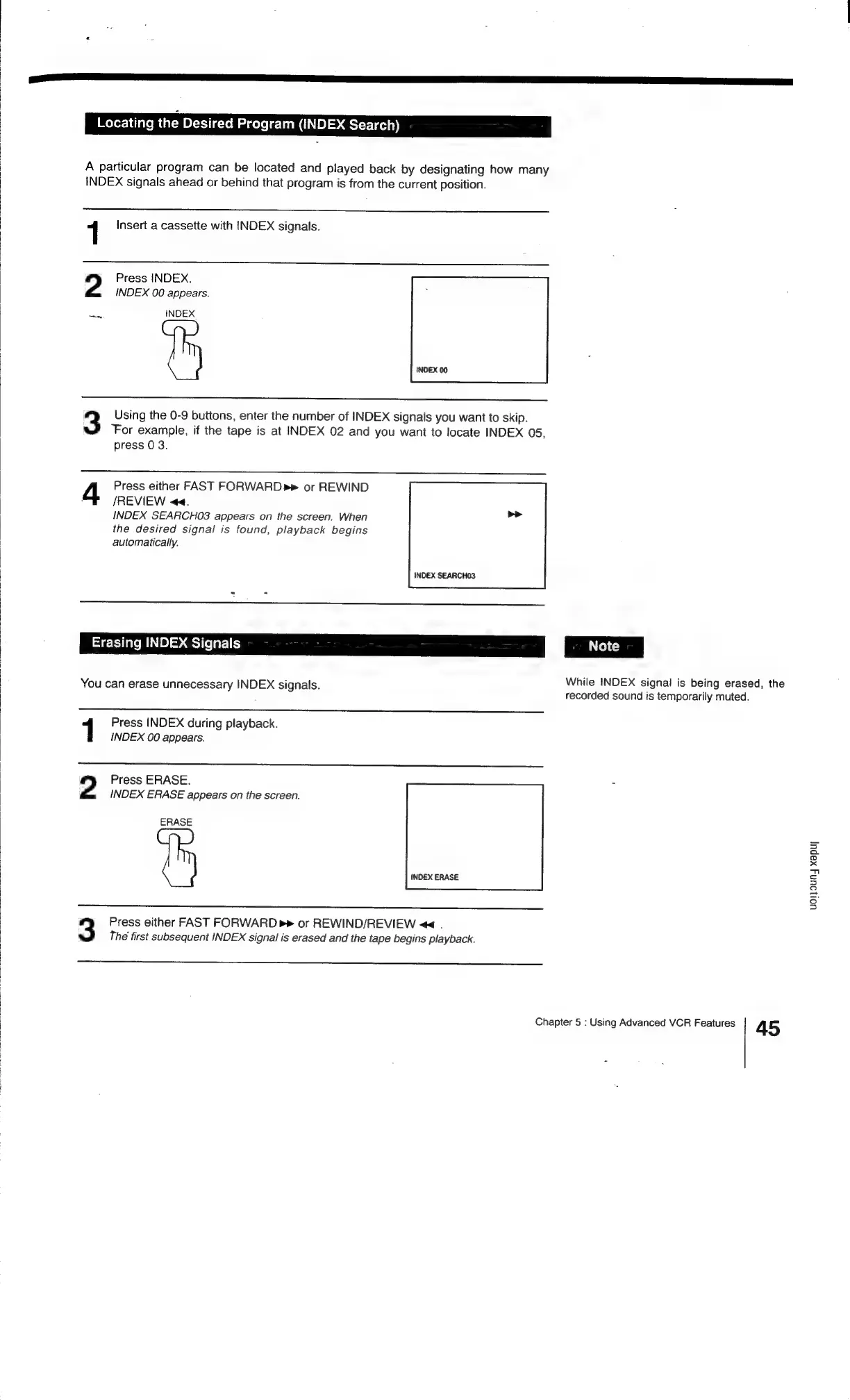
A
particular
program
can
be
located
and
played
back
by
designating
how
many
INDEX
signals
ahead
or
behind
that
program
is
from
the
current
position.
1
Insert
a
cassette
with
INDEX
signals.
2
Press
INDEX.
INDEX
00
appears.
INDEX.
3
Using
the
0-9
buttons,
enter
the
number
of
INDEX
signals
you
want
to
skip.
‘For
example,
if
the
tape
is
at
INDEX
02
and
you
want
to
locate
INDEX
05,
press
0
3.
Press
either
FAST
FORWARD
or
REWIND
/REVIEW
<<.
INDEX
SEARCHO3
appears
on
the
screen.
When
>>
the
desired
signal
is
found,
playback
begins
automatically.
INDEX
SEARCHO3
Erasing
INDEX
Signals
You
can
erase
unnecessary
INDEX
signals.
Press
INDEX
during
playback.
INDEX
00
appears.
2
Press
ERASE.
INDEX
ERASE
appears
on
the
screen.
ERASE
3
Press
either
FAST
FORWARD
p>
or
REWIND/REVIEW
<<
.
The
first
subsequent
INDEX
signal
is
erased
and
the
tape
begins
playback.
While
INDEX
signal
is
being
erased,
the
recorded
sound
is
temporarily
muted.
Chapter
5
:
Using
Advanced
VCR
Features
45
uolouny
xapuy

Related product manuals