10
17
Using Optional Equipment
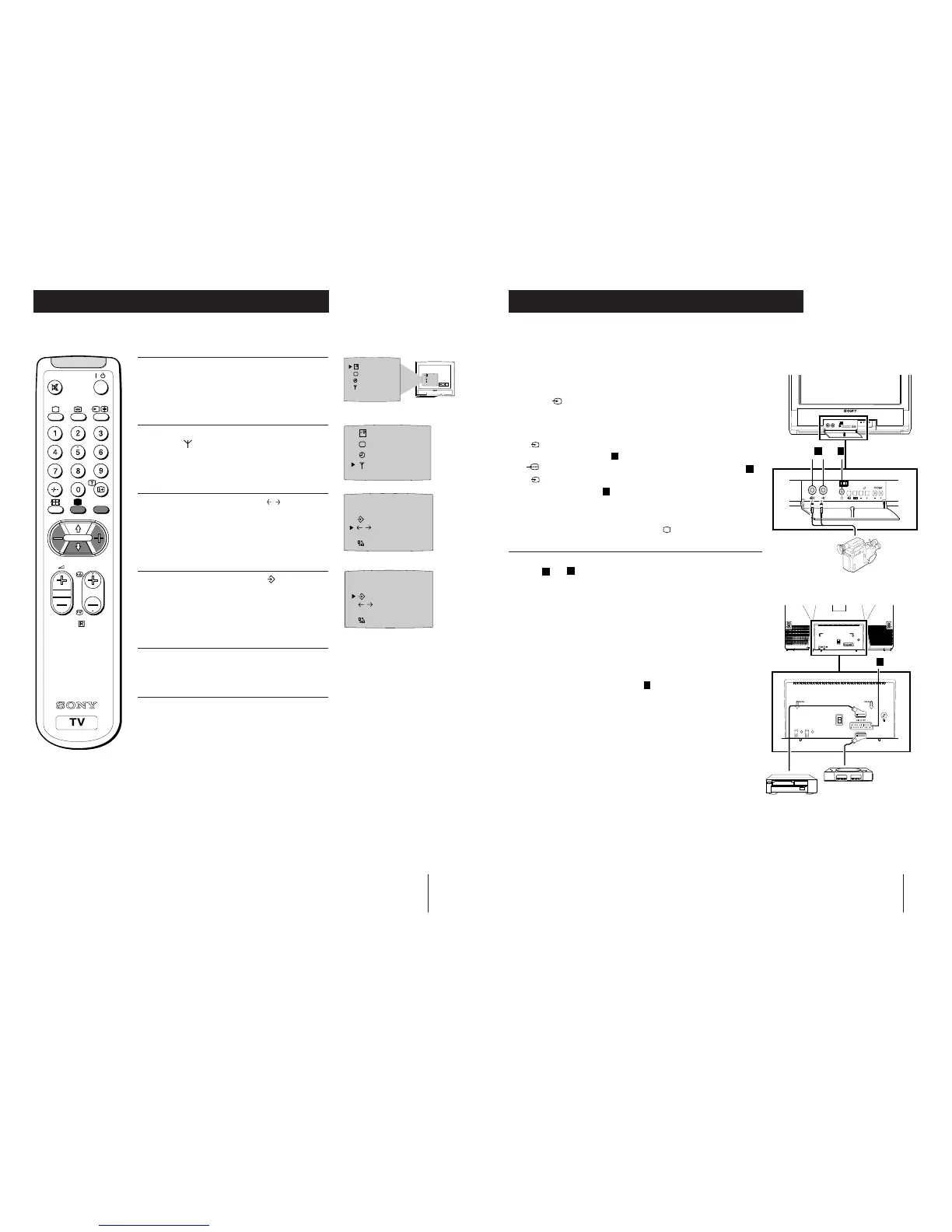
Optional Connections
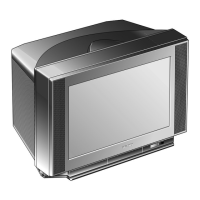
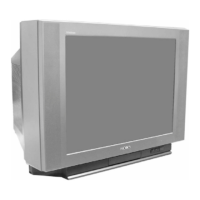
Front of TV
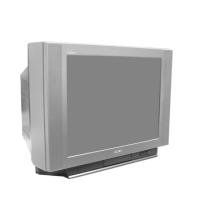
Rear of TV
Select and View the Input Signal
1
Connect your equipment to the designated TV socket.
2 Press
the
button repeatedly on your remote control until the
correct input symbol appears on the TV screen.
Symbol Input signals
1
• Audio/video input signal through the Euro AV
connector
C
• RGB input signal through the Euro AV connector
C
2
• Audio/video input signal through the phono
sockets
A
3 Switch on the connected equipment.
4 To return to normal TV picture, press the
button on the remote
control.
NOTE : To avoid picture distortion, do not connect equipment to the
A
and
C
connectors at the same time.
Additional Information
Connecting a VCR
We recommend you tune in the VCR signal to TV programme number `0'
using the `Manually Tuning in the TV' section of this instruction manual.
Connecting Headphones
Plug in your headphones to the socket
B
on the front of the TV set.
You can connect optional audio or video equipment to your TV, such as a VCR, a
camcorder or video games as shown.
1
2
A
B
8mm/Hi8
camcorder
VCR
Playstation
C
15
If a channel is slightly off tune, you can use this fine tune procedure to obtain a better
picture reception.
1 With the channel you wish to fine-tune on the
screen, press the MENU button on the remote
control. The menu display appears on the TV
screen.
2 Press the blue button on the remote control to
select the
symbol on the TV screen then press
the yellow button.
3 Press the blue button to select the
F
symbol on
the TV screen then press the red or yellow button
to adjust the tuning.
4 Press the blue button to select the symbol on the
TV screen then press the yellow button to store.
5 Press the MENU button to remove the menu from
the TV screen.
Fine-Tuning Channels
Additional TV Features
SELEC
T
PROGR 01
CH 05 IIIIIIIIIIIIIII- - - - - - - -
C
OO
F
PROGR 01
CH 05 IIIIIIIIIIIIIII- - - - - - - -
COO
F
OK
SELEC
T
SELEC
T
RM-883
PROGR
MENU
/



 To Next Page