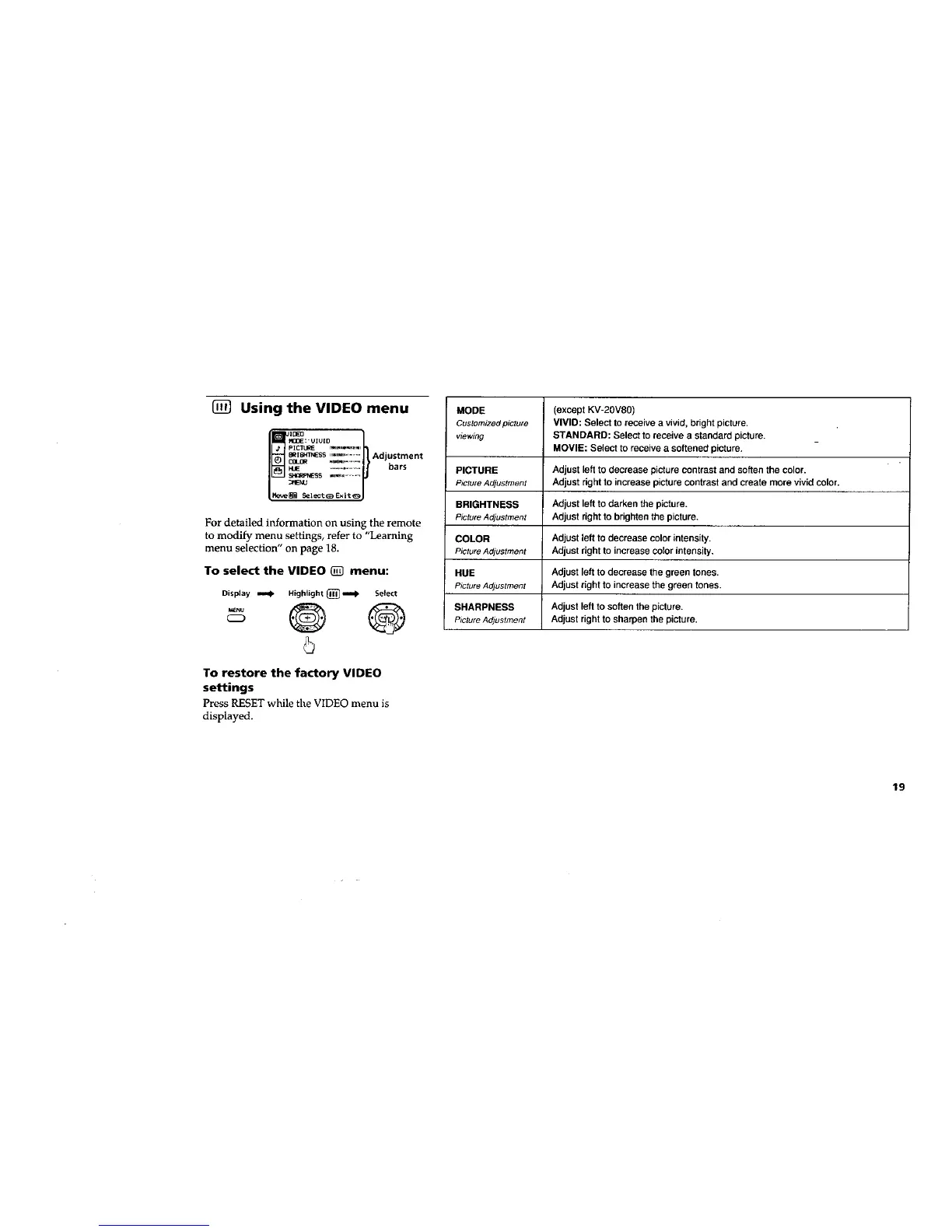
[] Using the VIDEO menu
_;'UIUID I
B_I_SS ,,,=,,=,_........... Ad ustment
HUE ........................ bars
For detailed information on using the remote
to modify menu settings, refer to "Learning
menu selection" on page 18.
To select the VIDEO [] menu:
Display _ Highlight[] _ Select
CD
5
To restore the factory VIDEO
settings
PressRESETwhile the VIDEO menu is
displayed.
MODE (except KV-2OV8O)
Customizedpicture VIVID: Select to receive a vivid, bright picture.
viewing STANDARD: Select to receive a standard picture.
MOVIE: Select to receive a softened picture.
PICTURE Adjust left to decrease picture contrast and soften the color.
P_ctureAdjustment Adjust right to increase picture contrast and create more vivid color.
BRIGHTNESS Adjust left to darken the picture.
PictureAdjustment Adjust right to brighten the picture.
COLOR Adjust left to decrease color intensity.
Picture Adjustment Adjust right to increase color intensity,
HUE Adjust left to decrease the green tones.
Picture Adjustment Adjust right to increase the green tones.
SHARPNESS Adjust left to soften the picture.
Picture Adjustment Adjust right to sharpen the picture.
19








 To Next Page