Operations
-EN
19
p KV-J25MH2/J29MH2/J25MN21/J29MN21 only
You can enjoy stereo sound or bilingual programs of
NICAM and A2 (German) stereo systems.
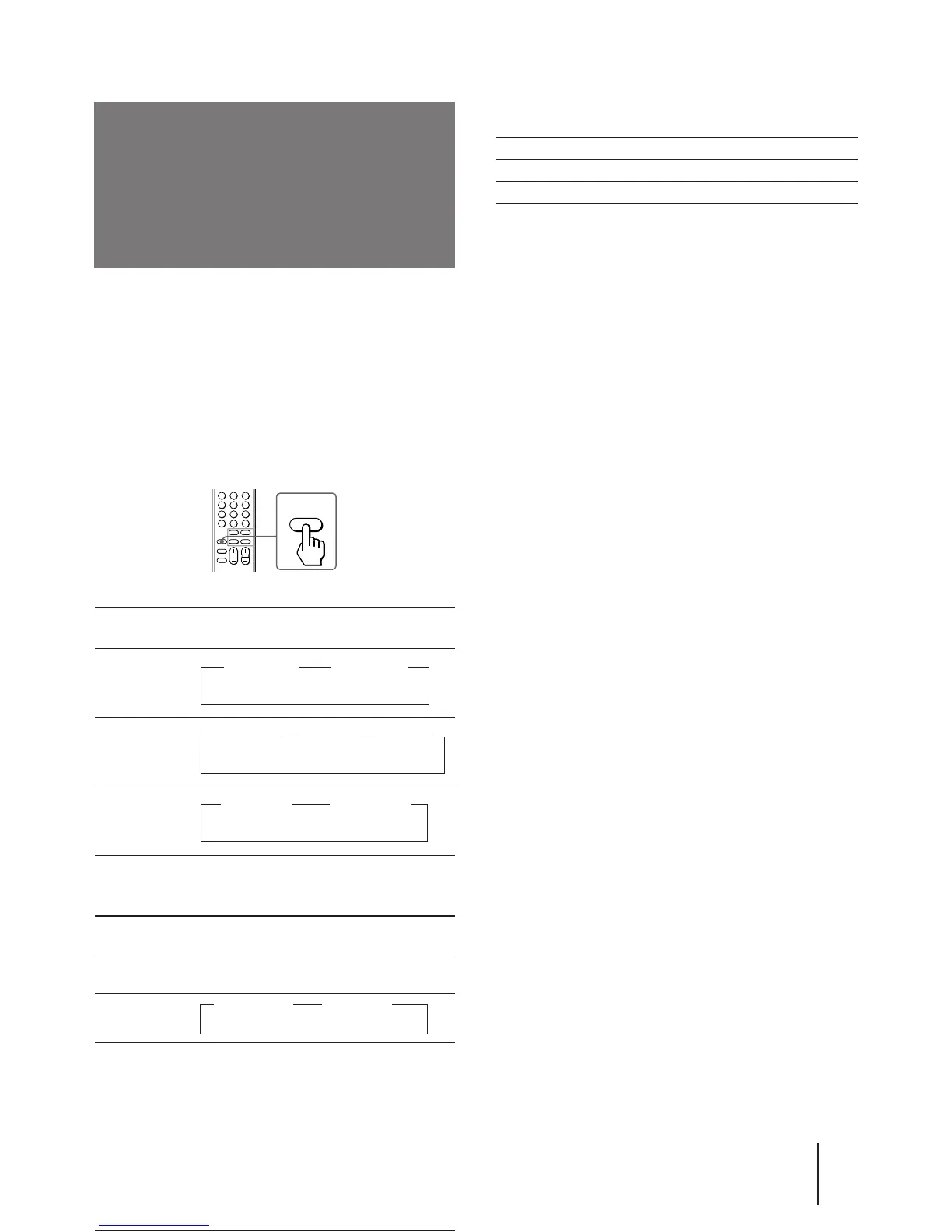
Press A/B/ENLARGE repeatedly until you
receive the sound you want.
The on-screen display changes corresponding to the
selected sound, and the STANDBY/STEREO/WAKE
UP indicator also lights up.
When receiving a NICAM program
Broadcasting
NICAM stereo
NICAM bilingual
NICAM monaural
When receiving an A2 (German) program
Broadcasting
A2 (German)
stereo
A2 (German)
bilingual
Selecting a stereo or
bilingual program
On-screen display
(Selected sound)
z MONO
(Regular sound)
z MONO
(Regular
sound)
NICAM
z MAIN
(Main sound)
NICAM
z SUB
(Sub sound)
NICAM
z MAIN
(Main sound)
z MONO
(Regular sound)
On-screen display
(Selected sound)
STEREO
(Stereo sound)
Receiving area for NICAM and A2 (German)
programs
System Receiving area
NICAM Hong Kong, Singapore, New Zealand, etc.
A2 (German) Australia, Malaysia, Thailand, etc.
Notes
• If the signal is very weak, the sound becomes monaural
automatically.
• If the stereo sound is noisy when receiving a NICAM program,
select “MONO.” The sound becomes monaural, however, the
noise will be reduced.
A/B
ENLARGE
z MAIN
(Main sound)
z SUB
(Sub sound)
z NICAM
(Stereo sound)





 To Next Page