Operations
22
-EN
Adjusting the picture tilt
p KV-J29MF1/J29MF1S/J29MH2/J29MN21 only
You can adjust the picture tilt if it is not aligned to the
TV screen. This may happen due to the direction of the
earth’s magnetic fields in relation to the TV position.
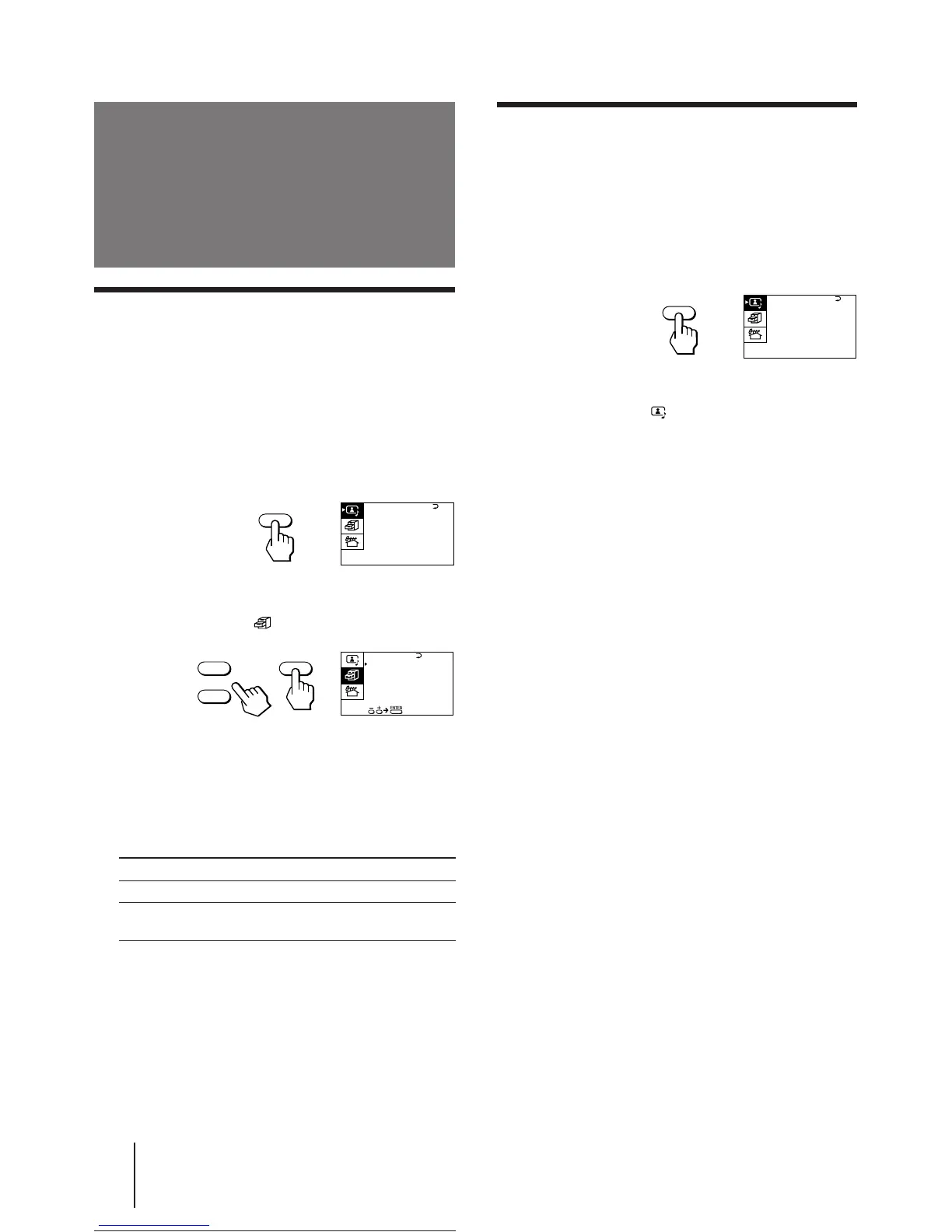
1 Press MENU.
2 Make sure the cursor (z) appears in the A/V
CONTROL menu ( ), and press ENTER.
3 Press + or – to move the cursor (z) to TILT
CORRECT, and press ENTER.
4 Press + or – to select the most suitable
value to adjust the picture tilt, and press
ENTER.
TILT CORRECT:
–5 N –4 N –3 N –2 N –1 N 0 n +1 n +2 n +3 n +4 n +5
Press – Press +
Customizing the TV
Using the AV OUT (advanced rec-out)
terminal
You can select the output signal from the MON/TV
OUT jacks at the rear of the TV. However, the signal of
the Teletext broadcast cannot be output even though
MONITOR is selected (for KV-J25MN21/J29MN21
only).
1 Press MENU.
2 Press + or – to move the cursor (z) to the
FEATURES menu ( ), and press ENTER.
3 Press + or – to move the cursor (z) to AV
OUT, and press ENTER.
4 Press + or – to select the output signal, and
press ENTER.
Select To
TV Output the signal of the TV broadcast.
MONITOR Output the signal of the picture you are
watching as a main picture.
Note
• Do not change the channel while recording with a VCR
through the MON/TV OUT jacks. If you change the channel, it
also changes the channel you are recording.
A / V CONTROL
DYNAMIC
SOFT
STANDARD
PERSONAL
V I DEO ADJUST
AUD I O ADJUST
MENU
+
–
SURROUND :
OFF
MONITOR
AV OUT :
FEATURES
ENTER





 To Next Page