14 Advanced Operations
Sony KV-SA32M36 Group F12 (GB)_2-348-392-11 (1)
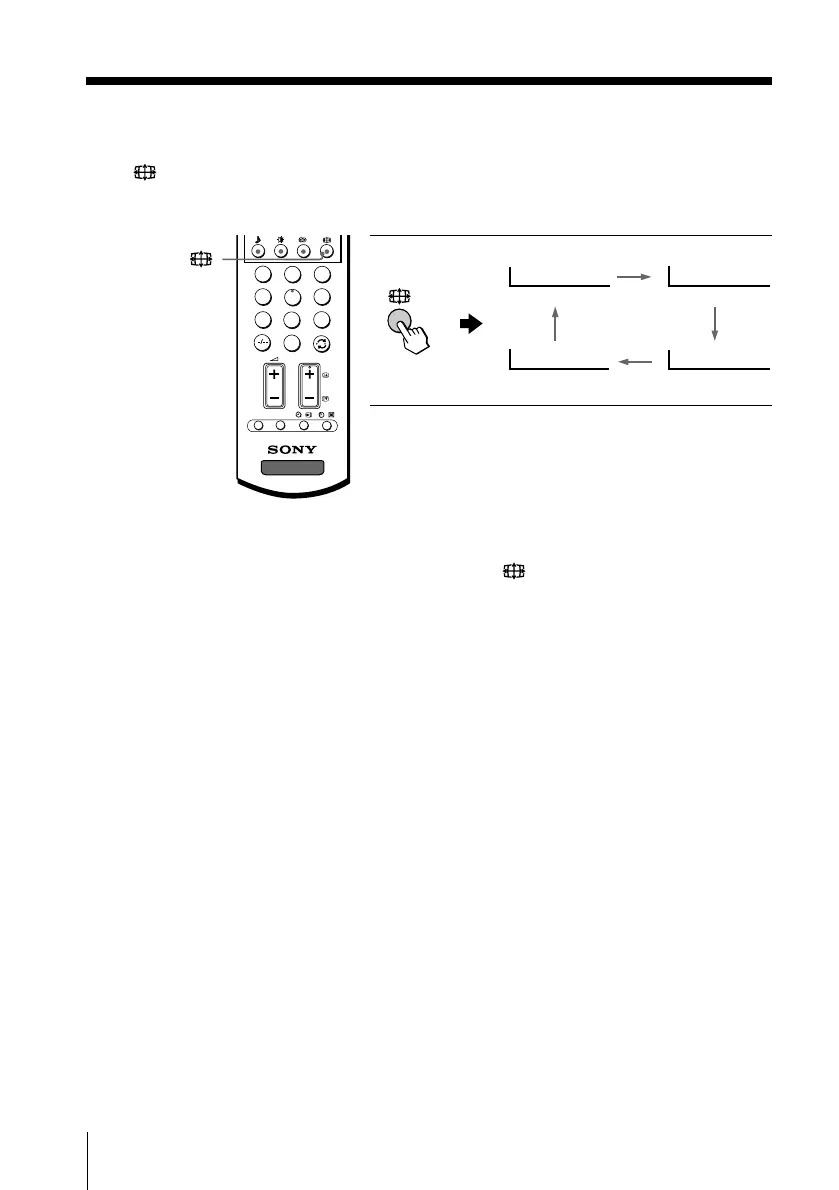
Watching the picture in wide screen mode manually
Press repeatedly until the mode indication you want is displayed on the screen.
Notes
• You can also select the wide screen mode manually using the menu (see page 27).
• When the wide screen mode is selected by pressing the
button on the remote or using the
menu, the Auto Wide feature does not work temporarily.
The Auto Wide feature functions again when:
– you change a TV channel.
– you change the video input.
– the TV is turned off and on again.
– the signal format is changed.
continued
Wide Zoom Normal
Zoom Full
1
2
3
4
6
7
8
9
0
5
TV
PROG
OPTION RESET
01GB05AVD-STMOce.p65 10/14/04, 6:07 PM14
Black








 To Next Page