17
Advanced Operations
Sony KV-SA32M36 Group F12 (GB)_2-348-392-11 (1)
When receiving a NICAM program
Broadcasting On-screen display (Selected sound)
NICAM
stereo
NICAM
bilingual
NICAM
monaural
When receiving an A2 program
Broadcasting On-screen display (Selected sound)
A2
stereo
A2
bilingual
NICAM
(Stereo sound)
Mono
(Regular sound)
t
t
NICAM Main
(Main sound)
NICAM Sub
(Sub sound)
Mono
(Regular sound)
tt
t
Mono
(Regular sound)
Stereo
(Stereo sound)
t
t
Main
(Main sound)
Sub
(Sub sound)
t
t
NICAM Main
(Main sound)
Mono
(Regular sound)
t
t
x
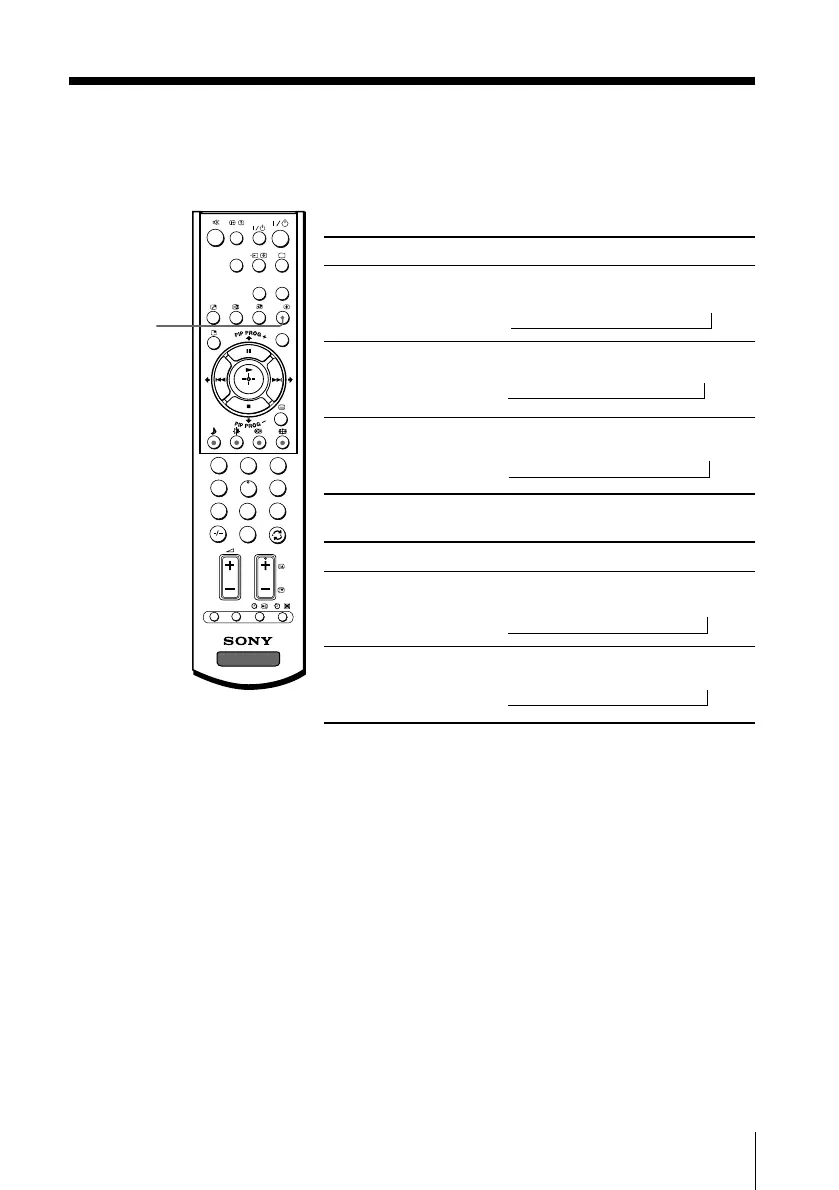
Enjoying stereo or bilingual programs
You can enjoy stereo sound or bilingual programs of NICAM and A2 stereo
systems by using the A/B button.
Note
• If the stereo sound is noisy when receiving a stereo program, select “Mono”. The sound
becomes monaural but the noise is reduced.
1
2
3
4
6
7
8
9
0
5
DVD
MENU
TV
PROG
VIDEO
A/B
OPTION RESET
CENTER
SP
WEGA
THEATRE
A/B
01GB05AVD-STMOce.p65 10/14/04, 6:07 PM17
Black








 To Next Page