29
Menu Adjustment
Sony KV-SA32M36 Group F12 (GB)_2-348-392-11 (1)
x C
hanging the “Channel Setup”
setting
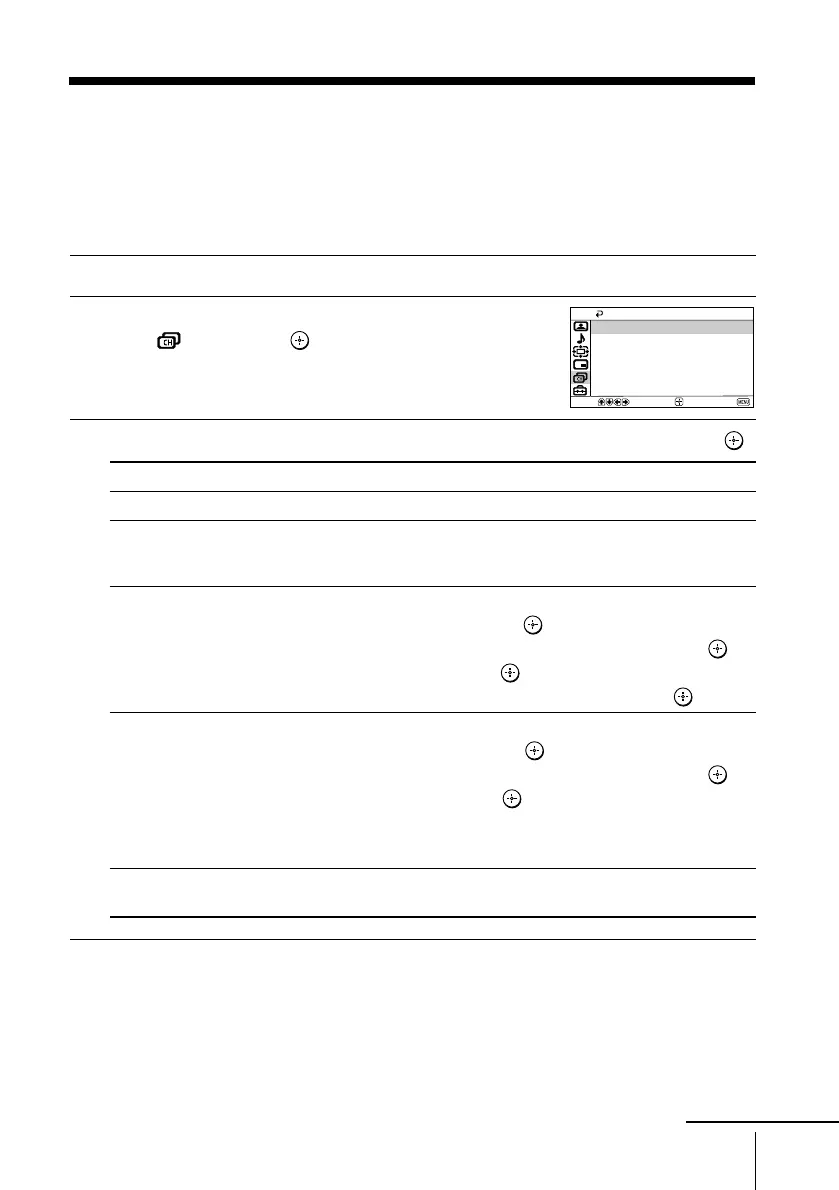
The “Channel Setup” menu allows you to preset channels automatically,
manually preset channels, label the program number, block unwanted programs
and change the order of TV channels that appear on the screen.
1
Press MENU.
2
Press V or v to select the “Channel Setup”
icon (
), then press .
3
Press V or v to select the desired item (e.g., “Auto Program”), then press .
Select To
“Auto Program” preset channels automatically.
“Manual Program” manually preset desired channels and channels that cannot be
preset automatically (see Presetting channels manually on
page 30).
“Program Label” label the program number.
(1) Select “Program” and press
.
Press V or v to select the program number, then press .
(2) Select “Label” and press . Press V or v to select
alphanumeric characters for the label, then press .
“Program Block” block unwanted programs.
(1) Select “Program” and press .
Press V or v to select the program number, then press .
(2) Select “Block” and press , then press V or v to choose
either “On” or “Off”.
If you preset a blocked program number, that program number
will be unblocked automatically.
“Program Sorting” change the order in which the channels appear on the screen.
(see step 3 b) of the section “Intial Setup” in page 7).
Notes
• You may label the program numbers so that you can see the program labels in the “Program
Sorting” menu.
• If you sort a blocked program, that program will remain blocked.
Channel Setup
Program Block
Manual Program
Auto Program
Program Label
Program Sorting
Select
End
Confirm
continue
01GB06ADJ-STMOce.p65 10/14/04, 6:07 PM29
Black








 To Next Page