31
Menu Adjustment
Sony KV-SA32M36 Group F12 (GB)_2-348-392-11 (1)
x Changing the “Setup” setting
The “Setup” menu allows you to change the menu language, adjust the picture
position, setup WEGA Theatre Mode, label the connected equipment and select
the color system.
1
Press MENU.
2
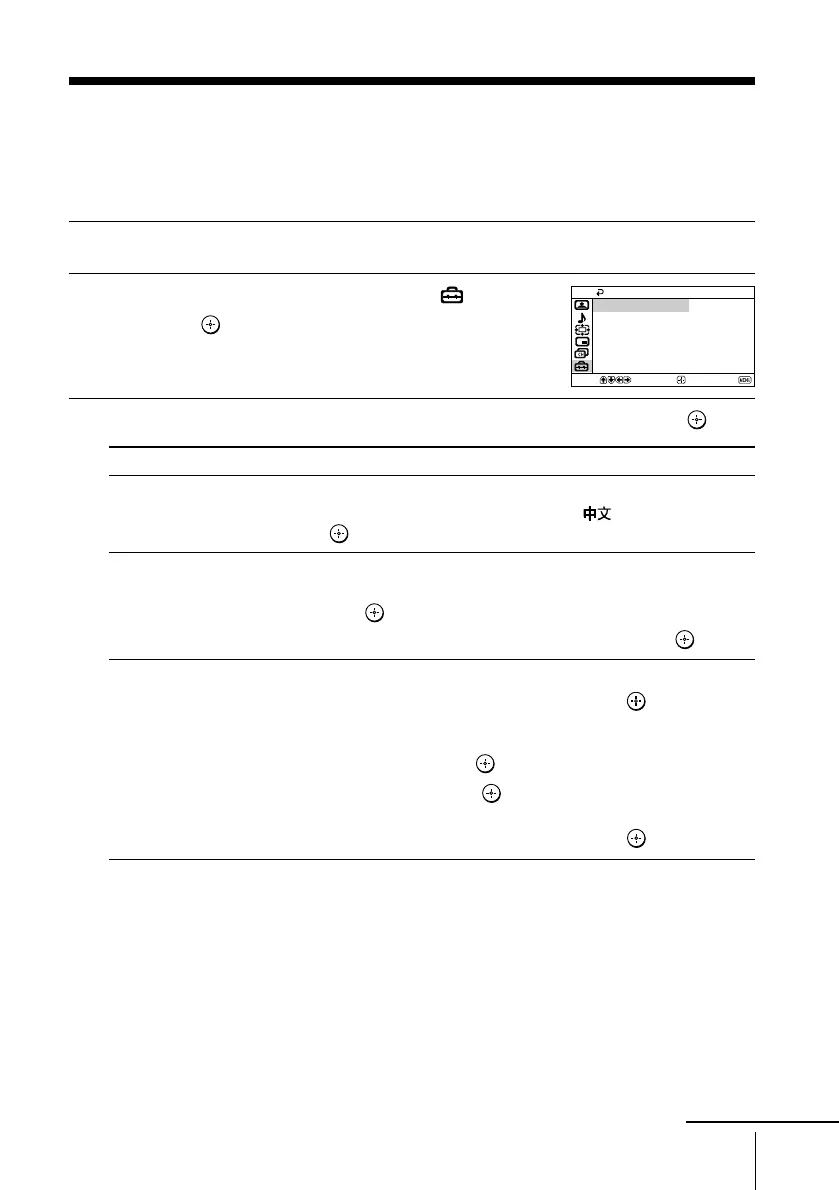
Press V or v to select the “Setup” icon ( ),
then press
.
3
Press V or v to select the desired item (e.g., “Language”), then press .
Select To
“Language” change the menu language.
Press V or v to select either “English” or “ ” (Chinese), then
press
.
“Picture Position” adjust the picture position when it is not aligned with the TV screen.
Press V or v to select “Picture Rotation” or “Picture V-Position”,
then press .
Press V, v, B or b to adjust picture position, then press .
“WEGA Theatre Setup” enjoy best picture, sound and surround effect of a cinema.
Press V or v to select “Direct Input”, then press .
Select either “Video 1”, “Video 2”, “Video 3”, “Video 4” or
“DVD” for the connected equipment that you want to view with
WEGA theatre, then press .
Select “Speaker” and press . Normally select “MAIN”.
When you want to use the TV’s speakers as the center speaker,
press V or v to select “CENTER IN”, then press .
Confirm
End
Setup
WEGA Theatre Setup
Picture Position
Language: English
Video Label
Color System: Auto
Select
continue
01GB06ADJ-STMOce.p65 10/14/04, 6:07 PM31
Black








 To Next Page