26 Menu Adjustment
Sony KV-SA32M36 Group F12 (GB)_2-348-392-11 (1)
Reset
100 300 1k 3k 8k
Adjust
Adjustment: Personal
Confirm
End
Select
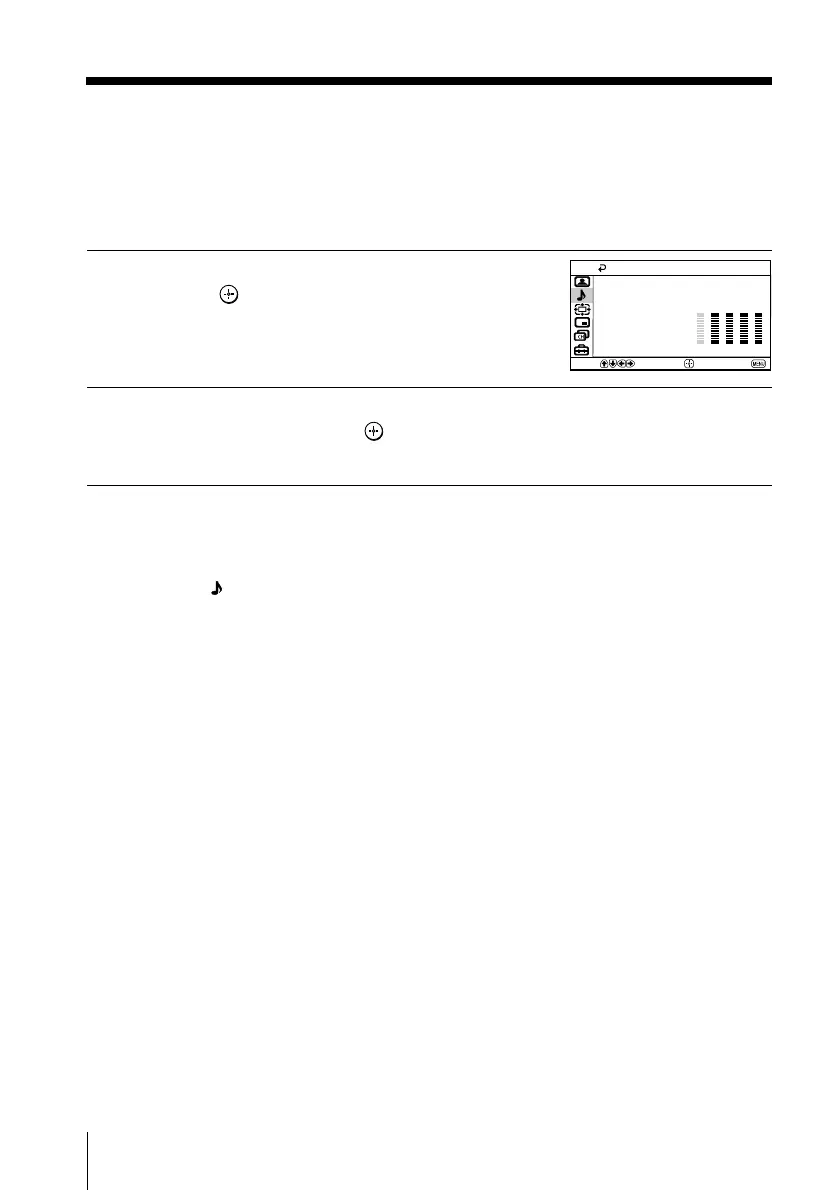
Adjusting the “Sound Adjustment” item under
“Personal” mode
The 5-Band Graphic Equalizer feature allows you to adjust sound frequency settings
of “Personal” mode in the menu.
1
Make sure that “Adjust” is selected,
then press
.
Selecting “Reset” will set your TV to
the factory setting.
2
Press B or b to select the desired sound frequency, then press V or v to
adjust the setting and press
.
The adjusted settings will be received when you select “Personal”.
Notes
• Adjusting higher frequency will affect higher pitched sound and adjusting lower frequency
will affect lower pitched sound.
• You may display the settings directly using the SOUND MODE button on the TV front panel
(see page 9) or
button on the remote control (see page 10).
continued
01GB06ADJ-STMOce.p65 10/14/04, 6:07 PM26
Black








 To Next Page