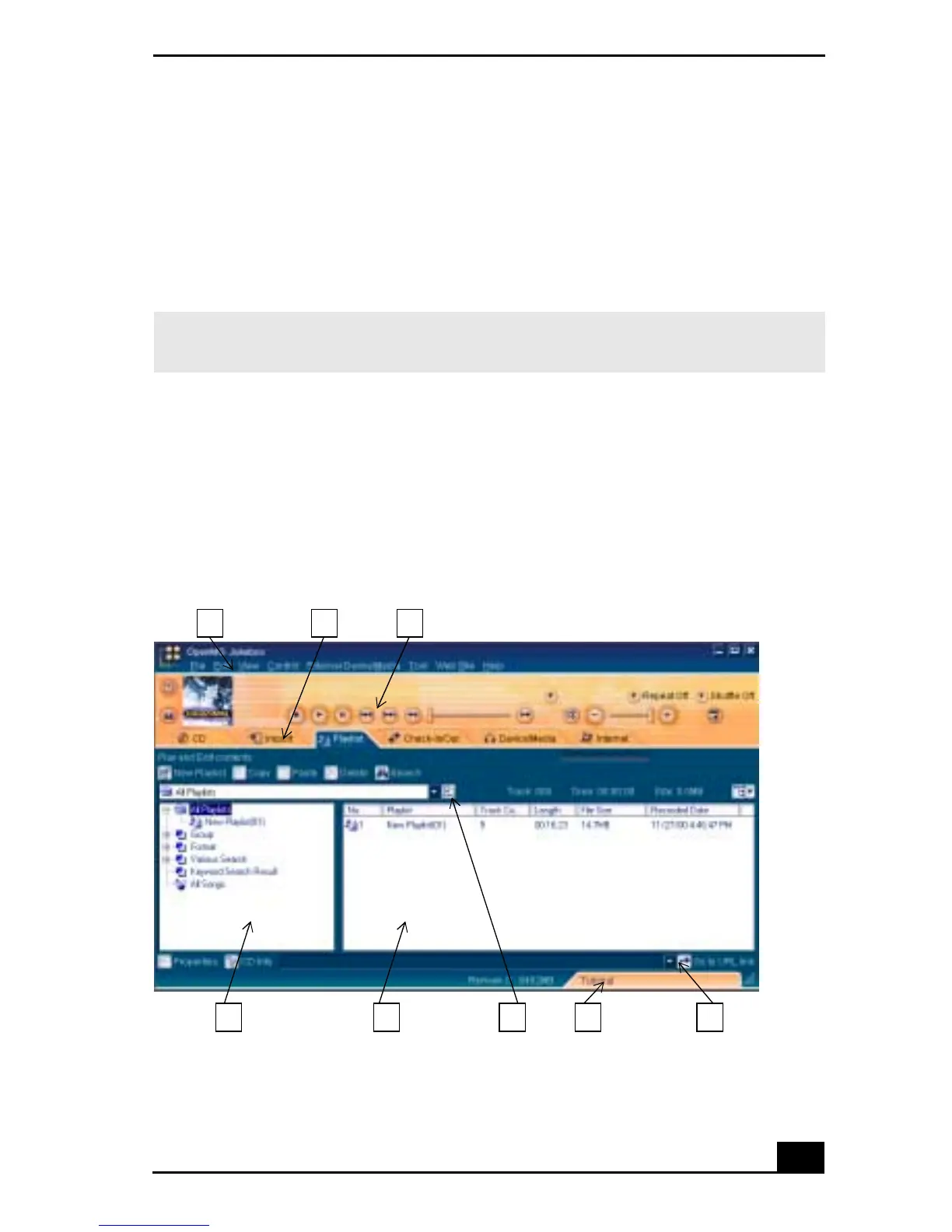
OpenMG Jukebox
101
To start OpenMG Jukebox 2.0
1 From the Start button on the Windows taskbar, select Programs, OpenMG
Jukebox, and then click on OpenMG Jukebox. The CDDB
®
Music
Recognition Service Registration wizard appears.
2 Follow the onscreen instructions to complete registration.
3 When you have registered with CDDB, the “Set OpenMG Jukebox as the
Application for playing Audio CD” dialog box appears. You can set
OpenMG Jukebox as the default application for playing audio CDs by
selecting the appropriate checkbox.
4 Click OK. The OpenMG Jukebox window appears.
✍ To register with CDDB, you will need Internet access from your notebook. For more
information regarding CDDB registration, click the Help button.
OpenMG Jukebox 2.0 Basic Features
1 2 3
4 5 6 7 8









 To Next Page