Using the Center Jog Dial Control
27
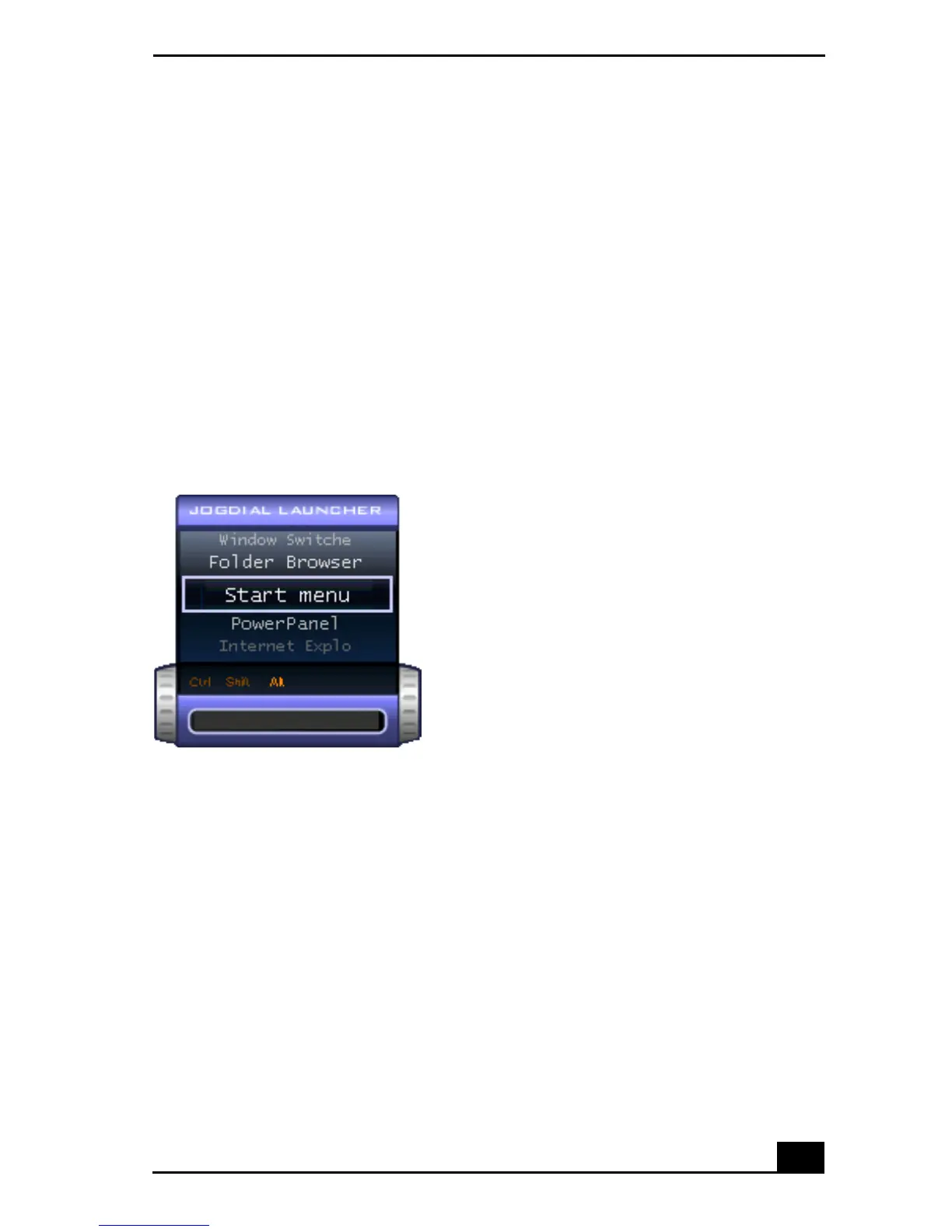
Launcher mode
The Jog Dial control window is in launcher mode until a software application is
launched or the Jog Dial control window becomes active. When you select an
item in the Jog Dial window and it is displayed between orange bars, you can
press the center Jog Dial control to view a submenu of that item.
Using Launcher mode
To use the center Jog Dial control, click the Jog Dial control window or the Jog
Dial Utility icon in the task tray. Alternatively, you can press the Ctrl key and the
center Jog Dial control while the Jog Dial window is active to switch to launcher
mode.
To select a desired item, proceed as follows:
Jog Dial Launcher









 To Next Page