VAIO Support Agent
149
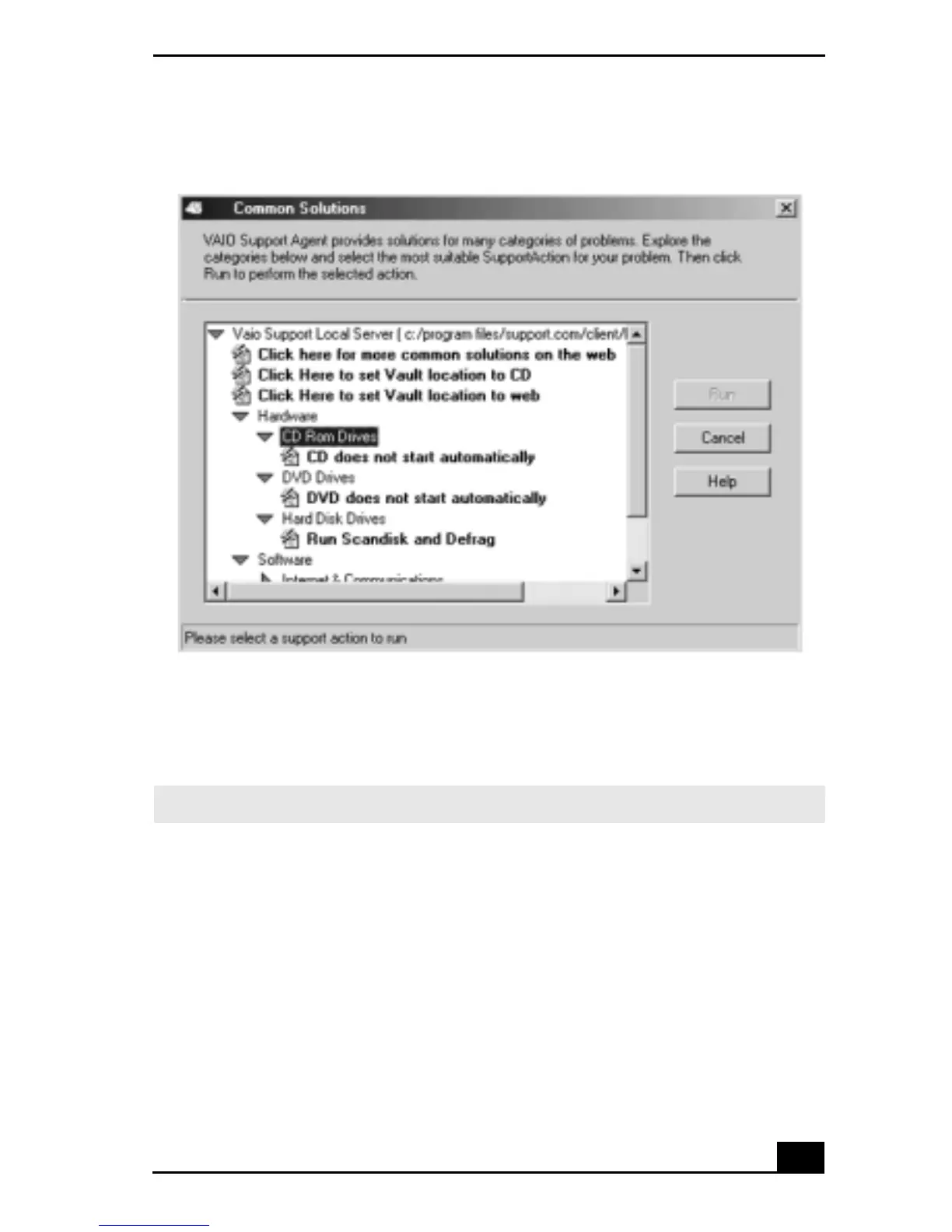
4 Select the appropriate SupportAction from the list.
5 Click Run or double-click the desired SupportAction. The available
SupportActions are shown in bold type.
To use Support Central
The Support Central feature uses Internet resources to help you fix your software.
Support Central searches the Internet for answers to your questions, additional
information from knowledge base systems, and the latest software updates for
your protected software. Support Central also lets you contact live support agents
for additional help.
Common Solutions dialog box (2nd level)
✍ You cannot undo One-Click Fixes.









 To Next Page