Change text in this variable definition to document title.
98
3 Click . A 30-second scene is automatically generated and saved
to the Product tray.
4 To preview, switch the Work Panel to Product tray mode and press play.
Editing clips and scenes
You can edit your movie by adding effects and text, adjusting the color and
contrast, and modifying the length of clips.
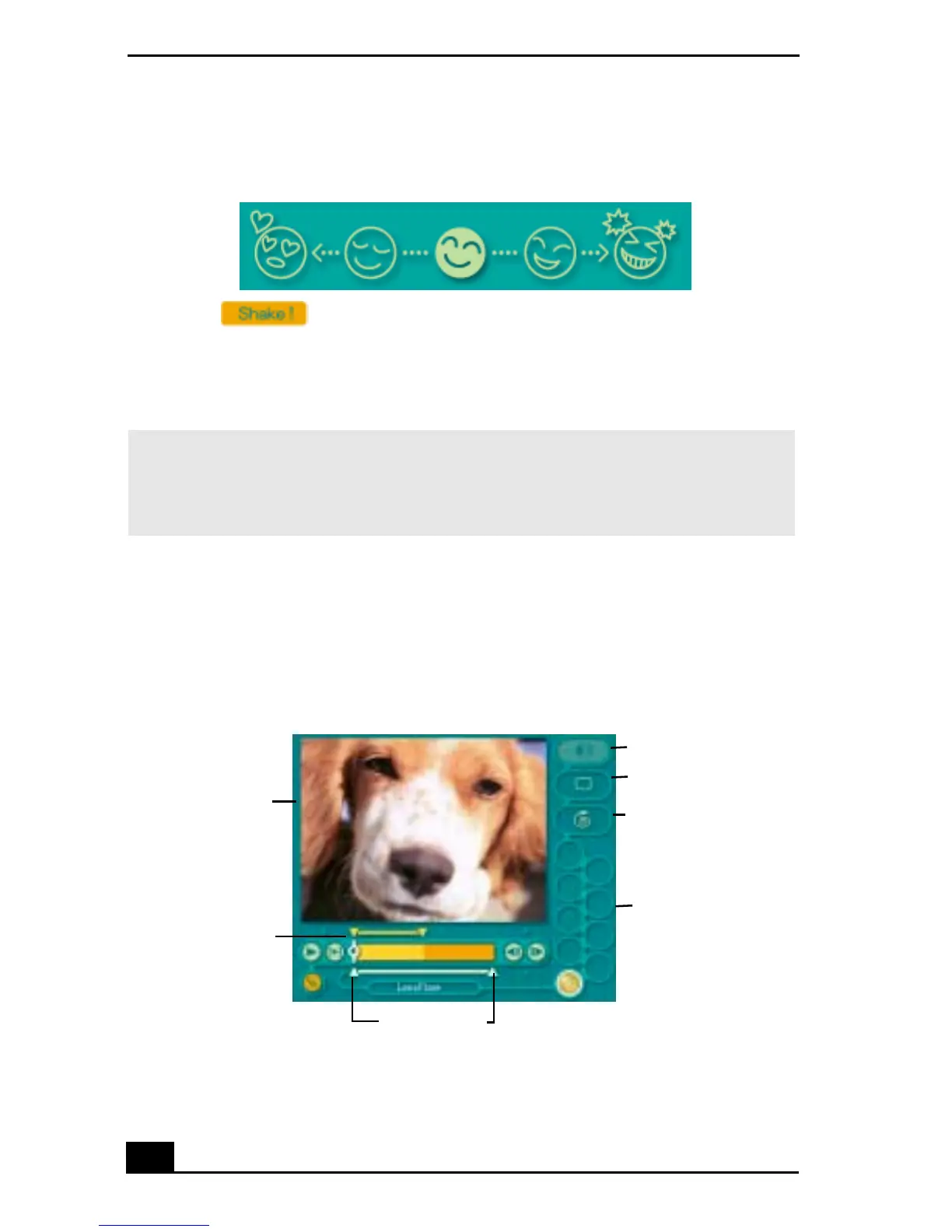
Adding effects to a scene or a clip:
Shaker Tray
✍ Scenes created with Shaker begin with black frame and after processing are placed in
the first available slot on the Product tray. Limit the number of scenes placed on the
Product tray to 10 or less. MovieShaker software may stop responding if too many
scenes are placed on the Product tray.
Working Panel
Sound
Color
Speed
Effect Palette
Trim Palette
Monitor
Effect Knobs









 To Next Page