VAIO Support Agent
147
To use Common Solutions
Common Solutions offers automated, One-Click Fixes to repair common
software problems. These solutions can integrate information such as knowledge
base articles and Frequently Asked Questions (FAQs). You can run One-Click
Fixes directly from VAIO Support Agent or from a Web browser.
1 Click the Common Solutions button. The Common Solutions dialog box
appears.
2 Double-click on the desired category to expand and view available
SupportActions.
❑ VAIO Support Local Server (C:/program files/support.com...) provides
a list of SupportActions available on your notebook’sharddiskdrive.
❑ VAIO Support Local Server (http://sdcglobal4.sel.sony.com...) provides
a list of SupportActions available from the Internet.
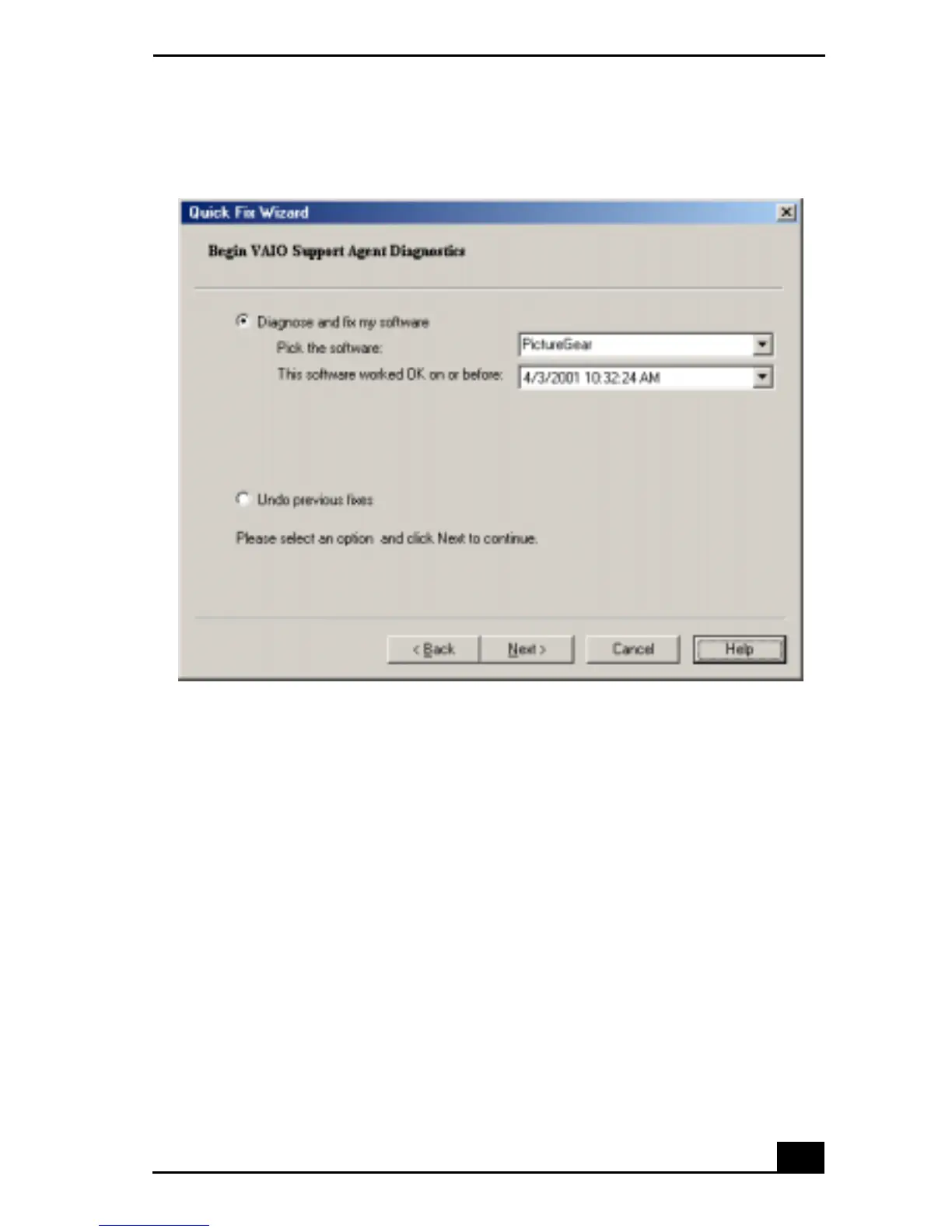
Quick Fix Wizard: Begin VAIO Support Agent Diagnostics dialog box









 To Next Page