Smart Capture
109
Smart Capture
Smart Capture is a Sony-designed application that manages the i.LINK®
*
connection between your notebook and a compatible i.LINK digital camera or
camcorder. You can capture and enhance video or still images to share with your
family and friends over the Internet or through e-mail.
* i.LINK is a trademark of Sony used only to designate that a product contains an IEEE 1394
connection. The i.LINK connection may vary, depending on the software applications, oper-
ating system, and i.LINK-compatible devices. All products with an i.LINK connection may
not communicate with each other.
Please refer to the documentation that came with your i.LINK-compatible device for infor-
mation on operating conditions and proper connection. Before connecting i.LINK-compati-
ble PC peripherals to your system, such as CD-RW or hard disk drive, confirm their
operating system compatibility and required operating conditions.
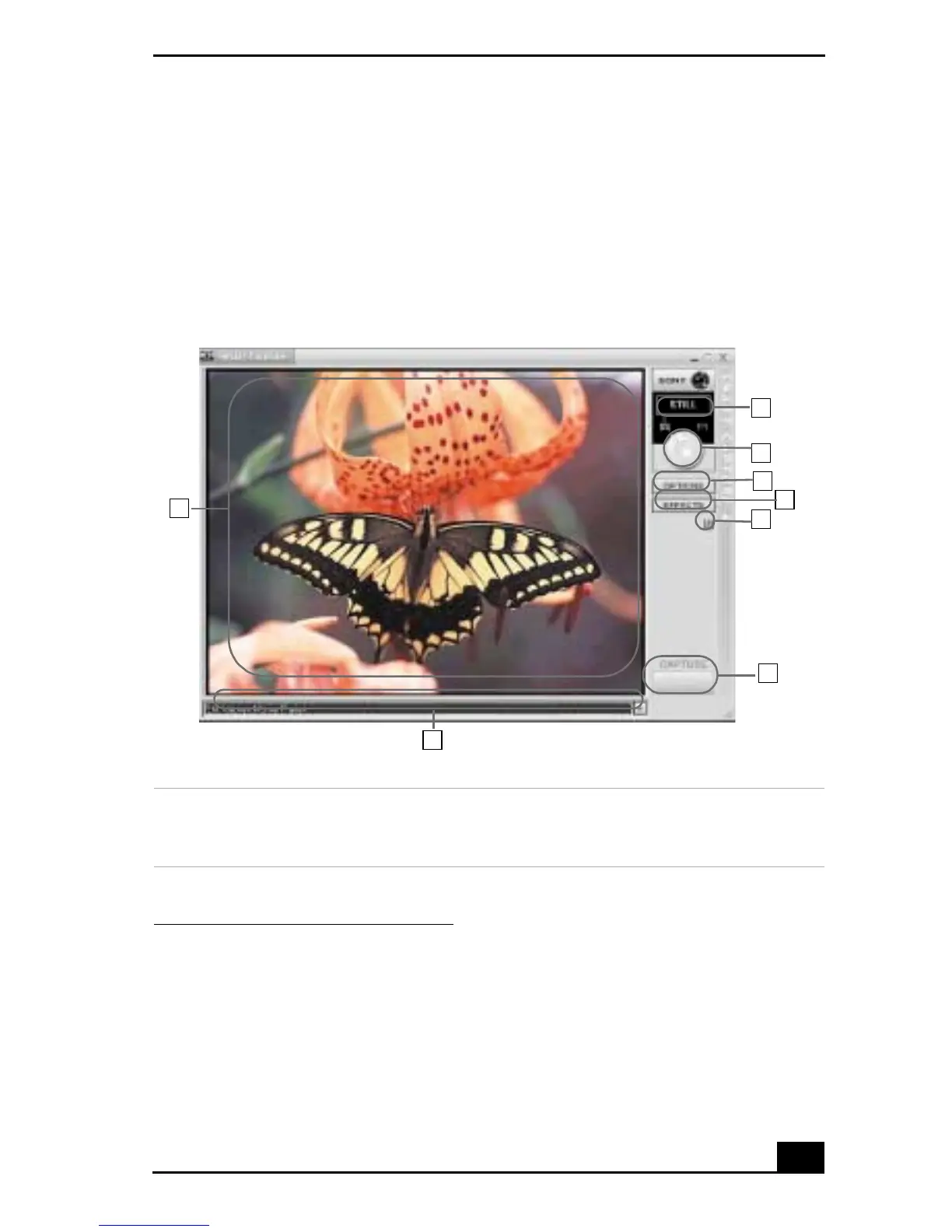
Smart Capture main window
1 Mode indicator
Displays the current mode (Still or
Net Movie).
5Helpbutton
Connects you directly to the online
Smart Capture help.
1
2
3
4
5
6
7
8









 To Next Page