Using the Center Jog Dial Control
29
Using the center Jog Dial control with other software
If the software you are using does not support the center Jog Dial control, you
can still use the center Jog Dial control to scroll the window or adjust the window
size.
Using a dialog box
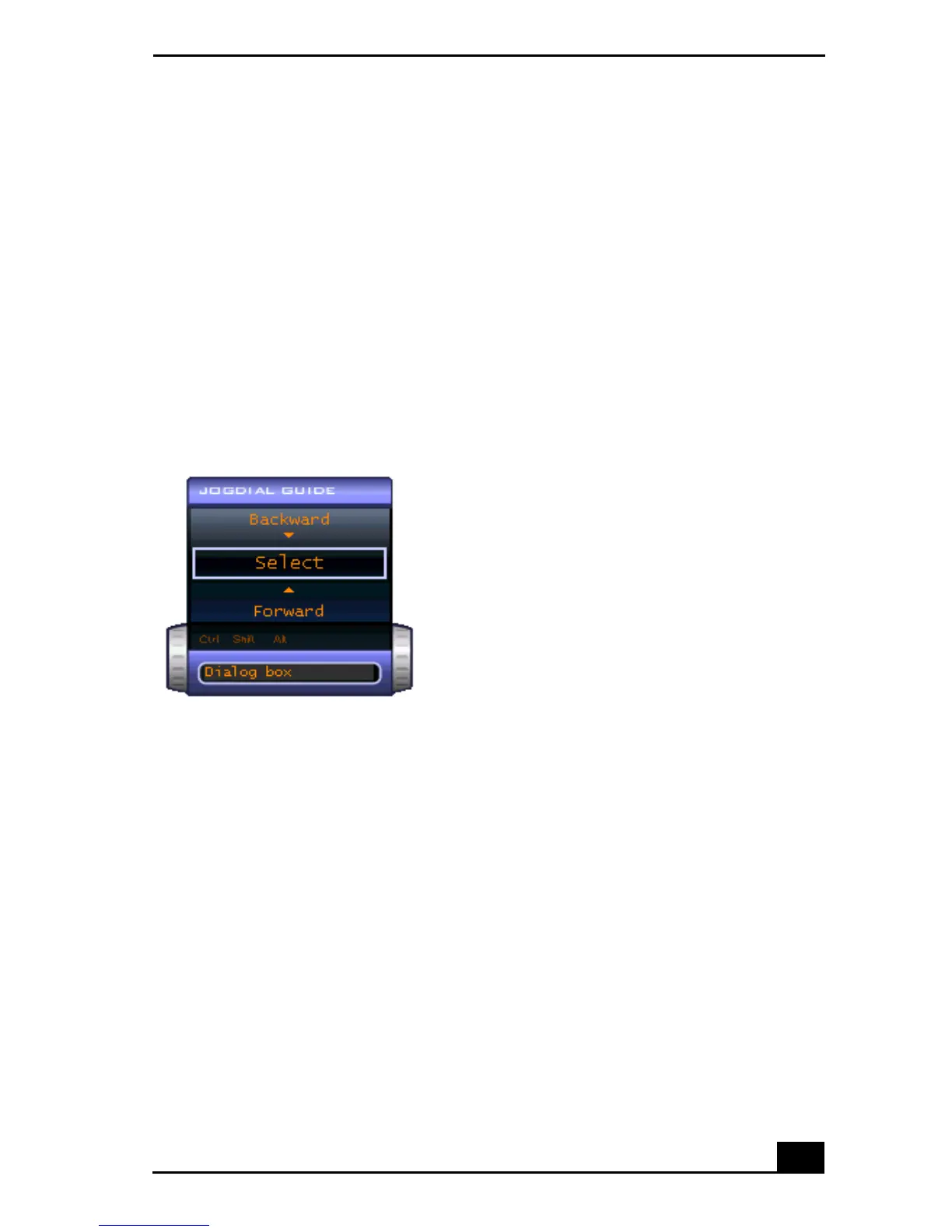
When a window such as Screen Properties is active, the Dialog box is displayed
in the Jog Dial window. You can select an item in the window by rotating the
center Jog Dial control. Pressing the center Jog Dial control is the equivalent of
pressing Enter or Select.
Jog Dial Guide Dialog Box









 To Next Page