Using Your VAIO Notebook
15
The Fn key in combination with other keys
Shift +
+M
Returns all minimized windows to their previous size.
+ R Displays the Run window. This is the equivalent of selecting
Run from the Start menu.
Fn + +
Insert
Displays the Properties window. This is the equivalent of
clicking the System icon in the Control Panel.
Combination/
Feature Functions
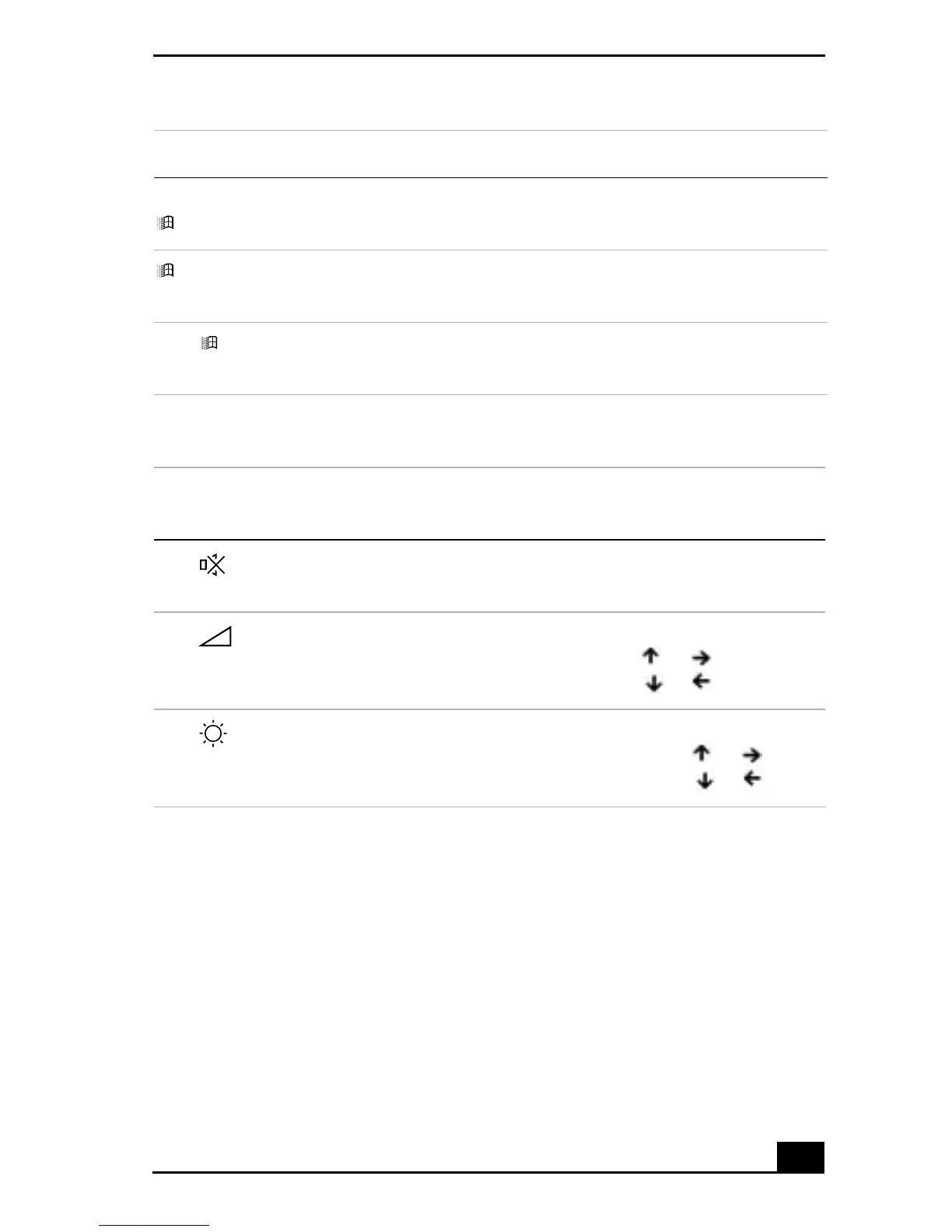
Fn+ (F3)
Speaker switch
Toggles the built-in speaker off and on.
Fn+ (F4)
Speaker volume
Adjusts the built-in speaker volume.
To increase volume, press Fn+F4, then or .
To decrease volume, press Fn+F4, then or .
Fn+ (F5)
Brightness
control
Adjusts brightness of the LCD.
To increase light intensity, press Fn+F5, then or .
To decrease light intensity, press Fn+F5, then or .
Combination Function









 To Next Page