Change text in this variable definition to document title.
16
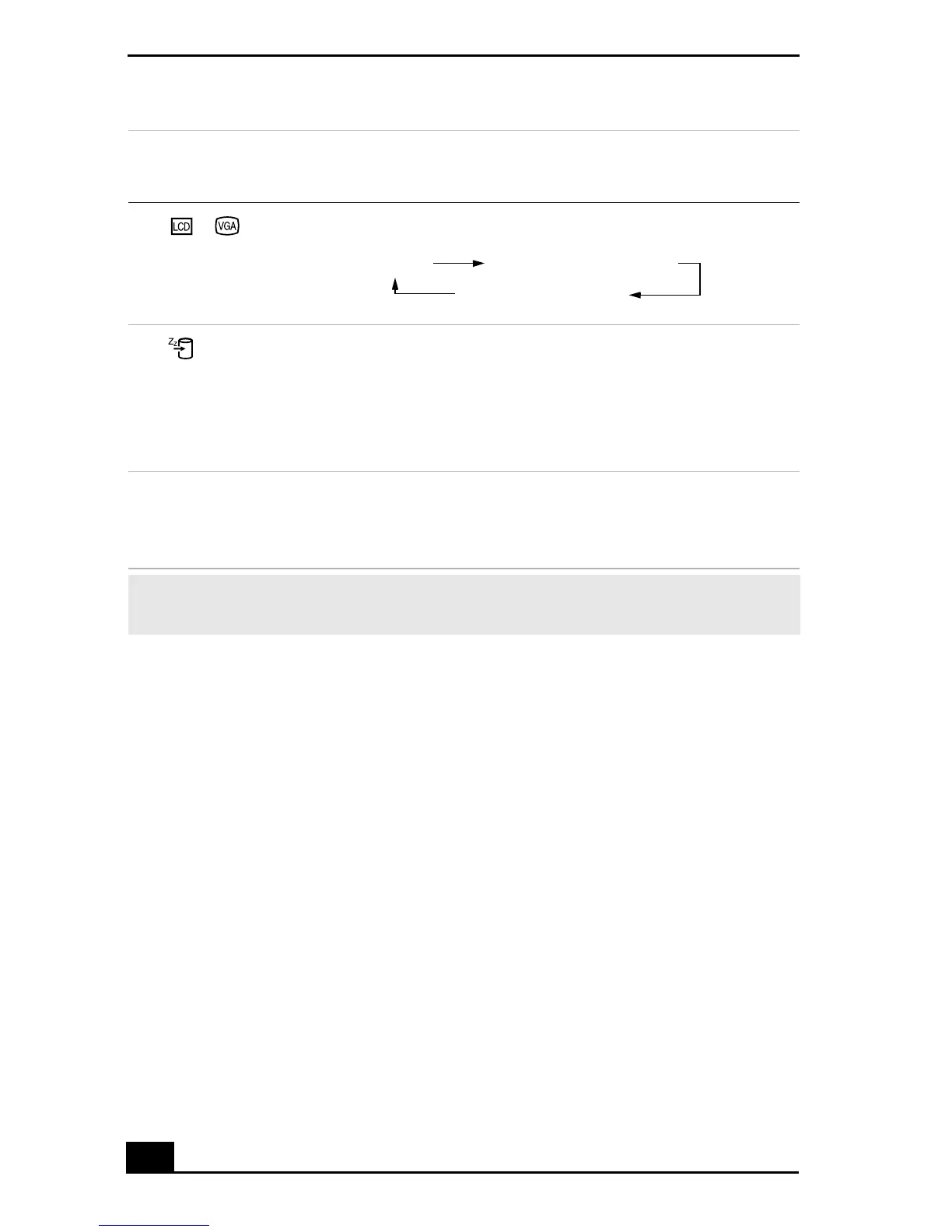
Fn+ /
(F7)
Switch to the
external display
Toggles through the LCD and external display.
Fn+ (F12)
Hibernate
Provides for the lowest level of power consumption. When
you execute this command, the state of the system and state
of the peripheral devices are written to the hard disk and the
system power is turned off. To return the system to the
original state, use the power switch to turn on power.
Fn +F
Display control
Minimizes or maximizes the display window. Maximizing
the display window allows you to view the display at a
greater resolution.
✍ You can also carry out these functions using the center Jog Dial™ control. Some
functions are not available until Windows launches.
Combination/
Feature Functions
Only LCD
LCD and external display
Only external display









 To Next Page