Change text in this variable definition to document title.
62
Connecting a USB Device
You can connect a Universal Serial Bus (USB) devices such as an external
mouse, keyboard, speaker, and microphone to your notebook.
To connect a USB device
Using the notebook
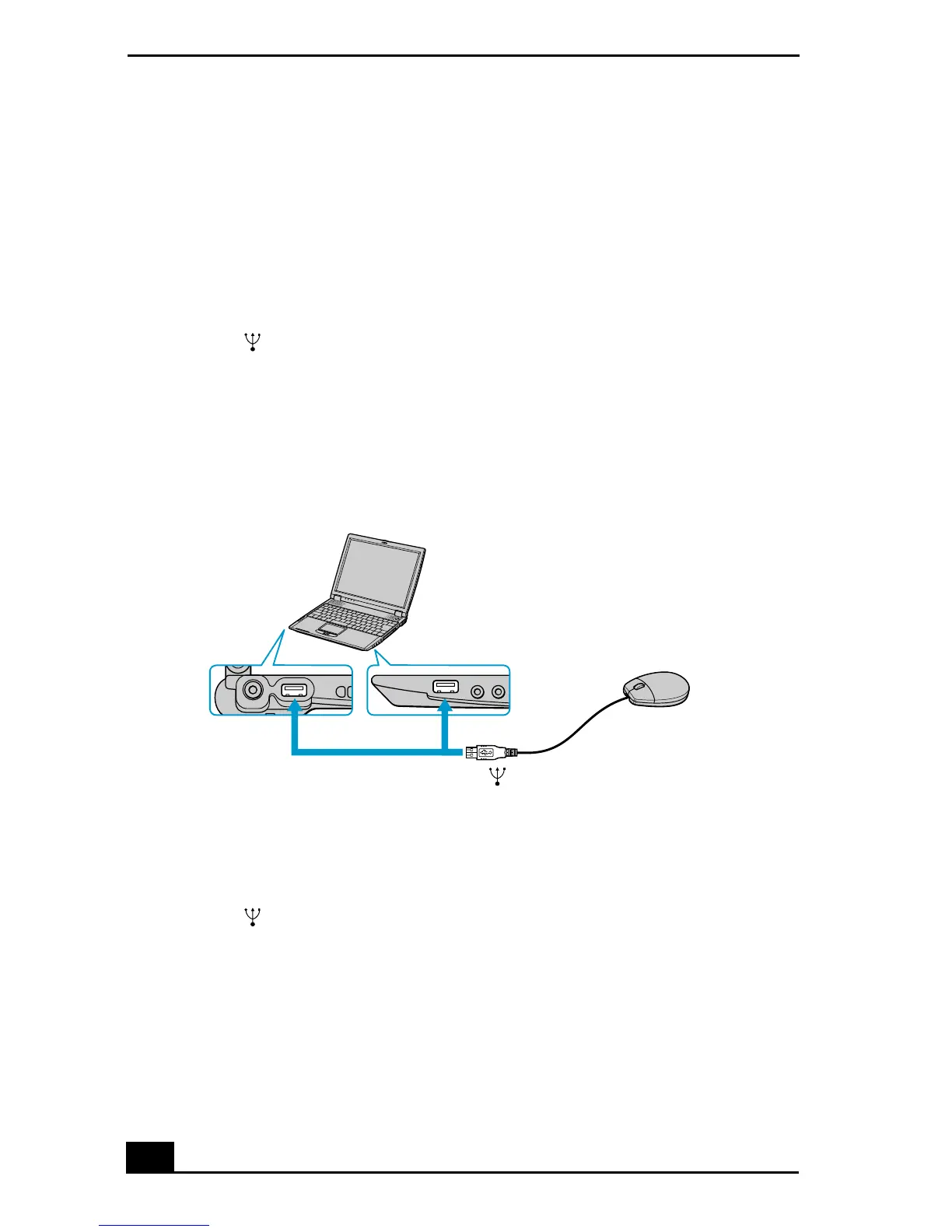
1 Locate a USB port on the notebook. There are two USB ports on the
notebook, one on the right side and one on the left side.
2 Plug on end of the USB cable into a port and the other end into the USB
device.
Using the docking station
1 Locate a USB port on the optional docking station. There are two USB
ports located on the back side of the docking station.
2 Plug one end of the USB cable into a port and the other end into the USB
device.
Connecting USB Device
To
USB mouse
USB









 To Next Page