Installing a Memory Module
83
Installing a Memory Module
1 Shut down your notebook and disconnect all peripheral devices, such as your
printer.
2 Unplug the notebook and remove the battery packs.
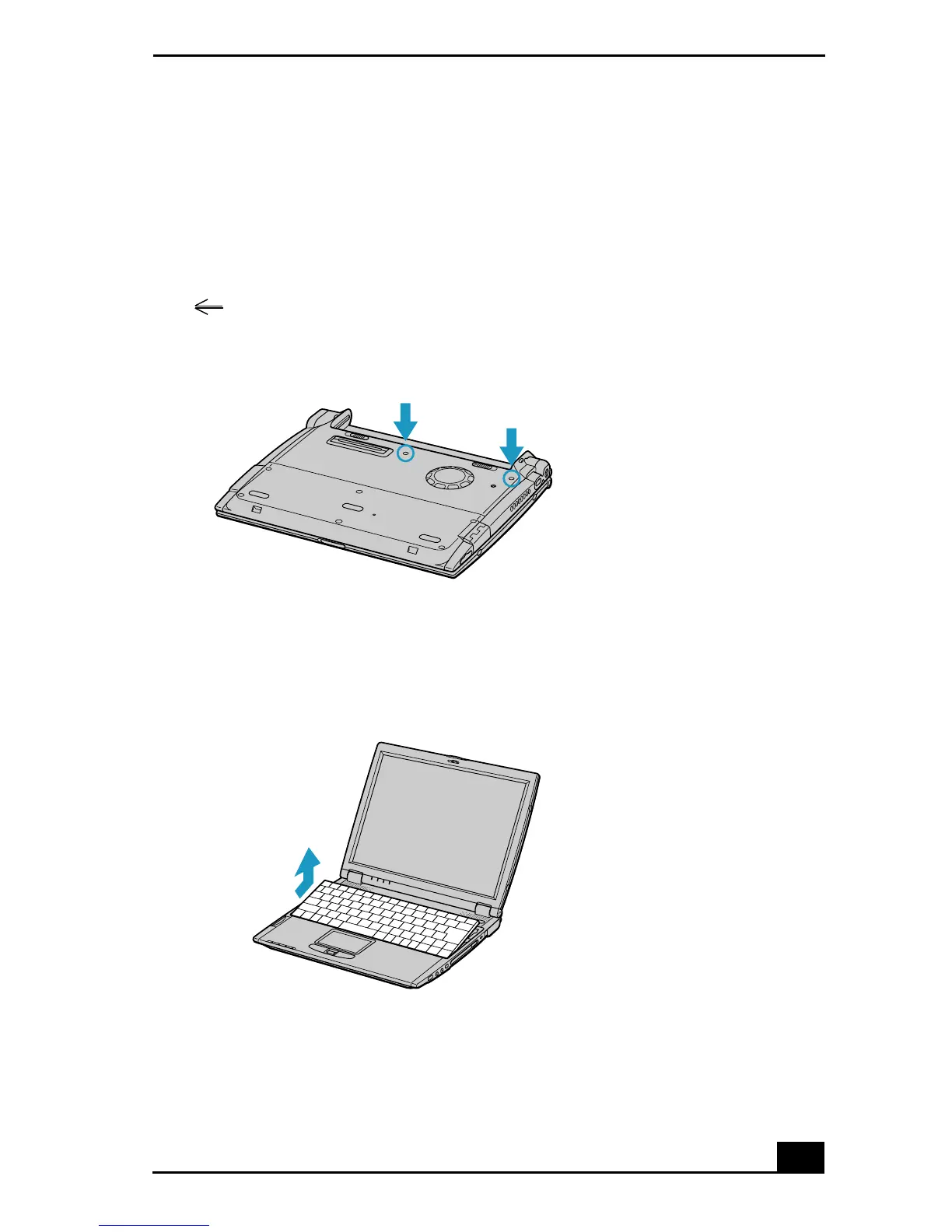
3 Wait until the notebook cools down. Then unscrew the two screws with the
mark on the bottom of your notebook.
4 Slide the LCD lock lever and lift the cover. Slide the keyboard toward the
LCD display, then lift it away slightly.
Screws on Bottom of Notebook
Lifting the Keyboard









 To Next Page