Change text in this variable definition to document title.
84
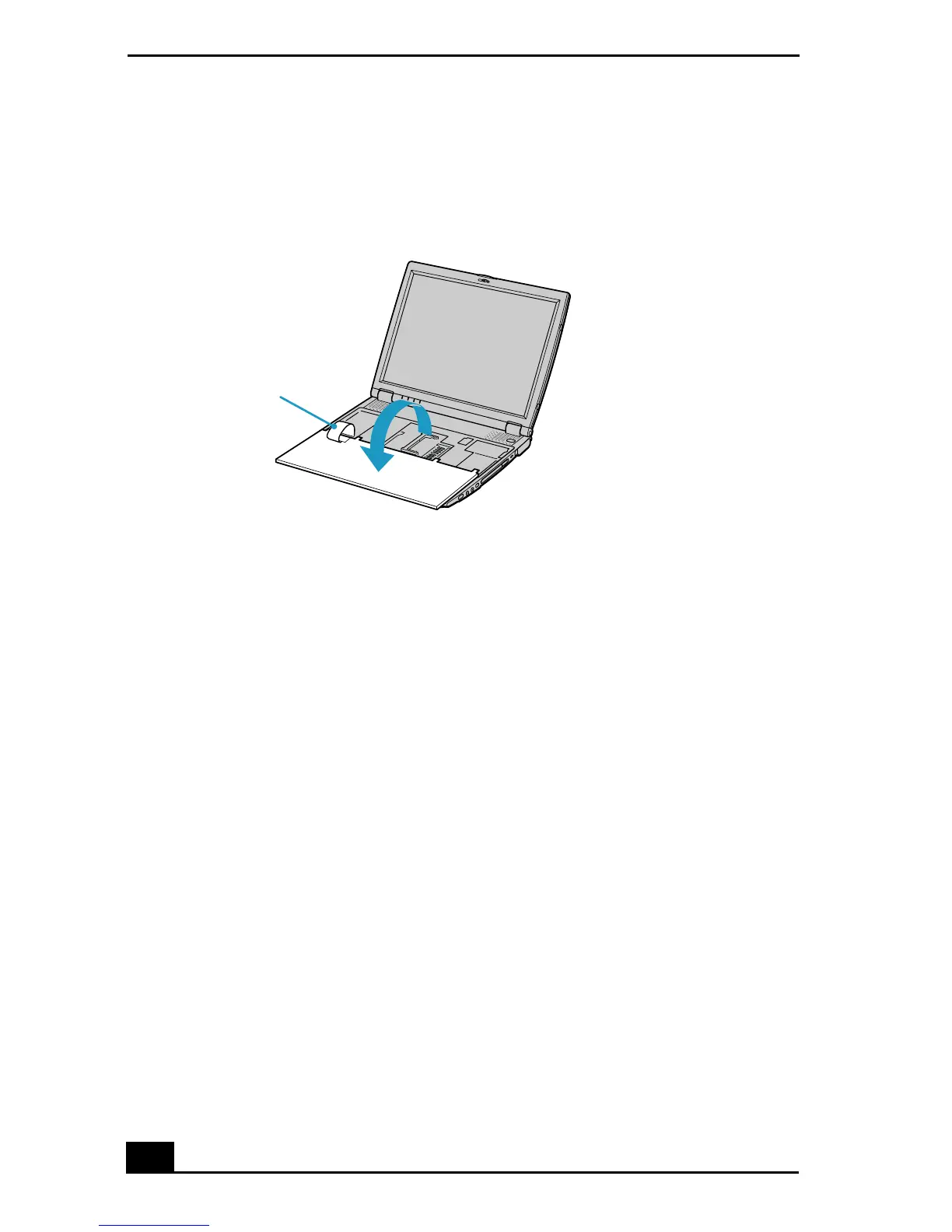
5 Lift the keyboard from the LCD display side, then gently turn it over on the
touchpad space. Be careful not to detach the cable when lifting the keyboard.
6 You must remove the existing memory module. See “Removing a Memory
Module” for instructions.
7 Remove the memory module from its packaging.
8 Install the memory module.
Turning the Keyboard
Cable









 To Next Page