OpenMG Jukebox
103
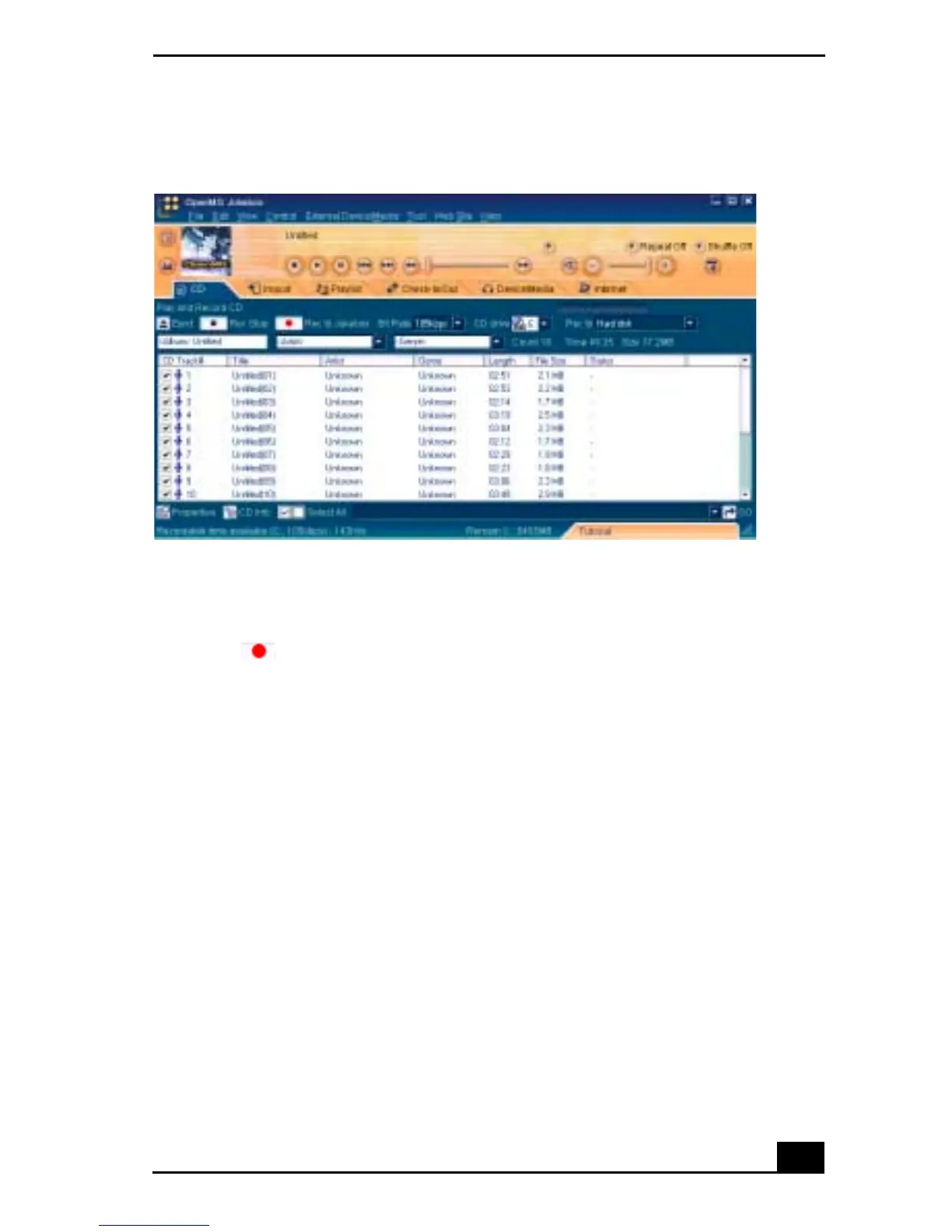
4 To select certain tracks from your CD, uncheck any unwanted tracks. You
can also click the empty checkbox next to Select All (clears all checkboxes),
and then select the desired tracks.
5 Click Rec to Jukebox to begin recording. When the recording is
finished, the new playlist appears in the File Tree view of the Playlist screen
tab.
6 To name the album and songs, type the name, or retrieve it from the CDDB
Web site on the Internet at http://www.cddb.com/cddb2info/using.html.
To transfer songs (check-in/check-out)
You can transfer songs between the playlists of your OpenMG Jukebox and
external devices/media. For details on using your external devices/media, see the
user guide that came with your product. These instructions are for the Check-
in/Check-out 1 step mode; for information on 2 step mode, see “Changing the
check-in/check-out settings” in the OpenMG Jukebox Help menu.
CD tab screen









 To Next Page